Video Background Templates Free Download - Top Free Clips & MOGRTs
Discover video background templates free download options from top sites, with ready-to-use clips and MOGRTs to boost your project.
In today's visually-driven content landscape, a professional video background can be the difference between a viewer scrolling past or staying engaged. Whether you're a content creator producing YouTube Shorts, a marketer crafting a compelling product ad, or an educator recording a tutorial, finding high-quality backdrops without a significant budget is a common challenge. Sourcing the right visual assets often means navigating complex licenses, limited selections, and hidden costs, which can slow down your creative workflow.
This guide eliminates that friction. We have meticulously researched and compiled the definitive list of top platforms where you can find video background templates free download, from subtle abstract loops to dynamic motion graphics. We go beyond a simple list of links. For each resource, you'll find a breakdown of its library quality, specific licensing details (like attribution requirements), and ideal use cases to help you quickly identify the perfect fit for your project.
You will learn not just where to find these assets, but also how to effectively implement them for a polished, studio-quality finish. We provide practical insights to help you transform raw footage into a compelling visual narrative, saving you time and elevating your production value. For more advanced tips and in-depth tutorials on video content creation, the vidfarm blog offers a wealth of expert guidance. Our goal is to equip you with the best free resources and the knowledge to use them effectively, so you can focus on creating impactful content. Let's dive into the top sources for your next video project.
1. Mixkit (by Envato)
Mixkit, a project by Envato, is an exceptional starting point for anyone seeking a video background templates free download without complex licensing or mandatory sign-ups. Its core strength lies in its simplicity and accessibility. You can immediately browse and download assets, making it perfect for creators who need a high-quality background loop or a project starter file quickly. The platform is curated with a modern, clean aesthetic that suits corporate videos, social media content, and minimalist web design.
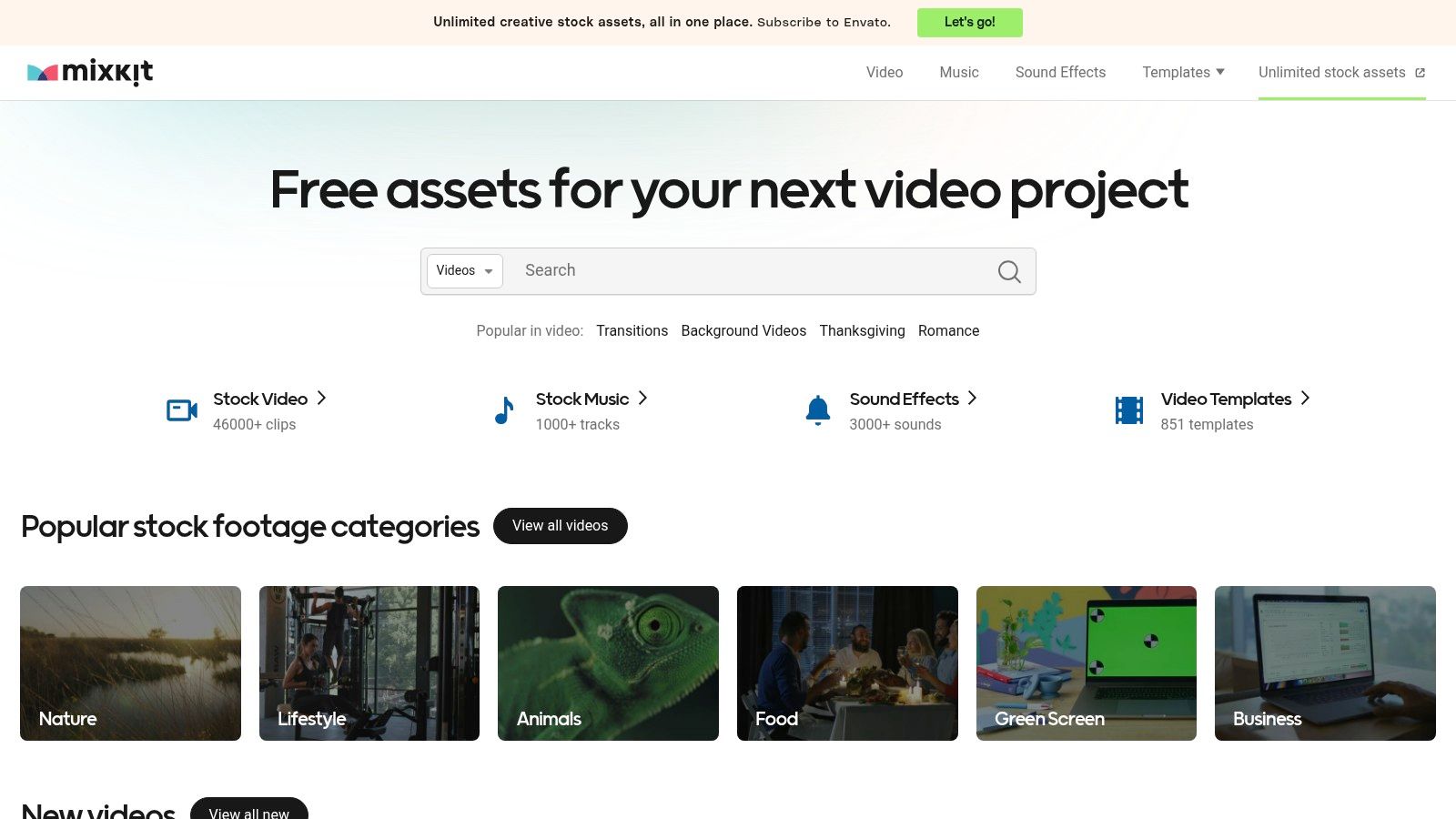
The user experience is seamless; assets are categorized logically, from abstract backgrounds and nature scenes to dedicated vertical video options for platforms like TikTok and Reels. Mixkit's most significant advantage is its "truly free" model.
Key Features and Licensing
The platform's Mixkit Free License is its standout feature, permitting both commercial and non-commercial use with no attribution required. This removes a common hurdle for marketers and independent creators.
- Access: 100% free with no account or email sign-up needed.
- Asset Types: Offers stock video clips (including looping backgrounds), music, sound effects, and video templates.
- Template Formats: Provides project files for Adobe Premiere Pro (.prproj), After Effects (.aep), and Final Cut Pro.
- Quality: Videos are available in high-definition (HD and 4K), ensuring professional results.
While its library is smaller than premium stock sites, the quality is consistently high. The focus is on versatile, widely applicable assets rather than niche-specific content. This makes it an invaluable resource for general-purpose projects where speed and cost-effectiveness are top priorities.
Website: https://mixkit.co/
2. Mixkit (by Envato)
Mixkit, a project by Envato, is an exceptional starting point for anyone seeking a video background templates free download without complex licensing or mandatory sign-ups. Its core strength lies in its simplicity and accessibility. You can immediately browse and download assets, making it perfect for creators who need a high-quality background loop or a project starter file quickly. The platform is curated with a modern, clean aesthetic that suits corporate videos, social media content, and minimalist web design.
The user experience is seamless; assets are categorized logically, from abstract backgrounds and nature scenes to dedicated vertical video options for platforms like TikTok and Reels. Mixkit's most significant advantage is its "truly free" model, which removes common barriers for content creators and marketers operating on a tight budget. New content is added weekly, ensuring the selection stays fresh.
Key Features and Licensing
The platform's Mixkit Free License is its standout feature, permitting both commercial and non-commercial use with no attribution required. This removes a common hurdle for marketers and independent creators who need assets quickly without worrying about legal complexities.
- Access: 100% free with no account or email sign-up needed for unlimited downloads.
- Asset Types: Offers stock video clips (including looping backgrounds), music, sound effects, and video templates.
- Template Formats: Provides project files for Adobe Premiere Pro (.prproj), After Effects (.aep), and Final Cut Pro.
- Quality: Videos are available in high-definition (HD and 4K), ensuring professional results.
While its library is smaller than premium stock sites, the quality is consistently high. The focus is on versatile, widely applicable assets rather than niche-specific content. This makes it an invaluable resource for general-purpose projects where speed and cost-effectiveness are top priorities.
Website: https://mixkit.co/
3. Pexels Videos
Pexels Videos is a massive, community-driven platform renowned for its high-quality stock footage, making it a go-to resource for a video background templates free download. Its strength lies in its vast and diverse library, fueled by a global community of creators. You can find everything from stunning time-lapses and serene nature scenes to abstract bokeh lights and subtle textures, all without needing an account to download. The platform is ideal for creators who need authentic, real-world footage for their backgrounds.

The user experience is highly intuitive, with a powerful search engine and curated collections that help you discover the perfect clip. Pexels excels at providing versatile footage that can be dropped into a timeline and used immediately, serving as a dynamic backdrop for interviews, product showcases, or web pages. For those looking to add a new background to existing footage, these clips offer a wide array of creative possibilities.
Key Features and Licensing
The simplicity of the Pexels License is its biggest draw. It allows for free personal and commercial use with no attribution required, although giving credit to the contributor is always appreciated. This straightforward approach removes licensing headaches for professional and casual creators alike.
- Access: 100% free; no sign-up is required for downloads.
- Asset Types: An extensive library of HD and 4K stock videos, including a strong selection of looping, abstract, and nature-focused backgrounds.
- Template Formats: Primarily offers MP4 video files rather than editable project templates, making them universally compatible with any video editor.
- Quality: Video quality is generally high (HD/4K), but it can vary since the content is community-sourced.
While Pexels doesn't offer project files like dedicated template sites, its sheer volume of high-quality, free-to-use video clips makes it an indispensable resource. It’s perfect when you need a raw video file to serve as a simple yet professional background layer.
Website: https://www.pexels.com/videos/
4. Pixabay Videos
Pixabay is a well-established name in the free stock asset community, and its video section is a reliable source for a video background templates free download, especially for general-purpose clips. Its strength lies in its massive, user-submitted library and a straightforward license that simplifies usage for most creators. The platform is ideal for finding simple, effective backdrop loops like nature scenes, cityscapes, slow-motion textures, and abstract patterns.
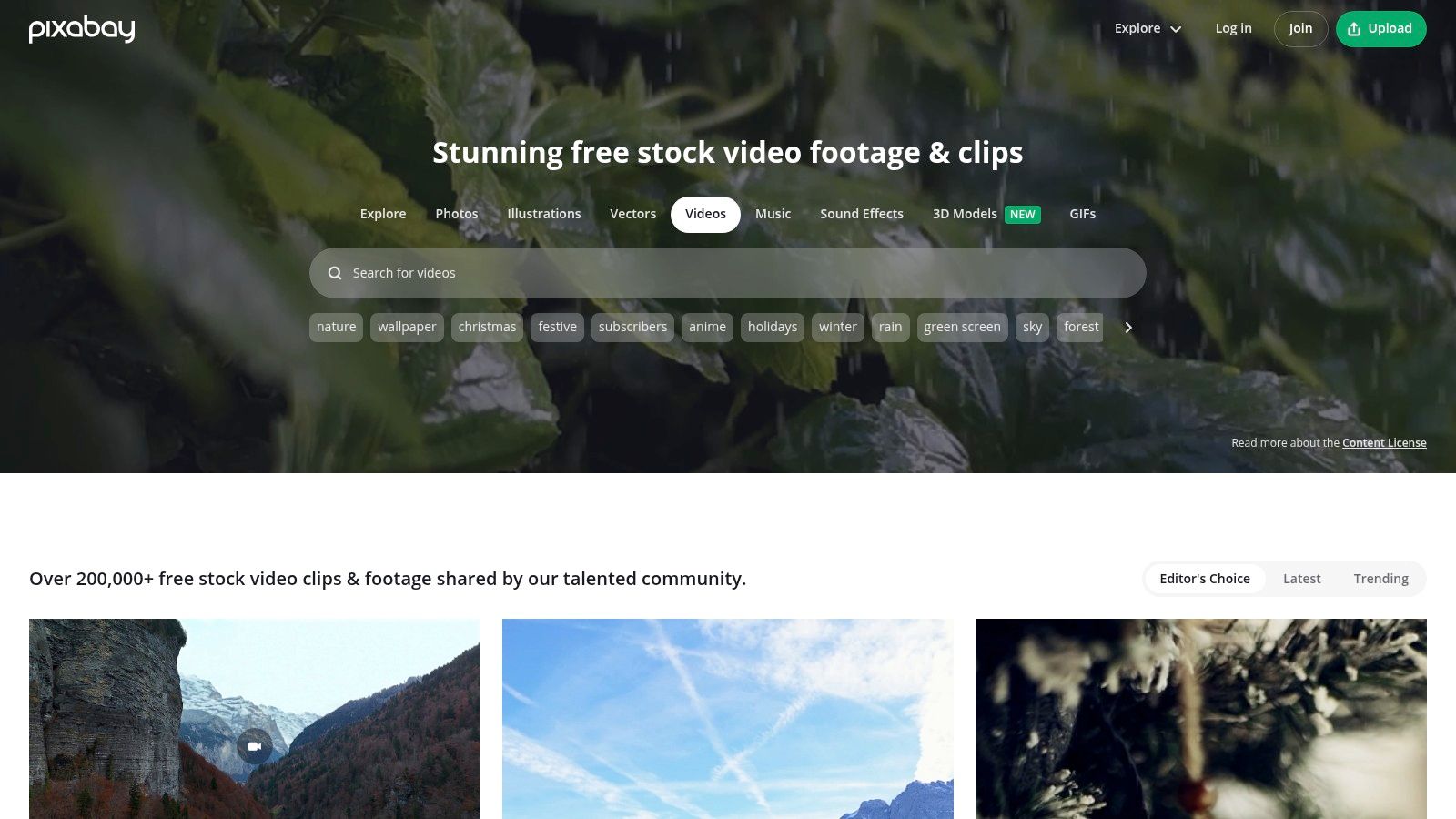
While it doesn't offer project files like dedicated template sites, its vast collection of MP4 clips serves the same purpose for editors who just need a visual layer. The search functionality is easy to use, and you can filter by effects like "slow motion" or "animation" to quickly find suitable backgrounds.
Key Features and Licensing
Pixabay's main draw is its permissive "Content License," which allows for free commercial and non-commercial use without attribution. However, it's crucial to read the license details, as there are caveats regarding identifiable people or brands in the footage.
- Access: Free to browse and download, though a sign-up is often required for the highest resolution files.
- Asset Types: Primarily offers stock video clips (MP4), illustrations, and photos. No dedicated project templates (.aep, .prproj).
- Template Formats: N/A - provides video files, not editable project templates.
- Quality: Varies from HD to 4K, but quality can be inconsistent due to its user-contributed nature.
The platform is best suited for creators needing a broad variety of live-action or abstract footage rather than sophisticated motion graphics templates. While the quality can be mixed, the sheer volume of options makes it a valuable resource for budget-conscious projects.
Website: https://pixabay.com/videos/
5. Videezy
Videezy stands out with its vast library that caters heavily to creators looking for abstract motion graphics and dynamic backgrounds. It operates on a freemium model, offering a substantial collection of free assets alongside premium "Pro" clips. This makes it a great resource when you need a specific style of video background templates free download, particularly for projects that benefit from artistic or futuristic visuals like tech explainers, event promotions, or YouTube intros.
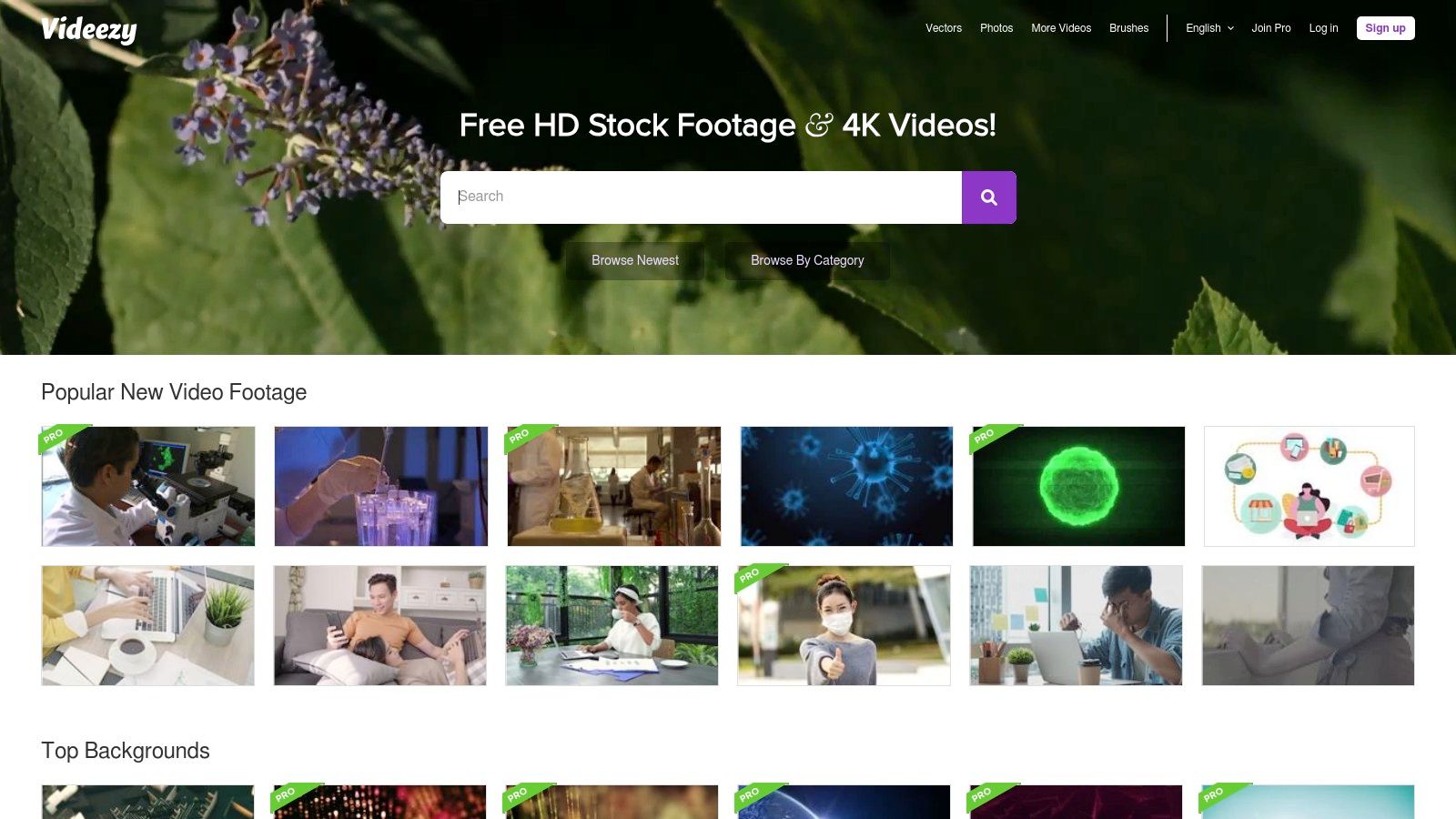
The platform’s user interface makes it easy to filter results by resolution, format, and license type, which is crucial for navigating its mixed-license catalog. While the sheer volume of choices is a major plus, users must pay close attention to the licensing terms for each individual clip to ensure compliance.
Key Features and Licensing
The primary distinction on Videezy is its attribution requirement for free files. The standard license allows for commercial and non-commercial use but requires you to credit Videezy.com in your project. A key advantage is the clear upgrade path; you can purchase credits to download Pro clips or to remove the attribution requirement from free clips.
- Access: Free downloads available with mandatory sign-up and attribution.
- Asset Types: Offers stock video, motion graphics, animated backgrounds, and After Effects templates.
- Template Formats: Primarily provides video files (.MP4) and some After Effects projects (.aep).
- Quality: Content is available in HD and 4K, though some older free clips may be limited to lower resolutions.
Videezy is an excellent choice for creators who don't mind providing attribution in exchange for a large selection of high-quality, artistic backgrounds. The platform’s search filters are essential; use them to isolate "Free License" clips to avoid confusion with the Pro offerings integrated into the search results.
Website: https://www.videezy.com/
6. Motion Array
Motion Array is a comprehensive marketplace for professional video creators, functioning primarily as a subscription service rather than a purely free resource. However, its free plan offers a valuable gateway to high-quality assets, including a curated selection of video background templates free download options. It's an excellent platform for editors who want to test-drive professional-grade templates before committing to a subscription, providing a glimpse into a massive, integrated library. The platform is geared towards users of Adobe After Effects, Premiere Pro, Final Cut Pro, and DaVinci Resolve.
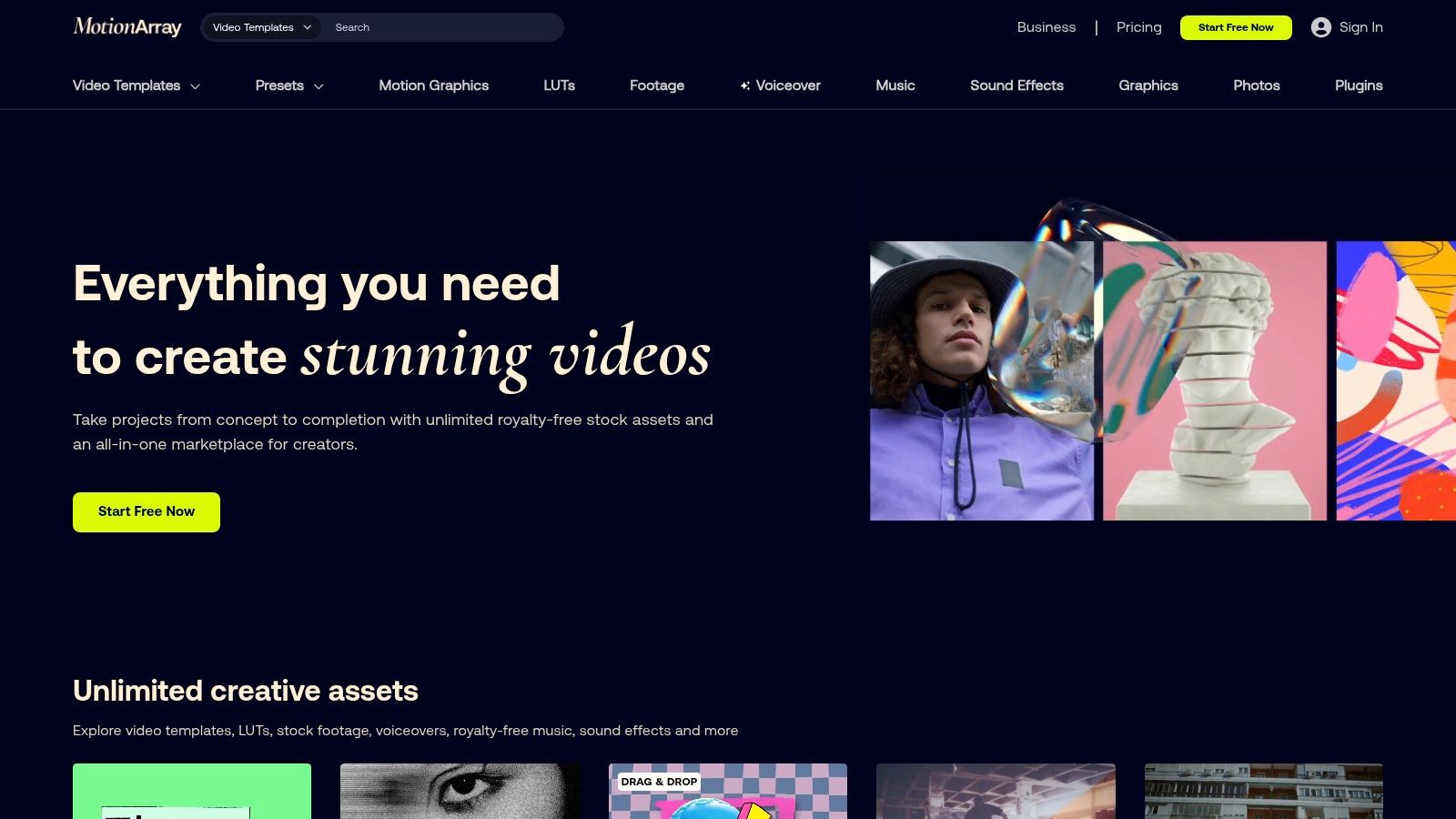
Unlike platforms offering only individual clips, Motion Array provides fully editable project files. This allows for deep customization of colors, timing, and effects directly within your editing software. While the free library is limited, the assets available are top-tier and represent the quality found across the entire paid platform. This makes it a one-stop shop for serious editors needing more than just a video clip.
Key Features and Licensing
The main draw is the "all-in-one" subscription model, but the free assets are offered under a specific license that allows for use in unlimited projects. It’s crucial to sign up for a free account to access these downloads and understand the licensing terms.
- Access: Requires a free account sign-up to download assets from the free library.
- Asset Types: Offers video templates, presets, motion graphics, stock footage, photos, royalty-free music, and sound effects.
- Template Formats: Extensive support for After Effects (.aep), Premiere Pro (.prproj), Final Cut Pro (.mogrt), and DaVinci Resolve (.drfx).
- Quality: Consistently professional quality, with assets available in HD and 4K resolutions.
While Motion Array is primarily a premium service, its free offerings are strategically chosen to showcase its value. This makes it an ideal resource for professionals looking to elevate their projects with editor-ready background packs and templates.
Website: https://motionarray.com/
7. Envato Elements
Envato Elements is a powerhouse subscription service for creators, but it earns its spot on this list through its generous monthly freebies. While its core offering is a massive, all-you-can-download library for subscribers, it consistently offers a selection of high-quality video background templates free download each month. These free files are professionally designed and often include sophisticated motion graphics, animated backgrounds, and title sequences that are a significant step up from standard free libraries.
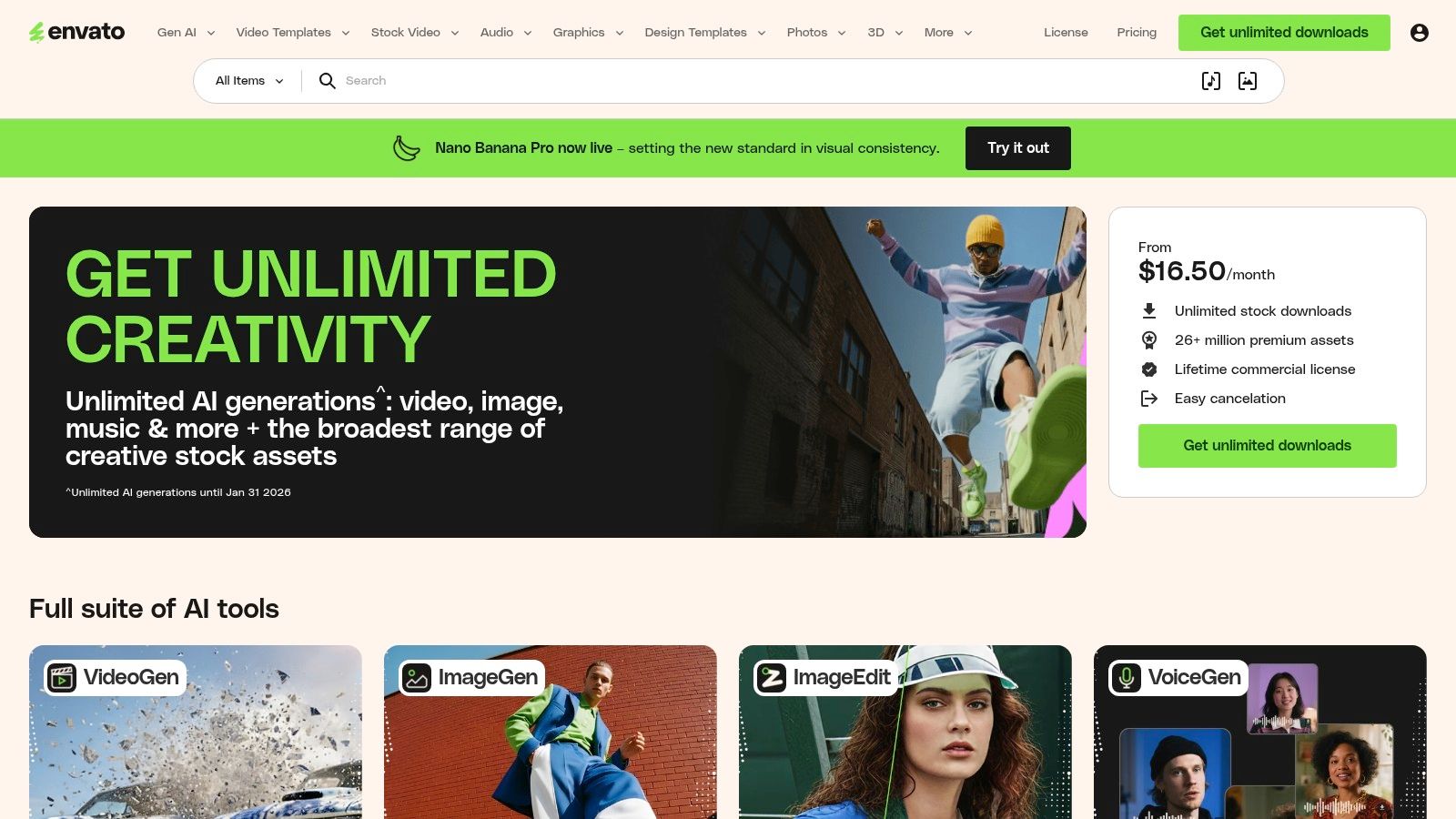
This makes it an excellent resource for creators who want designer-grade assets without a subscription, provided they are willing to check back monthly. The user experience is polished, with advanced filtering and search capabilities that allow you to find exactly what you need from millions of assets. For those who do subscribe, the value is immense, providing unlimited access to a vast ecosystem of creative tools.
Key Features and Licensing
The primary appeal for free users is the rotating monthly selection of premium files. A free account is required to download these assets, and the license provided covers their use in a single specified project, even after the month ends. For subscribers, the license is much broader, covering unlimited commercial projects as long as the subscription is active.
- Access: Requires a free account to download monthly free files; full library requires a paid subscription.
- Asset Types: An enormous library including video templates, stock video, motion graphics, music, sound effects, photos, and more.
- Template Formats: Supports After Effects (.aep), Premiere Pro (.prproj), Final Cut Pro, and DaVinci Resolve templates.
- Quality: Consistently professional, designer-grade quality with assets available in HD and 4K.
While the free offering is limited and rotates, its premium quality makes it worth monitoring. The main drawback is that the best assets and unlimited downloads are locked behind a paywall, and the free license is more restrictive than sites like Mixkit.
Website: https://elements.envato.com/
8. Shutterstock
While primarily known as a premium, enterprise-grade stock platform, Shutterstock offers a curated collection of free assets that shouldn't be overlooked. For those seeking a video background templates free download, the platform provides a selection of high-quality, brand-safe footage. This is the place to look when you need a polished, professional background for a corporate presentation or a high-stakes marketing campaign and want to test the waters before committing to a paid plan.
The free collection often includes abstract motion graphics, business-centric clips, and nature scenes that are perfect for subtle, non-distracting backgrounds. Though the free library is a gateway to their vast paid catalog, the quality is undeniable and reflects Shutterstock's professional standards. A sign-up is typically required to access these free assets.
Key Features and Licensing
Shutterstock’s main appeal is its robust, clear licensing, which extends even to its free offerings, providing peace of mind for commercial projects. While the free selection is limited, it is carefully curated.
- Access: Requires a free account sign-up to download free assets.
- Asset Types: Offers a rotating collection of free video clips, including a free 4K pack, alongside its massive paid library of videos, images, and music.
- Template Formats: The free assets are typically provided as high-resolution MP4 or MOV files.
- Quality: Consistently professional quality, with options often available in HD and 4K, ensuring your project looks polished.
The primary limitation is the small size of the free library. However, if you find a clip that fits your needs, you can be confident in its quality and licensing clarity.
Website: https://www.shutterstock.com/
9. Pond5
Pond5 is a massive marketplace primarily known for its extensive premium stock footage, but it also offers a valuable, rotating collection of free assets. While its main business is paid content, it provides a curated "Free Collection" where users can find high-quality clips, including options suitable for a video background templates free download. This makes it an interesting resource for creators who may want to sample professional-grade footage before committing to a purchase or who are looking for a specific, high-quality clip for a project.
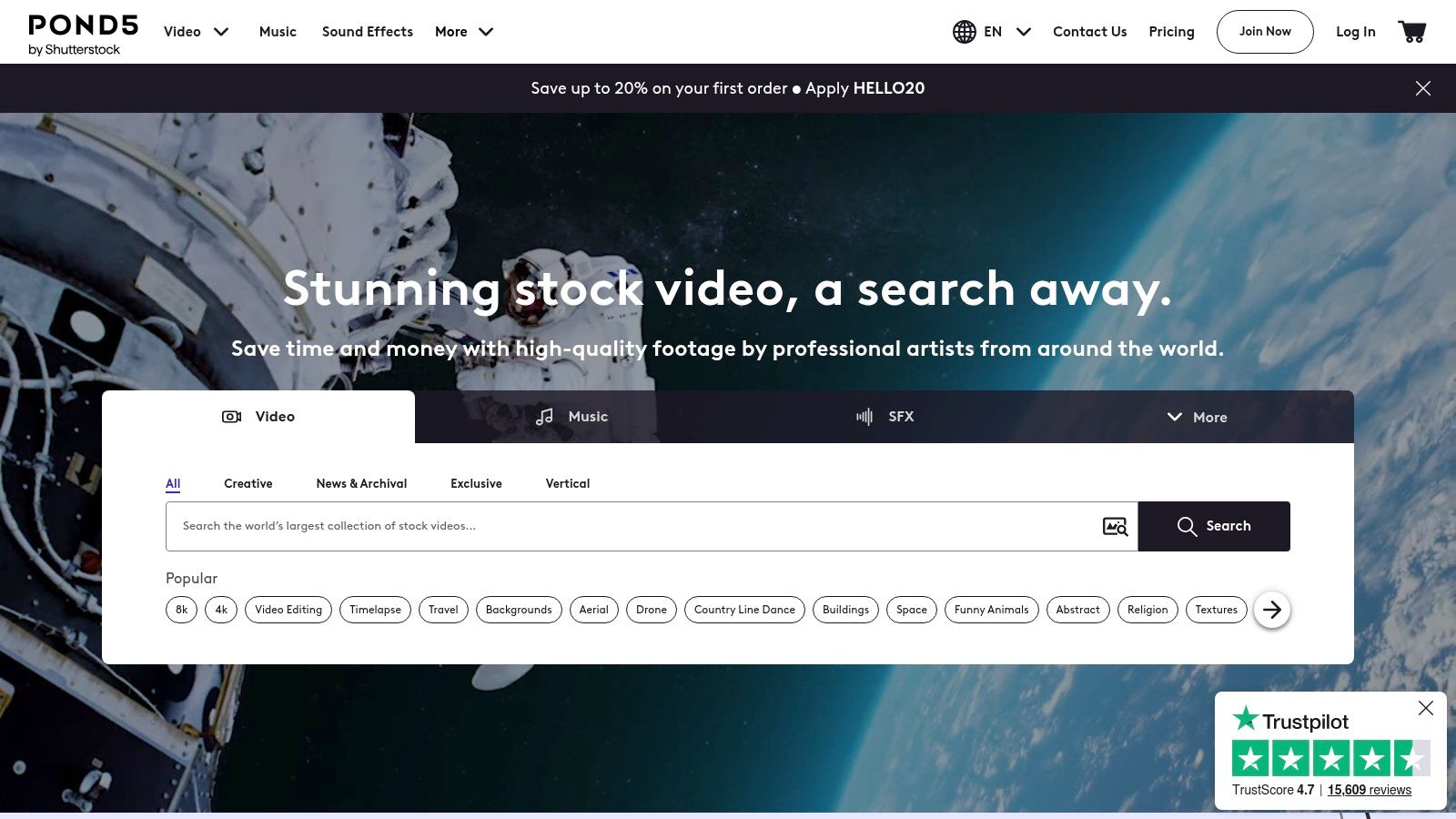
Unlike fully free libraries, Pond5's free offerings are a gateway to its larger, premium catalog. The free footage often comes from the same professional contributors who sell their work on the platform, ensuring a high standard of quality. To access downloads, users must create a free account, which also allows them to manage collections and licenses.
Key Features and Licensing
The main differentiator for Pond5's free assets is that they often require attribution, a key distinction from sites like Mixkit. It is crucial to check the specific licensing terms for each clip you download from their free section.
- Access: Requires a free account sign-up to download assets.
- Asset Types: The free collection includes stock footage, motion graphics, and occasionally music tracks and sound effects.
- Template Formats: Free assets are typically delivered as standard video files (e.g., .MP4) rather than editable project templates.
- Quality: Clips are available in HD and 4K, reflecting the professional standards of the main marketplace.
The primary limitation is the size and transient nature of the free collection. Since the selection rotates, a clip available today might not be free tomorrow. This model encourages repeat visits but makes it less reliable for sourcing a consistent style over time. However, for a one-off project needing a polished, cinematic background, Pond5's free collection is a worthy stop.
Website: https://www.pond5.com/
10. ProductionCrate
ProductionCrate is a powerhouse for creators needing more than just simple stock footage; it’s a dedicated hub for VFX, motion graphics, and high-energy assets. If you're looking for a video background templates free download with a cinematic or sci-fi feel, this is your destination. Its libraries are built for visual effects artists and motion designers, offering everything from abstract energy loops and futuristic HUD elements to realistic environmental plates.
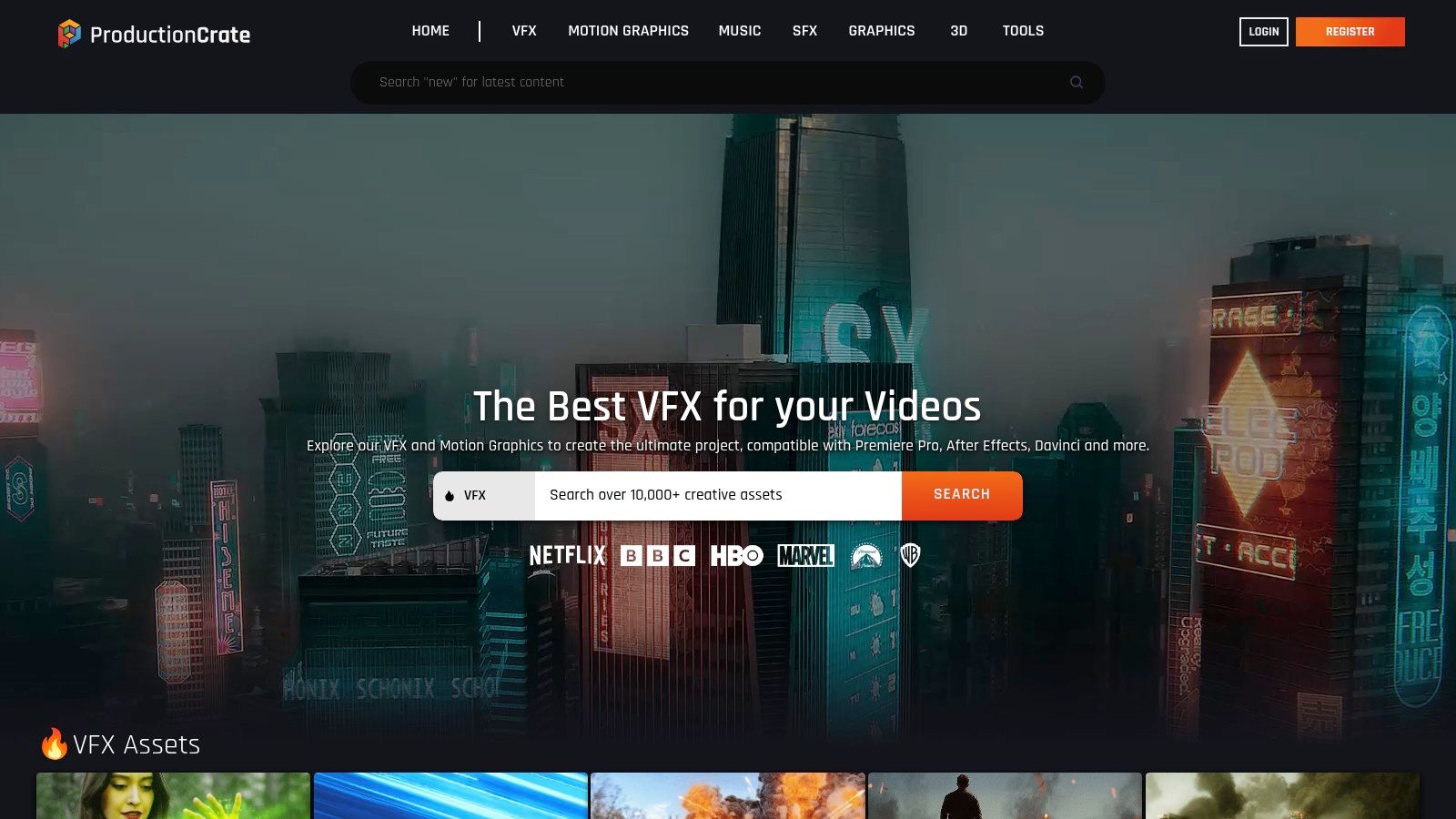
The platform operates on a freemium model. While thousands of assets are available for free, they come with a daily download limit, and the highest-quality versions (like 4K) are often reserved for Pro members. This structure makes it excellent for experimentation and smaller projects, while offering a clear upgrade path for professionals.
Key Features and Licensing
ProductionCrate’s licensing is straightforward: free assets can be used in nearly any project, commercial or personal, with no attribution required. The main limitation is the daily download cap for free accounts.
- Access: Free account required, with a limit of 5 downloads per day. Pro accounts unlock the full library and higher resolutions.
- Asset Types: Specializes in VFX, motion graphics, looping backgrounds, overlays, sound effects, music, and 3D models.
- Template Formats: Provides video files (often .MP4 and .MOV with alpha channels) and assets compatible with major editing software.
- Quality: Free assets are typically available in HD, while Pro members get access to 4K and even higher resolutions.
While the daily limit can be a constraint, ProductionCrate’s niche focus on high-quality, dynamic backgrounds makes it an indispensable resource for projects that require a bit more visual flair than a standard stock clip can provide.
Website: https://www.productioncrate.com/
11. Canva
Canva has evolved from a simple graphic design tool into a comprehensive platform where users can find a vast library of video background templates free download options. Its biggest advantage is the integrated ecosystem; you can find, customize, and export your video project entirely within one browser tab. This makes it exceptionally efficient for social media managers, marketers, and creators who need to produce on-trend content quickly without juggling multiple software applications. The platform offers a mix of free and premium (Pro) assets, clearly marked for easy identification.
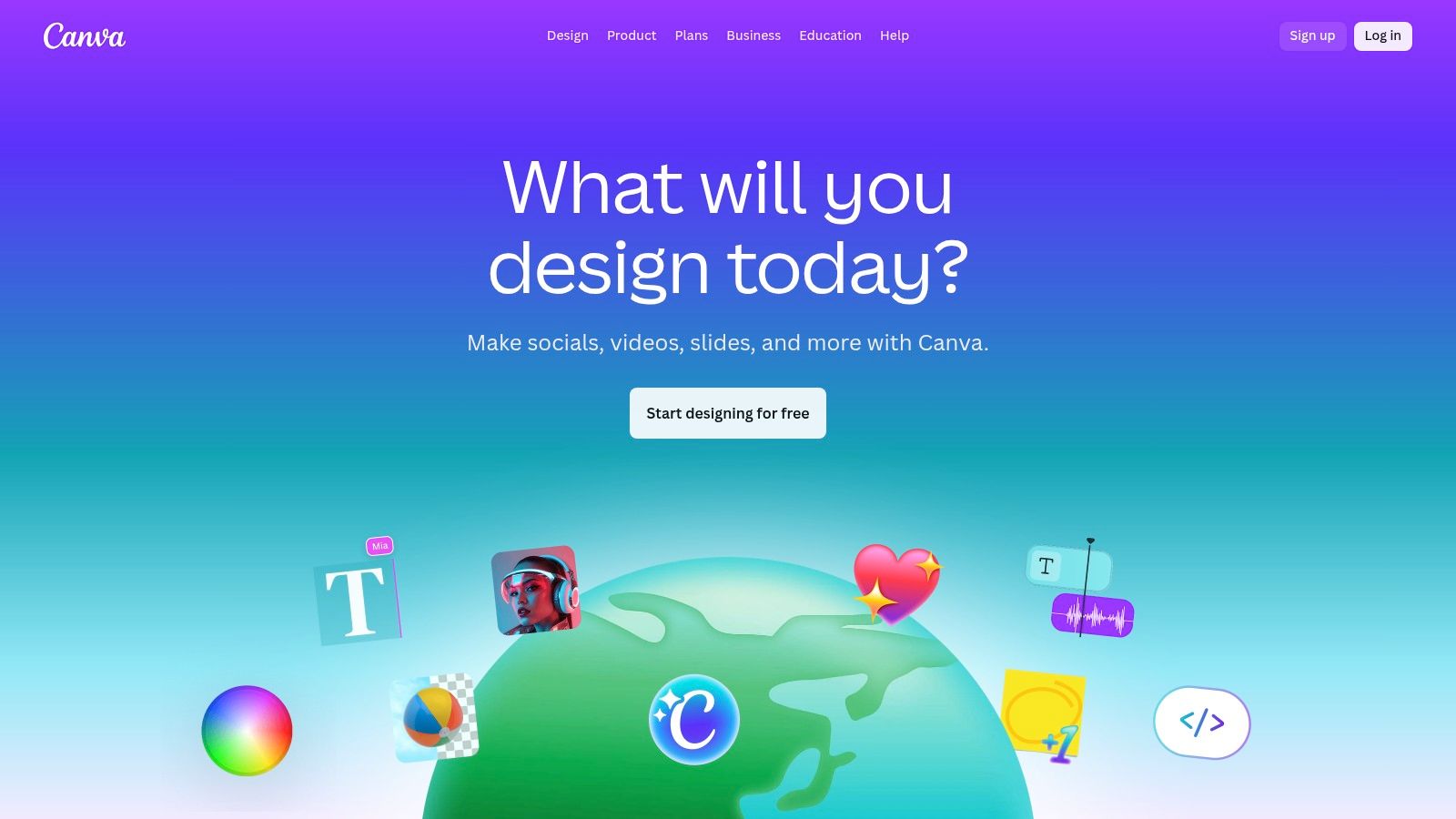
The user experience is designed for speed and simplicity. You can drag and drop a video background, add text overlays, upload your own footage, and export a finished MP4 in minutes. Its integrated video editor is also useful for simple tasks, and you can learn how to change video backgrounds without a green screen to combine your own footage with Canva's assets. While many high-quality backgrounds are free, the best selection is reserved for Canva Pro subscribers.
Key Features and Licensing
Canva's licensing is straightforward: free content can be used commercially, while Pro content requires a subscription or a one-time payment. A key point is that licenses are tied to the specific design you create.
- Access: Freemium model; free access to a large library with a Canva account. Pro assets require a subscription.
- Asset Types: Offers video clips, animated elements, and fully designed video templates for social media, presentations, and more.
- Template Formats: All editing and customization happen online; export formats include MP4 and GIF.
- Quality: Most videos are available in high-definition (1080p), suitable for web and social media use.
The primary limitation is that some of the most dynamic and unique backgrounds are locked behind the Pro paywall. However, the free library is still substantial and more than sufficient for many common projects, making Canva a top-tier, all-in-one solution.
Website: https://www.canva.com/
12. Adobe Stock
Adobe Stock is a professional-grade platform that offers a premium experience, but it secures a spot on this list for its curated "Free" collection. While known for its extensive paid library, this free section is a goldmine for creators seeking a high-quality video background templates free download backed by Adobe's robust licensing. It is an excellent choice for corporate projects, polished marketing campaigns, and any work where legal clarity and superior production value are non-negotiable.
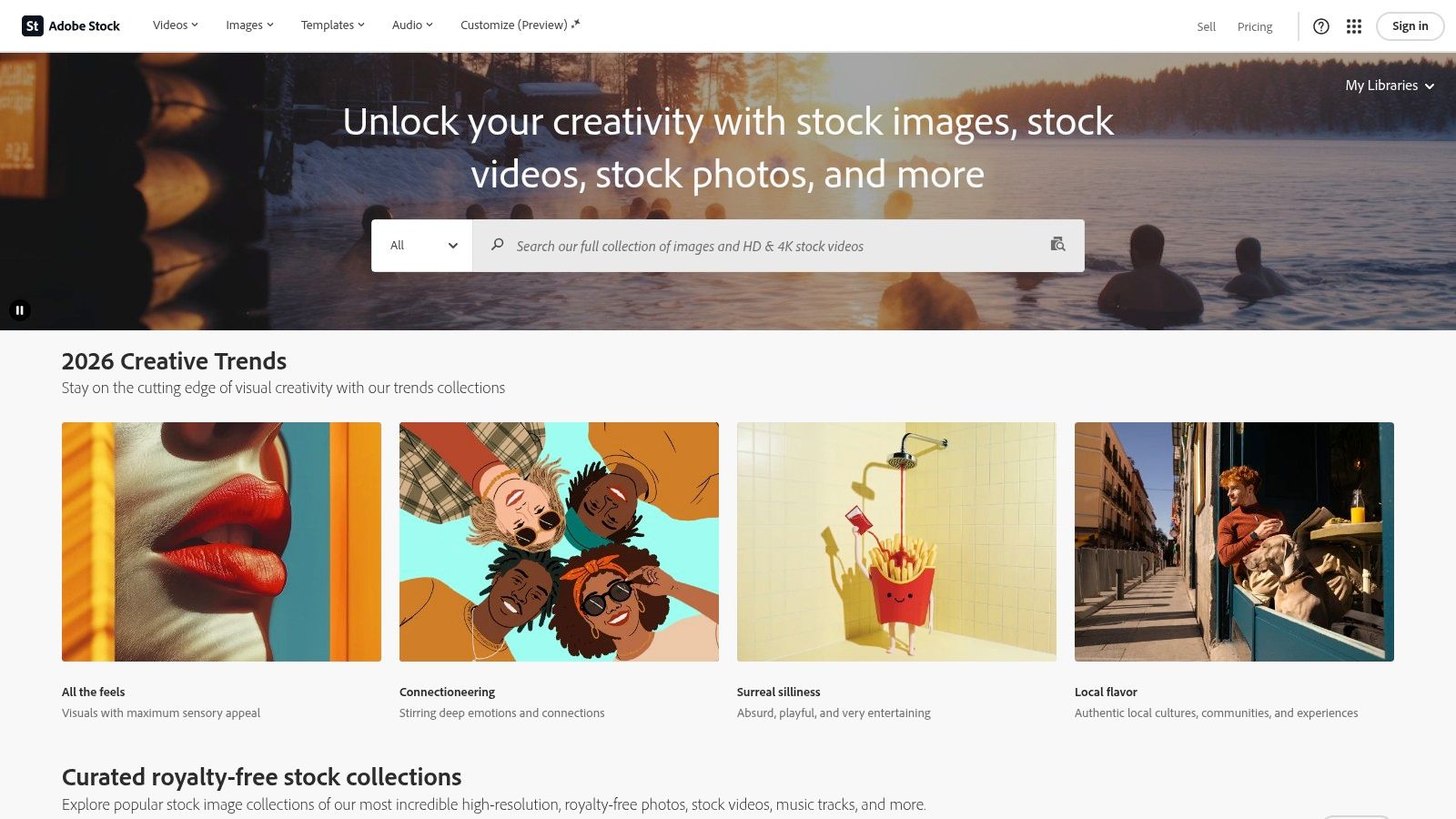
The platform’s strength is its integration with the Creative Cloud ecosystem and its meticulous asset tagging, making searches highly effective. The free assets, though limited in number compared to the full library, are of the same professional standard, providing a risk-free way to elevate projects. The free offerings include abstract motion graphics, beautiful B-roll footage, and even some motion graphics templates (.mogrts) for Premiere Pro.
Key Features and Licensing
Adobe provides a standard license for its free assets, which covers most commercial uses, offering peace of mind for businesses and professional freelancers. For users needing to integrate advanced effects, exploring techniques for transparent video backgrounds can complement Adobe Stock's high-quality footage.
- Access: Requires a free Adobe ID to download assets from the free collection. Paid assets require a subscription or credit packs.
- Asset Types: Offers free stock videos, motion graphics templates, photos, vectors, and more.
- Template Formats: Provides standard video files (MP4/MOV) and Adobe-specific formats like Motion Graphics Templates (.mogrts).
- Quality: Professional-grade HD and 4K footage is standard across both free and paid collections.
While its free library is more of a gateway to its premium services, the quality is undeniable. It's best suited for creators who may eventually scale to a paid plan but need reliable, commercially safe assets for current projects without an initial investment.
Website: https://stock.adobe.com/
12-Site Comparison of Free Video Background Template Sources
| Provider | Core offerings | Quality & UX (★) | Price / Value (💰) | Best for (👥) | Standout (✨/🏆) |
|---|---|---|---|---|---|
| Videvo | Millions of stock clips, animated backgrounds, mixed free/premium | ★★★★ | 💰 (free tier + premium) | 👥 Creators needing varied loops | ✨ Large free catalog; flexible license types |
| Mixkit (Envato) | 100% free backgrounds + editor templates (PR/AE/FCP) | ★★★★ | 💰 (free) | 👥 Quick-turn creators & editors | ✨ No sign-up, no attribution required |
| Pexels Videos | Community HD/4K clips, abstract & loopable footage | ★★★★ | 💰 (free) | 👥 Social/web video creators | ✨ Permissive license, easy downloads |
| Pixabay Videos | Broad free clips (nature, abstract) with simple license | ★★★ | 💰 (free) | 👥 Simple background needs & blogs | ✨ Commercial-use friendly free library |
| Videezy | HD/4K backgrounds, motion graphics, credit purchases | ★★★ | 💰 (free+credits) | 👥 Budget-conscious editors | ✨ Buy credits to waive attribution |
| Motion Array | Templates, motion packs, plugins; subscription unlimited | ★★★★★ | 💰💰 (subscription) | 👥 Professional editors & studios | 🏆 Editor-ready templates + unlimited on plan |
| Envato Elements | Massive library: templates, backgrounds, graphics | ★★★★★ | 💰💰 (subscription) | 👥 Designers & agencies | 🏆 Unlimited downloads; designer-grade assets |
| Shutterstock | Curated paid library + free 4K pack; enterprise licenses | ★★★★★ | 💰💰💰 (paid/licensed) | 👥 Brands & enterprises | 🏆 Brand-safe, robust licensing options |
| Pond5 | Marketplace of paid backgrounds + rotating free collection | ★★★★ | 💰💰 (marketplace) | 👥 Professionals needing variety | ✨ Large contributor base; rotating free picks |
| ProductionCrate | VFX/motion-graphics-focused backgrounds & overlays | ★★★★ | 💰 / 💰💰 (free daily limits → Pro) | 👥 VFX artists & motion designers | ✨ VFX plates, SFX & 3D assets |
| Canva | In-app video backgrounds + templates and editor | ★★★★ | 💰 (free + Pro) | 👥 Marketers & non-editors | ✨ Fast in-app editing and exports |
| Adobe Stock | Free collection + extensive paid HD/4K library | ★★★★★ | 💰💰💰 (credits/subscription) | 👥 Studios & enterprise creators | 🏆 Adobe app integration & legal clarity |
Mastering Your Workflow: From Download to Final Cut
You've just explored a comprehensive library of resources, from the expansive collections of Videvo and Pexels to the specialized, high-quality offerings on Envato Elements and ProductionCrate. We have journeyed through the vast landscape of video background templates free download options, uncovering assets perfect for everything from polished corporate presentations to engaging social media content. The key takeaway is clear: you no longer need a Hollywood budget to produce visually stunning videos.
The power lies not just in the assets themselves, but in your ability to strategically integrate them. A static office background from Pixabay can ground a professional webinar, while a dynamic motion graphic from Mixkit can make a TikTok ad pop. The secret is to align your choice with your message, brand identity, and the platform where your content will live.
Key Takeaways for Your Creative Toolkit
To recap, the most critical lesson is that a successful video project is a sum of its parts. Having access to thousands of free templates is the first, crucial step. The second, equally important step, is having a streamlined method to combine these backgrounds with your primary footage.
Remember these core principles as you move forward:
- License Awareness is Non-Negotiable: Always double-check the license for each asset. A "free" download for personal use may not be free for commercial projects. Sites like Pexels and Pixabay generally offer straightforward, flexible licensing, but it's a habit worth building.
- Quality Over Quantity: Don't be mesmerized by a library of thousands of mediocre clips. Focus on finding the one high-resolution, well-composed background that perfectly complements your subject. A 4K looping background from Videezy will always outperform a pixelated, standard-definition clip.
- Context is King: The most beautiful abstract background is useless if it distracts from your message. Ask yourself: Does this background support the story I'm telling? Does it match the emotional tone of my video? A serene, animated gradient might be perfect for a guided meditation but completely wrong for a high-energy product launch.
From Asset to Final Product: A Modern Workflow
The true revolution in modern video creation is the synergy between high-quality stock assets and intelligent AI tools. In the past, replacing a video background was a technical nightmare reserved for seasoned editors with expensive software and green screens. Today, the process is democratized.
This is where the real efficiency is unlocked. Your workflow transforms from a complex, multi-step process into a simple, three-part sequence:
- Source: Find and download the perfect backdrop from the resources we've detailed.
- Isolate: Upload your subject footage to an AI-powered tool to instantly remove the original background, creating a clean, transparent cutout.
- Composite: Combine your isolated subject layer with your new background in any video editor, from Canva to Adobe Premiere Pro.
This modular approach empowers you to experiment fearlessly. You can test a dozen different video background templates free download options in the time it used to take to manually key out a single scene. This agility is your competitive advantage, allowing you to create more content, test more variations, and ultimately, produce a more polished final product that captivates your audience. You are no longer just a content creator; you are a nimble producer with a digital studio at your fingertips.
Ready to put this workflow into action? Stop wrestling with complex green screens and start creating professional-grade videos today. Use VideoBGRemover to instantly and precisely remove the background from your footage, giving you a perfect transparent clip ready for any of the amazing templates you've discovered. Visit VideoBGRemover to streamline your editing process and elevate your content in minutes.
Tagged with
Ready to Remove Your Video Background?
Upload your video and see the exact price before processing.
No subscription • Exact price before processing