The best CapCut alternative for AI video background removal
Compare an online background-removal workflow with CapCut's app-based editing workflow.
Perfect for |Try Online – No App Download
Comparing VideoBGRemover vs. CapCut
| Feature | VideoBGRemover | CapCut |
|---|---|---|
| AI quality on motion & edges | Advanced AI model | Basic AI model |
| Price shown before processing | Yes – upload & see exact price | Requires app install & account |
| True cost per HD export | From $2.50 to $4.80 per minute | Free within the app |
| Pricing model | One-time payment; credits valid for one year | Free |
| Price Available Before Processing | Yes, exact price shown | Yes |
| Background export options | Transparent + custom background support | Limited options within the app |
| Video length supported | Up to 120 minutes per video | Limited by phone's hardware |
| API & bulk processing | Available | No |
| Export resolution | 1080p | 1080p |
See It in Action
Already have a green screen?
Try Online Chroma Key & Export in WebMPay As You Go Processing
No subscriptions. Pay only to process your videos.
Remove Background from Video Online - Professional AI Tools
Explore the powerful features that make VideoBGRemover stand out.
AI-Powered Detection
Our AI detects humans, hair, and complex motion with studio-quality precision. No green screen or manual editing required.
- No green screen needed
- Hair & motion detection
- Works with any video
Any Background You Want
Replace backgrounds with transparent, solid colors, custom images, or even videos. Complete creative control.
- Transparent export
- Image backgrounds
- Video backgrounds with audio sync
9 Export Formats
Export in MP4, WebM, ProRes, PNG sequence, GIF, WebP, Lottie, and dotLottie. Use anywhere - web, apps, professional editors.
- Professional formats (ProRes 4444)
- Web-optimized (WebM, GIF)
- App-ready (Lottie, dotLottie)
Batch Processing
Upload multiple videos and process them all at once. Perfect for content creators and agencies with high volume needs.
- Process entire projects at once
- Queue multiple videos
- Save hours of editing time
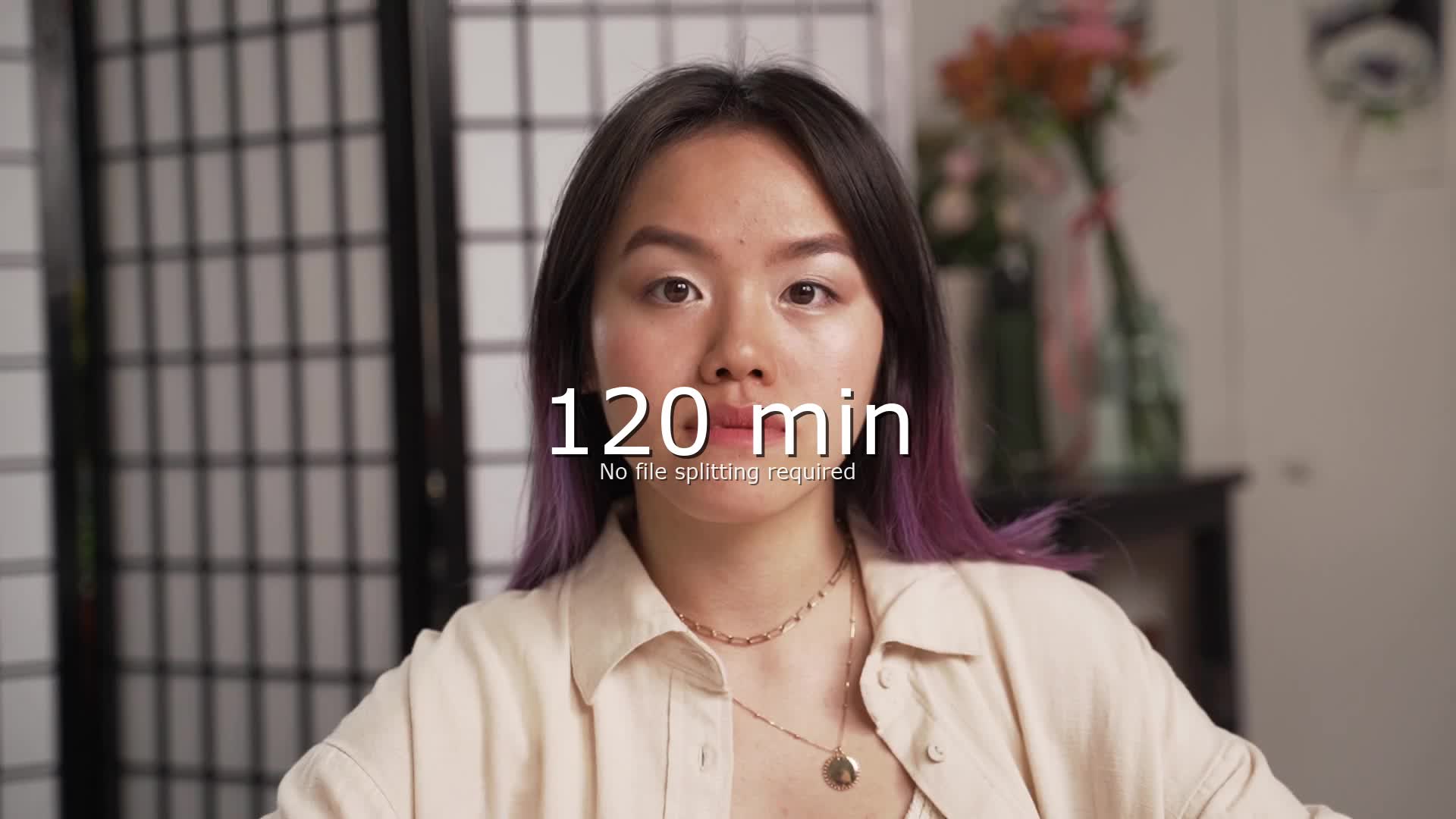
Up to 120 Minutes Per Video
Handle long-form content with ease. Process webinars, courses, tutorials, and full-length videos without splitting them up.
- Webinars & courses
- Long tutorials
- Full-length content
How to Remove Background in CapCut vs VideoBGRemover
How to Remove Background in CapCut
CapCut offers background removal through its mobile and desktop app. Here's how it works:
- Download and install CapCut (iOS, Android, or desktop)
- Import your video into a new project
- Tap the clip → select "Remove BG" or go to Effects → Body Effects → Background Remover
- Wait for processing — CapCut processes on your device
- Export the result
CapCut limitations:
- Requires app download and account creation
- Processing speed depends on your phone/computer hardware
- Struggles with complex motion, hair, and fine edges
- Limited to shorter clips on mobile (phone storage/RAM constraints)
- No transparent video export (WebM, ProRes, PNG sequence)
- No batch processing or API
How to Remove Background with VideoBGRemover (Faster Alternative)
- Go to videobgremover.com/create — no download, no account
- Upload your video (MP4, MOV, WEBM — up to 120 minutes)
- AI removes the background automatically on our cloud GPUs
- Exact price first — see the credit cost before processing
- Export in 9+ formats including transparent (WebM, ProRes, PNG, GIF)
CapCut vs VideoBGRemover: When to Use Which
| | CapCut | VideoBGRemover | |---|---|---| | Best for | Quick mobile edits, short clips | Longer videos, professional quality | | Price | Free | From $2.50/min | | Requires | App download + account | Just a browser | | AI quality | Good for simple scenes | Better for motion, hair, complex BG | | Max video length | Limited by device | Up to 120 minutes | | Transparent export | No | WebM, ProRes, PNG, GIF, Lottie | | Batch processing | No | Yes | | API | No | Yes |
Bottom line: CapCut is great for quick free edits on mobile. If you need better quality, longer videos, transparent exports, or don't want to install an app — try VideoBGRemover.
How to Remove Green Screen in CapCut
CapCut also supports chroma key (green screen removal):
- Import your green screen footage
- Tap the clip → "Chroma Key"
- Use the color picker to select the green color
- Adjust intensity and shadow sliders
Easier alternative: Upload your green screen video to VideoBGRemover's chroma key tool — it auto-detects the green screen with no manual color picking needed.
How to Remove Video Background Online - Step by Step Guide
Upload Your Video
- •Supports MP4, MOV, WEBM formats
- •Up to 120 minutes per video
- •Fully online, no login or software needed
Let AI do the rest
- •AI-powered subject detection
- •Removes the full video background
- •Keeps video quality and frame rate
Download Result
- •Export in MP4 or WebM
- •Ready for video creation tools
- •Perfect for motion design product showcases and facecam videos.
Real-World Feedback

UGC Creator
UGC Creator
“Before VideoBGRemover, I had to manually key out backgrounds in CapCut or After Effects. Now I download the video, click once, and it's done, even with moving hair or facecam footage. I can focus on scripting and scaling, not revising.”

Business Owner
Efficient and cheap, nothing like it out there!
“The quality and speed of the results are clearly unmatched by any other tool I tried! The UI is very smooth and easy to use, what a great tool!”

Animation Supervisor
Stéphane M. vidéaste
“Recording tutorials used to mean lighting setups and clean walls. Now, I film from anywhere and replace my background with a branded visual in minutes.”
CapCut Background Remover FAQ
How do I remove background in CapCut?
In CapCut, tap your video clip → select "Remove BG" or go to Effects → Body Effects → Background Remover. CapCut will process the clip on your device.
Limitations to know:
- Requires the CapCut app (iOS, Android, or desktop)
- Processing depends on your device hardware — slow on older phones
- Struggles with complex motion, hair, and fine edges
- No transparent video export
Browser-based alternative: Upload your video to VideoBGRemover without installing an app, then choose transparent WebM, ProRes, or PNG-sequence exports.
Is CapCut background remover free?
Yes, CapCut's background remover is free within the app. However, there are hidden costs:
- You need to download and install the CapCut app (1GB+)
- An account is required
- Processing uses your device's battery and storage
- Results on complex videos are limited by your phone's hardware
- No transparent export formats — you can't get WebM, ProRes, or PNG sequences
VideoBGRemover uses cloud processing, supports 9 export formats and videos up to 120 minutes, and runs in your browser without an install. Pricing starts at $2.50/min.
How do I remove green screen in CapCut?
In CapCut, import your green screen footage, tap the clip, select "Chroma Key", use the color picker to select the green, then adjust intensity and shadow sliders.
Common issues:
- Requires manual color picking — if the green isn't perfectly even, you'll get artifacts
- Shadow and spill removal is limited
- No automatic edge refinement
Easier method: Upload your green screen video to VideoBGRemover's chroma key tool. It auto-detects the green screen — no manual color picking needed. Or use our AI mode which removes any background without a green screen at all.
Why is CapCut background remover not working?
Common reasons CapCut background removal fails:
- Old app version — update CapCut to the latest version
- Complex background — CapCut's AI works best with simple, high-contrast scenes
- Low device memory — close other apps and free up storage
- Long video — CapCut may struggle with clips over 2-3 minutes on mobile
- Fast motion — quick movement can confuse the tracking
If CapCut can't handle your video, try VideoBGRemover — our cloud GPUs handle complex scenes, long videos, and fast motion that overwhelm phone-based processing.
Can I export transparent video from CapCut?
No — CapCut does not support transparent video export. After removing the background, CapCut replaces it with a solid color or another clip, but you can't export a video with a truly transparent (alpha channel) background.
If you need transparent video for overlays, compositing, or professional editing, use VideoBGRemover. We export in:
- WebM VP9 Alpha — web-optimized transparent video
- MOV ProRes 4444 — professional grade for Premiere, After Effects, Final Cut
- PNG Sequence — frame-by-frame transparency for maximum flexibility
- GIF / WebP — animated transparent formats for social media
- Lottie JSON — tiny files for mobile apps
Can I remove video background without CapCut?
Yes — you don't need CapCut or any app at all. VideoBGRemover works entirely in your browser:
- Go to videobgremover.com/create
- Upload your video (MP4, MOV, WEBM, GIF)
- AI removes the background automatically
- Exact price first, then export in HD
No download, no account, no app. Works on iPhone, Android, Mac, Windows, and any device with a browser. Videos up to 120 minutes supported.