The 12 Best AI Tools for Content Creators in 2026
Discover the best AI tools for content creators. Our guide covers top AI for video, writing, and design to boost your workflow and quality in 2026.
Content creation is no longer about grinding-it's about working smarter. The right AI tools can automate tedious tasks, spark new ideas, and elevate your production quality, freeing you up to focus on what truly matters: creativity. But with hundreds of options flooding the market, how do you build a practical, cost-effective AI stack? This guide cuts through the noise. We've curated a definitive list of the best AI tools for content creators, categorized by their core function: video, design, audio, and writing.
This isn't just another list. For each tool, we provide a hands-on analysis tailored for creators producing Reels, TikToks, and YouTube Shorts. We dive into specific use cases, from generating ad copy to replacing video backgrounds, and offer an honest assessment of pros and cons. You'll find direct links and screenshots to see the platforms in action, helping you visualize how they integrate into your existing pipeline. Our goal is to help you select the tools that will genuinely accelerate your growth and refine your workflow, not just add another subscription to your budget.
We've focused on a tight selection of powerful platforms, but the AI space is vast. For an alternative perspective and additional tools, you can explore another comprehensive list of the 12 Best AI Tools for Content Creators to round out your research.
This resource is designed to be your go-to reference for building an intelligent content creation engine. We'll examine everything from a dedicated tool like VideoBGRemover for transparent exports to all-in-one suites like Canva Magic Studio. Let's get started.
1. VideoBGRemover
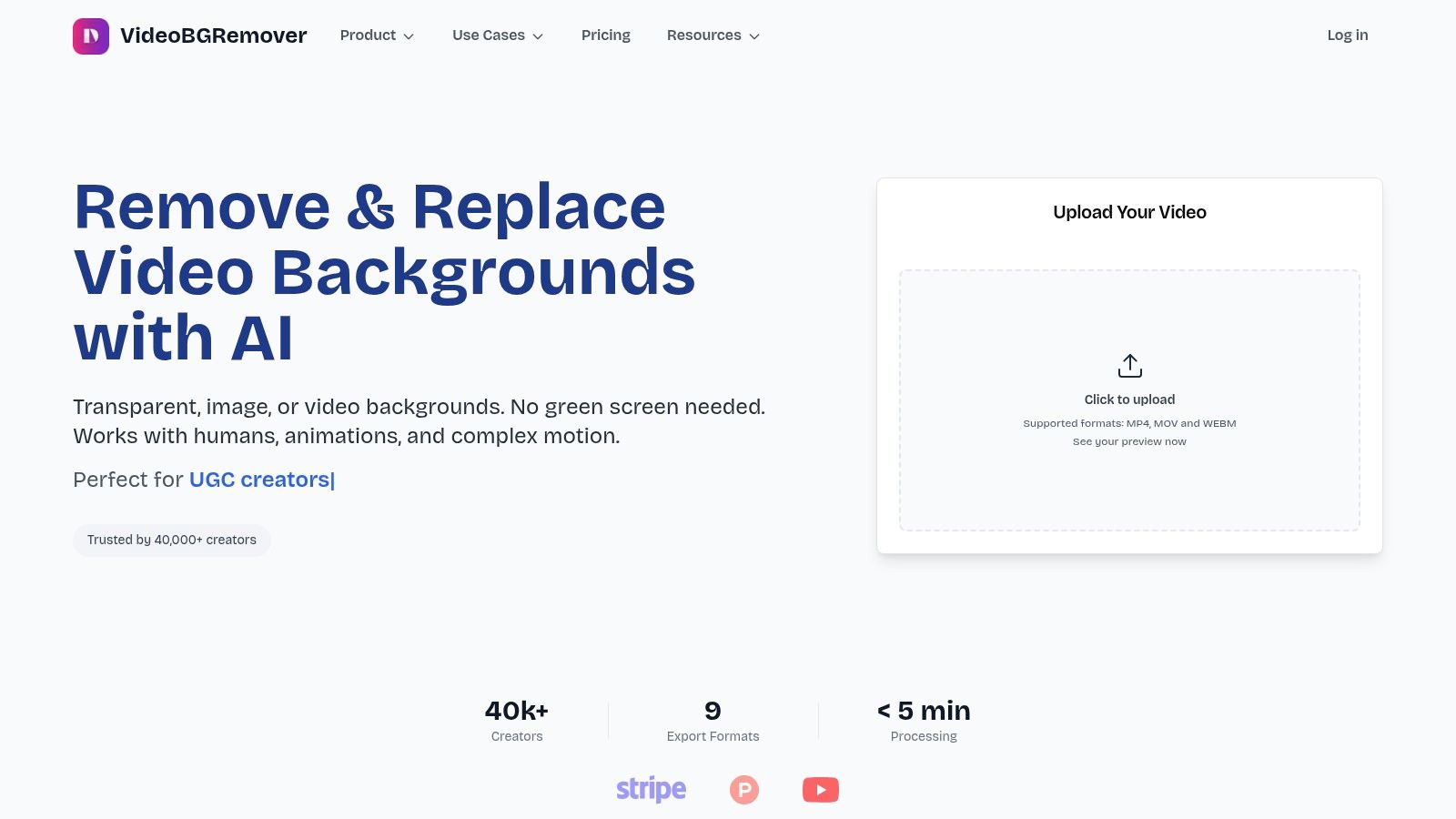
VideoBGRemover sets a high standard for single-task AI tools, offering a remarkably powerful solution to one of video creation's most persistent challenges: background removal. It’s an indispensable asset for creators who need to produce professional-looking video without the hassle of green screens or the tedious process of manual rotoscoping. Its core strength lies in its specialized AI, which delivers clean, precise cutouts even with notoriously difficult subjects like moving hair, subtle shadows, and complex motion.
This one-click simplicity makes it one of the best AI tools for content creators focused on speed and quality. The platform processes footage up to 4K and can handle long-form content up to 120 minutes, a significant advantage over many competitors that impose strict length and resolution limits.
Key Features & Use Cases
- High-Fidelity AI Cutouts: The algorithm excels at preserving fine details, making it perfect for creating polished talking-head videos for tutorials, webinars, and course content. You can drop a new background image or video directly in the browser for instant composites.
- Professional Export Formats: Unlike basic tools, it offers formats with alpha channels like MOV ProRes 4444, WebM VP9 Alpha, and PNG sequences. This is a game-changer for video editors and motion designers who need transparent assets for complex projects in Adobe Premiere Pro or After Effects.
- Pay-As-You-Go Pricing: The platform operates on a non-expiring credit system, starting from about $0.50 to $2.00 per minute of video. This flexible model is ideal for freelancers and small teams who don't want to commit to a monthly subscription. You can preview every video for free before spending credits.
- Scalable Workflow: With batch processing and API access, VideoBGRemover supports high-volume workflows for agencies creating UGC ads or platforms integrating automated video editing features.
Our Take
VideoBGRemover is a highly focused tool that executes its one job exceptionally well. While it isn't a full video editor, its ability to quickly generate professional-grade transparent video assets saves creators countless hours. Its user-friendly interface, combined with powerful backend processing and flexible pricing, makes it a top-tier utility. For a deeper look at the technology, you can learn more about AI video background removal and how it's changing modern post-production.
| Pros | Cons |
|---|---|
| Accurate AI handles hair and motion without a green screen. | Costs can be high for massive-volume users without custom pricing. |
| Professional formats like ProRes 4444 and WebM (Alpha). | It's a specialized tool; you'll need a separate video editor for timeline work. |
| Pay-as-you-go pricing with non-expiring credits and free previews. | |
| Supports 4K resolution and long videos (up to 120 minutes). | |
| API access and batch processing for automated workflows. |
2. Adobe Firefly
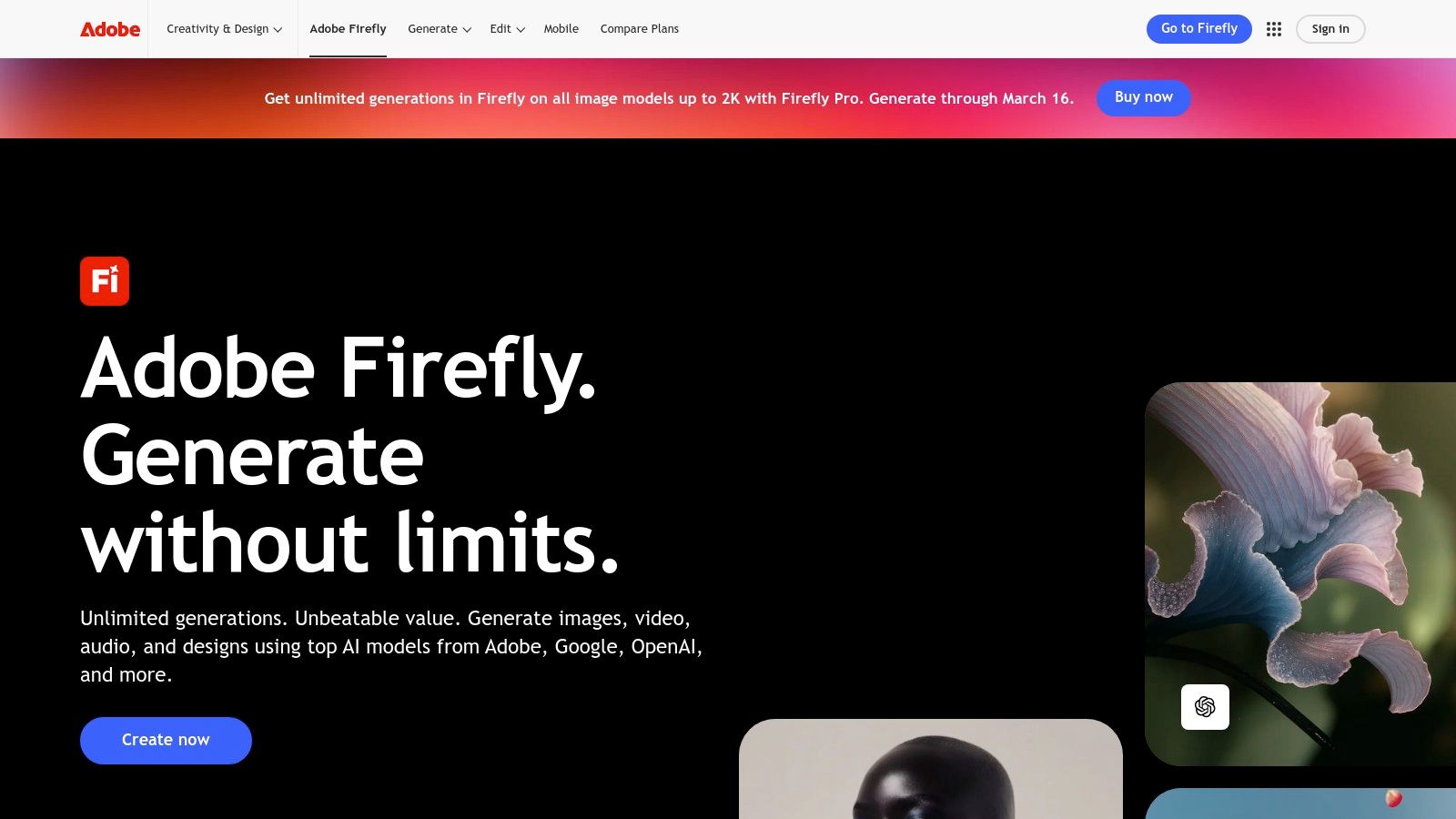
For creators already embedded in the Adobe ecosystem, Firefly is less of a standalone tool and more of a supercharged upgrade to their existing workflow. It's Adobe's family of creative generative AI models, designed for safe commercial use and seamlessly integrated into flagship apps like Photoshop, Illustrator, and Adobe Express. This deep integration is its primary differentiator; instead of exporting an asset to a separate AI tool for modification, creators can use features like Generative Fill and Generative Expand directly within their Photoshop projects.
This makes it one of the best AI tools for content creators who prioritize efficiency and a unified creative environment. You can instantly replace backgrounds, add or remove objects, or extend the canvas of an image with context-aware content, all without leaving your primary design software.
Key Features & Use Cases
| Feature | Best Use Case |
|---|---|
| Generative Fill & Expand | Social media managers expanding a vertical photo for a horizontal banner. |
| Text to Image Generation | Bloggers creating unique, brand-safe featured images for articles. |
| Deep Adobe Integration | Video editors in Premiere Pro generating B-roll or motion graphics templates. |
| Commercial-Use Model | Freelancers and agencies creating client assets without copyright concerns. |
Practical Tip: When using Generative Fill in Photoshop, create a new layer first. This applies the AI generation non-destructively, allowing you to easily edit or remove the generated content later without affecting your original image.
- Pros: Unmatched integration with industry-standard Adobe tools; model trained on licensed content, making it safe for commercial projects; scales well from individual creators to large enterprise teams.
- Cons: The credit-based system can be confusing initially; Creative Cloud subscription costs are higher than some all-in-one competitors.
- Website: https://www.adobe.com/products/firefly.html
3. Canva Magic Studio
For creators who live and breathe social media and quick-turnaround marketing assets, Canva Magic Studio is the ultimate all-in-one design playground. Rather than being a single-purpose tool, it's a suite of AI-powered features built directly into Canva’s already intuitive, template-rich environment. This seamless integration allows for an incredibly fast workflow, from generating a marketing slogan to creating a video, all in one place.
This makes it one of the best AI tools for content creators who need to produce high volumes of content across multiple formats without a steep learning curve. The standout feature is its ability to handle an entire project lifecycle, from initial AI-generated copy and visuals with Magic Write and Magic Media to one-click reformatting for different platforms with Magic Switch.
Key Features & Use Cases
| Feature | Best Use Case |
|---|---|
| Magic Write & Magic Media | Social media managers generating ad copy and unique visuals for a campaign. |
| Magic Switch | Bloggers instantly repurposing an article into a slide deck or LinkedIn post. |
| Magic Edit & Magic Grab | E-commerce store owners quickly removing backgrounds or isolating products in photos. |
| Brand Voice Control | Marketing teams ensuring all AI-generated copy aligns with brand guidelines. |
Practical Tip: Use Magic Switch as your final step. Create your primary design, like an Instagram post, getting it perfect first. Then, use Magic Switch to automatically resize and reformat it for Stories, Facebook banners, and Pinterest pins, saving hours of manual adjustments.
- Pros: Extremely beginner-friendly with a simple UI; massive library of templates and assets speeds up creation; great for producing multi-format social content at high speed.
- Cons: Some of the more powerful Magic features are gated behind paid Canva Pro or Teams subscriptions; pricing for team plans can increase, so always check current rates.
- Website: https://www.canva.com/magic
4. Runway
Runway has positioned itself as a comprehensive AI video suite, moving beyond simple generation to become a full-fledged creative platform. Its key strength lies in providing a range of powerful models, including Gen-3, alongside an integrated online editor. This allows creators to not only generate video clips from text or images but also to refine, edit, and stitch them together within the same workspace, streamlining the entire production process from concept to final cut.
This makes it one of the best AI tools for content creators focused on short-form video, such as Reels or TikToks, who need to rapidly ideate and produce unique B-roll or motion concepts. The platform’s clear credit-to-seconds mapping helps in planning project costs, and its frequent model updates ensure users have access to cutting-edge generation technology. For more tips on building your toolkit, explore other essential content creation tools for social media.

Key Features & Use Cases
| Feature | Best Use Case |
|---|---|
| Text/Image-to-Video (Gen-3) | Social media managers creating abstract background loops for text overlays. |
| Integrated Online Editor | UGC creators generating multiple short clips and assembling a complete video. |
| Team Workspaces & Storage | Small creative agencies collaborating on video ad concepts for a client. |
| Watermark-Free HD Exports | Professional video editors needing high-quality, unique B-roll for projects. |
Practical Tip: Start with a high-resolution source image when using image-to-video. Runway's models work best when they have a clear, detailed visual foundation, which leads to more coherent motion and better preservation of the original subject.
- Pros: Frequent model updates and clear conversion of credits to seconds; practical project/editor tools alongside generation; flexible tiers for experimentation versus production.
- Cons: The credit math adds planning overhead; best quality and longer video outputs require more expensive higher-tier plans.
- Website: https://runwayml.com
5. Descript
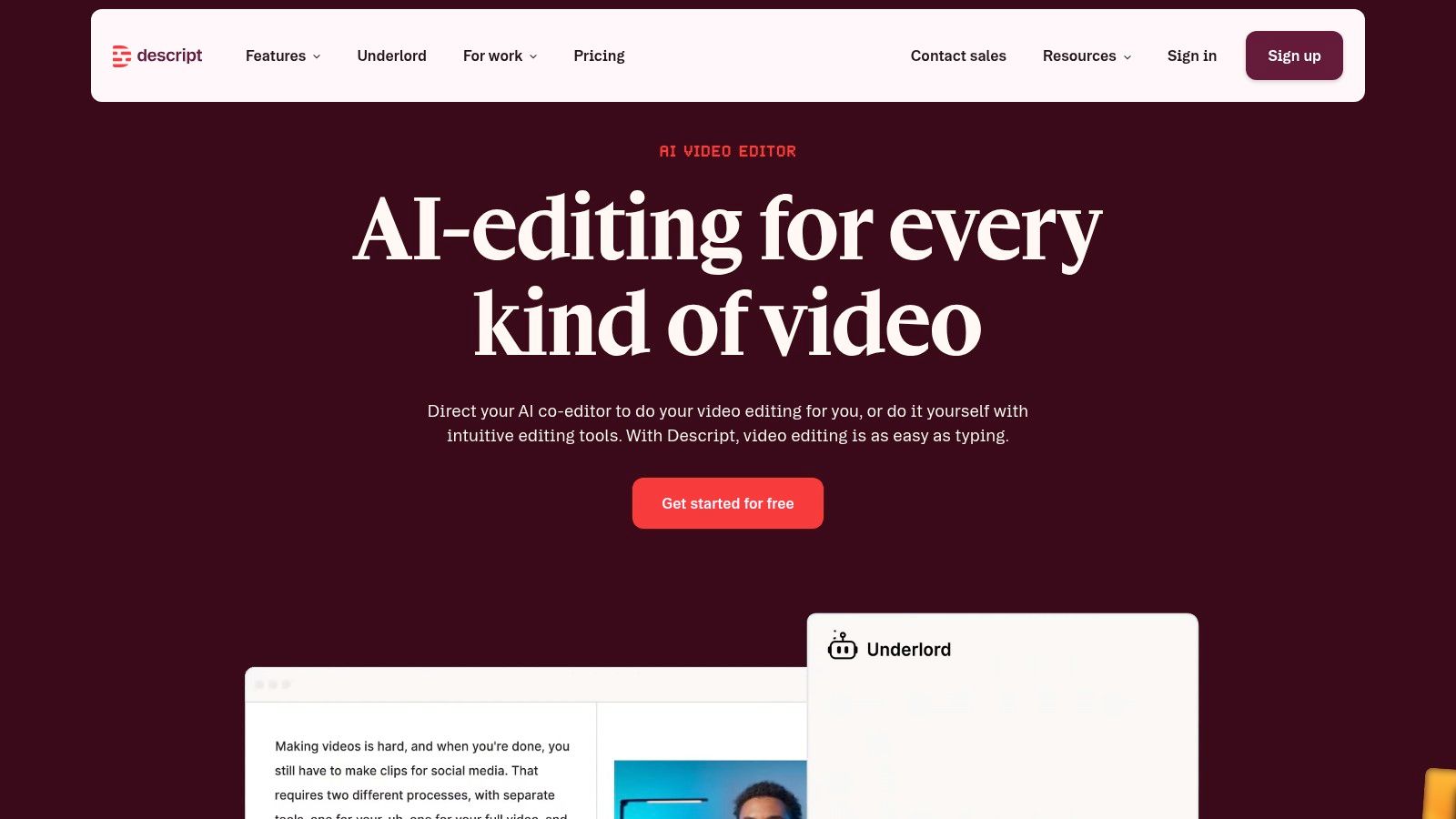
Descript flips traditional video and audio editing on its head by making it as simple as editing a text document. Instead of manipulating timelines, creators edit the automatically transcribed text, and Descript cuts the corresponding video or audio. This text-based approach is a game-changer for anyone working with spoken-word content like podcasts, interviews, tutorials, or webinars, dramatically speeding up the post-production process.
This unique workflow makes it one of the best AI tools for content creators who need to quickly repurpose long-form content into shorter clips. Features like one-click filler word removal ("um," "uh") and Studio Sound, which enhances voice quality to a professional level, are powered by AI to streamline complex editing tasks into simple functions. If you're looking for more advanced editing capabilities, you can explore the options available in the best AI video editing software.
Key Features & Use Cases
| Feature | Best Use Case |
|---|---|
| Text-Based Editing | Podcasters removing mistakes from an interview by simply deleting words from the transcript. |
| Studio Sound | YouTubers instantly improving audio quality recorded in a less-than-ideal environment. |
| Overdub Voice Cloning | Course creators correcting a misspoken word in a tutorial without having to re-record. |
| Remove Filler Words | Marketers cleaning up a customer testimonial video to make the speaker sound more confident. |
Practical Tip: Use Descript’s "Find and Replace" feature on the transcript to correct recurring mispronunciations or replace specific brand names across an entire project in seconds. This saves a massive amount of time compared to finding each instance on a video timeline.
- Pros: Radically fast workflow for dialogue-heavy content; powerful AI audio enhancement and filler word removal; scales well for team collaboration with shared project spaces.
- Cons: Heavy projects can be resource-intensive, requiring significant computer power and bandwidth; advanced AI features operate on a credit system tied to your subscription plan.
- Website: https://www.descript.com
6. Opus Clip
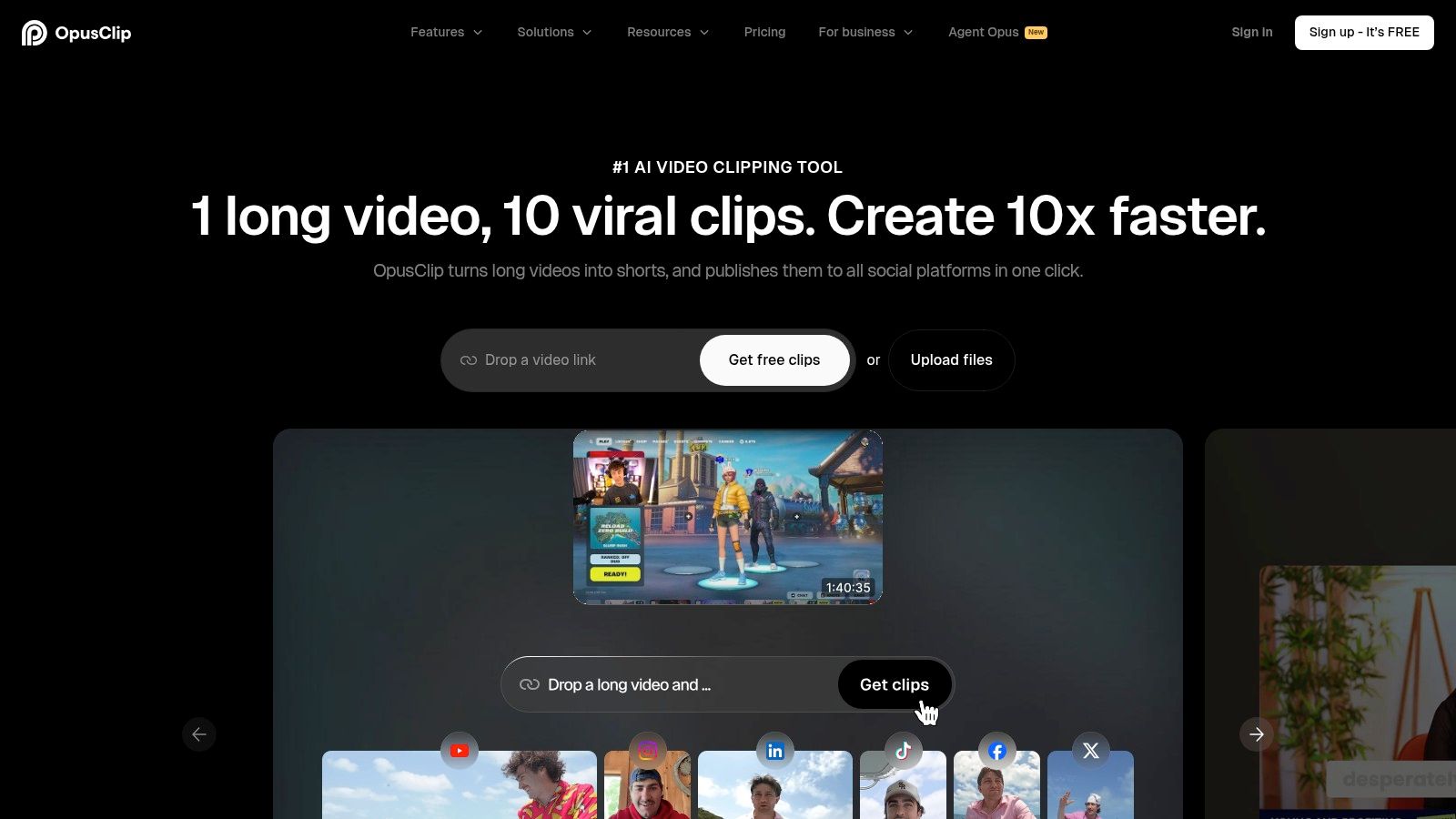
For podcasters, YouTubers, and webinar hosts, Opus Clip is a game-changer in content repurposing. It tackles one of the most tedious tasks: turning long-form video or audio into engaging, shareable short-form clips for platforms like TikTok, Reels, and Shorts. The platform uses AI to analyze your content, identify the most compelling or "viral" moments, and then automatically reframes, captions, and edits them into vertical videos.
This makes it one of the best AI tools for content creators focused on maximizing their reach without multiplying their workload. Instead of manually scrubbing through an hour-long podcast for a 30-second gem, you can upload the file and receive a dozen ready-to-post clips. For quickly distilling long-form content, an efficient AI video summarizer can transform hours of footage into concise highlights, saving significant editing time.
Key Features & Use Cases
| Feature | Best Use Case |
|---|---|
| AI Virality Score | Podcasters automatically identifying the most impactful soundbites for promotion. |
| Auto Reframe & Caption | Course creators turning horizontal webinar recordings into vertical lesson clips. |
| Batch Processing | Social media managers creating a week's worth of content from one keynote video. |
| Cloud Link Import | YouTubers pasting a video URL to quickly generate Shorts for their channel. |
Practical Tip: Use the "Reprompt/Finetune" feature to guide the AI if it misses a specific segment you wanted to highlight. You can give it a new keyword or timestamp range to focus its next round of clip generation.
- Pros: Dramatically speeds up the long-form to short-form workflow; AI-powered virality scoring is effective at finding hooks; supports multiple languages and offers stylish caption templates.
- Cons: Rendering speeds can be inconsistent during peak usage times; the best features, like brand kits and higher resolution exports, are locked behind paid tiers.
- Website: https://www.opus.pro
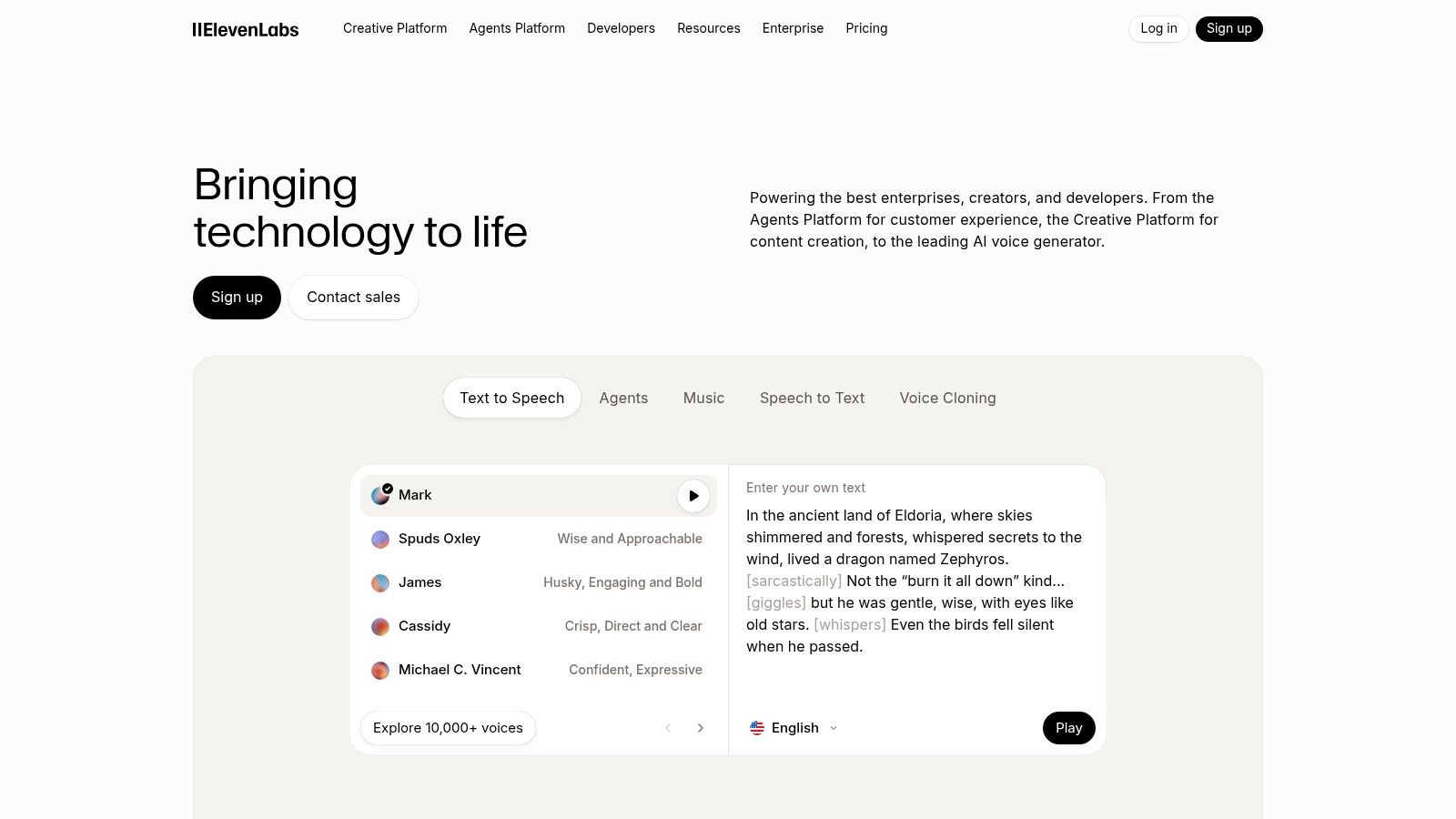
7. ElevenLabs
For creators who need premium, human-like voiceovers, ElevenLabs sets the industry standard for text-to-speech (TTS) and voice cloning. It moves beyond robotic narration, offering a suite of tools that produce emotionally resonant and natural-sounding audio for podcasts, video essays, and social media content. The platform's core strength lies in its ability to capture subtle vocal inflections, making it one of the best AI tools for content creators who want to scale audio production without sacrificing quality.
Whether you're dubbing a YouTube video into multiple languages or creating a unique brand voice for your content, ElevenLabs provides a powerful and intuitive platform. Its professional voice cloning can create a digital replica of your own voice, allowing you to generate new audio content on demand, a game-changer for creators with a heavy production schedule.
Key Features & Use Cases
| Feature | Best Use Case |
|---|---|
| Generative Voice AI | YouTubers creating consistent, high-quality narration for long-form videos. |
| Voice Cloning | Podcasters cloning their voice to produce ads or intros in their own style. |
| AI Dubbing | Global brands translating and dubbing marketing videos for international markets. |
| API Access | Developers integrating automated, real-time voice generation into applications. |
Practical Tip: For the most realistic voice cloning results, upload several clean, high-quality audio samples with varied emotional tones. This gives the AI more data to learn the nuances of your voice, resulting in a more dynamic and less monotonous clone.
- Pros: Among the most natural-sounding synthetic voices available; strong tools for dubbing and localization; clear credit-based pricing with a free tier to test.
- Cons: Requires careful credit management for high-volume output; commercial licensing rights are tied directly to your subscription plan.
- Website: https://elevenlabs.io
8. Jasper
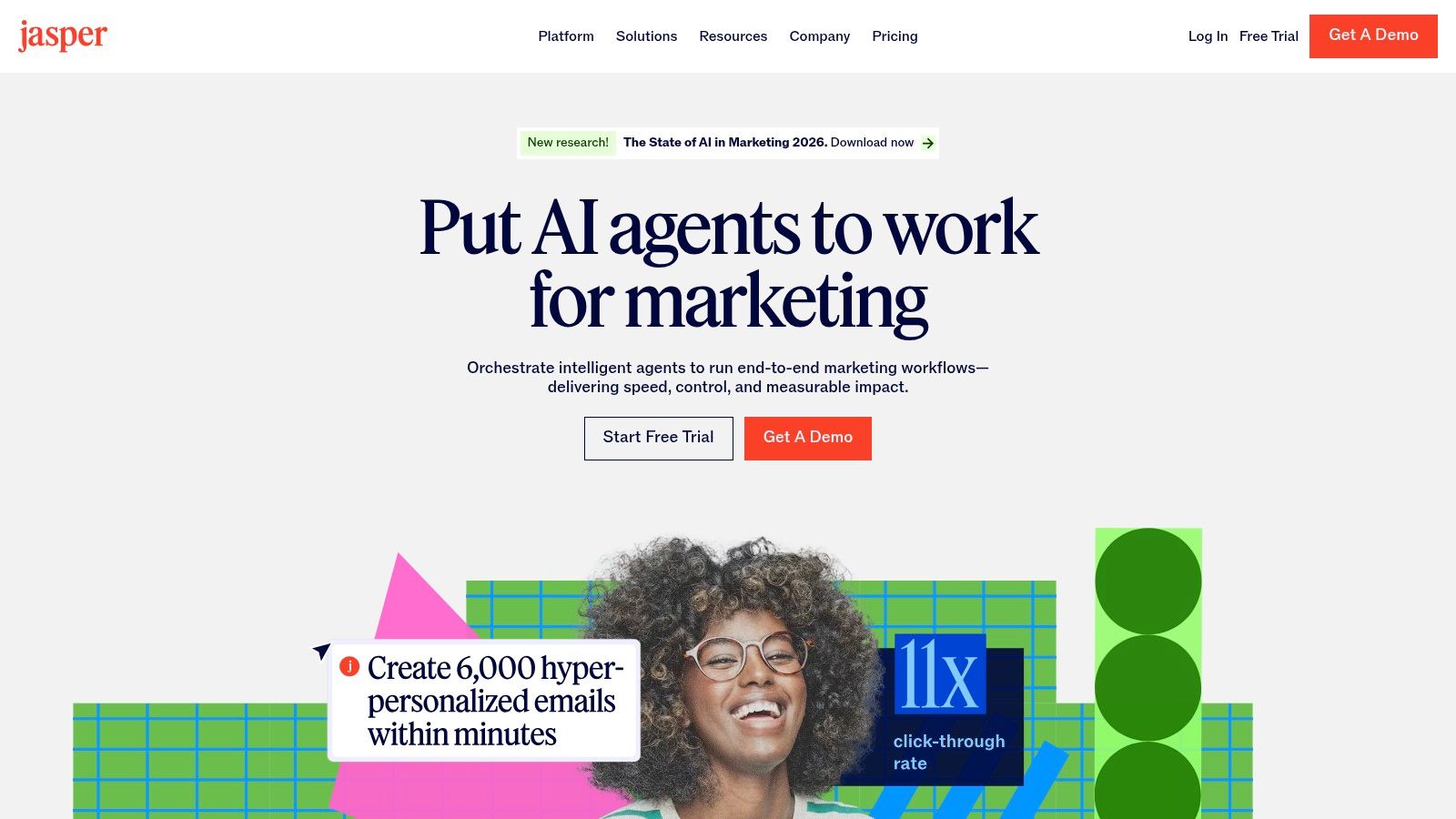
For marketing teams and businesses looking to scale their content production, Jasper moves beyond a simple AI writer into a comprehensive content platform. Its strength lies in its ability to maintain strict brand consistency across all outputs. Instead of generic responses, Jasper learns your specific brand voice, product catalog, and target audiences, ensuring every blog post, ad copy, and social media update sounds authentically yours. This focus on brand governance makes it one of the best AI tools for content creators operating within established marketing frameworks.
The platform is built around collaborative workflows, allowing teams to plan, create, and publish content from a central hub. It’s designed to transform marketing strategy into tangible assets, from SEO-optimized articles to personalized email campaigns, all while adhering to brand guidelines. This makes it a powerful asset for organizations that need control and consistency as they scale their content efforts.
Key Features & Use Cases
| Feature | Best Use Case |
|---|---|
| Brand Voice & Knowledge | Marketing teams creating multi-channel campaigns with a consistent tone. |
| Canvas Workspace | Content strategists planning and executing an entire editorial calendar. |
| Agents & App Builder | Businesses automating repetitive marketing tasks like report generation or ad creation. |
| Enterprise Governance | Large organizations requiring admin controls and API access for scaled content. |
Practical Tip: Spend significant time upfront "teaching" Jasper by uploading your style guides, product information, and best-performing content into its Knowledge Base. The more context you provide, the higher the quality and brand-alignment of its outputs will be.
- Pros: Excellent for maintaining brand consistency across large teams; built specifically for marketing and SEO workflows; offers enterprise-level governance and support.
- Cons: Higher price point makes it less accessible for solo creators; the most powerful automation features are gated behind the expensive Business tier.
- Website: https://www.jasper.ai
9. Kapwing
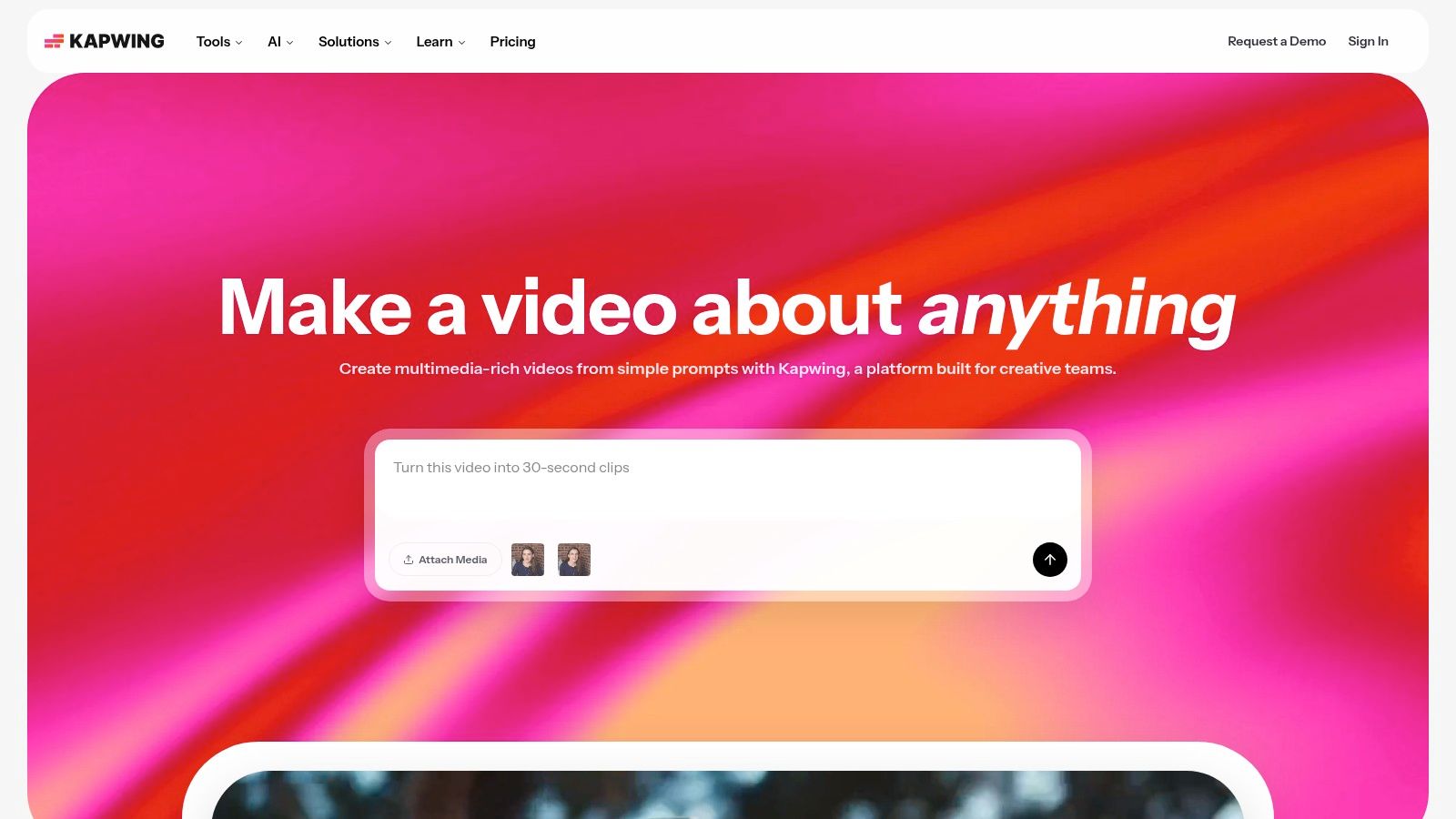
For social media teams and creators focused on rapid video production, Kapwing serves as a powerful, browser-based collaborative editing suite. Its strength lies in combining a user-friendly video editor with a robust set of AI-powered tools designed specifically for repurposing and accessibility. Instead of juggling multiple apps for transcription, translation, and video editing, Kapwing brings everything into one streamlined workflow.
This makes it one of the best AI tools for content creators who need to produce high volumes of short-form video content efficiently. Teams can work on projects simultaneously, generate accurate subtitles in seconds, translate content for global audiences, and leverage AI to clean up audio or create voiceovers, dramatically accelerating the content creation cycle.
Key Features & Use Cases
| Feature | Best Use Case |
|---|---|
| AI-Powered Subtitles & Translation | Social media managers making their TikToks and Reels accessible to a wider audience. |
| Smart Tools (Clean Audio, TTS) | Course creators generating clear voiceovers and removing background noise from tutorials. |
| Real-Time Collaboration & Brand Kit | Marketing teams maintaining brand consistency across all video assets. |
| Repurpose Studio | Podcasters turning a long-form audio clip into multiple engaging video snippets for socials. |
Practical Tip: Use Kapwing's "Smart Cut" feature to let AI automatically remove silences from your talking-head videos. This instantly makes your delivery more dynamic and saves significant manual editing time.
- Pros: Excellent collaborative features for teams; simple browser-based workflow requires no software installation; clear credit system for managing AI feature usage.
- Cons: The free plan includes a watermark and has export limitations; high-volume AI usage can become costly and may require a Business or Enterprise plan.
- Website: https://www.kapwing.com
10. VEED
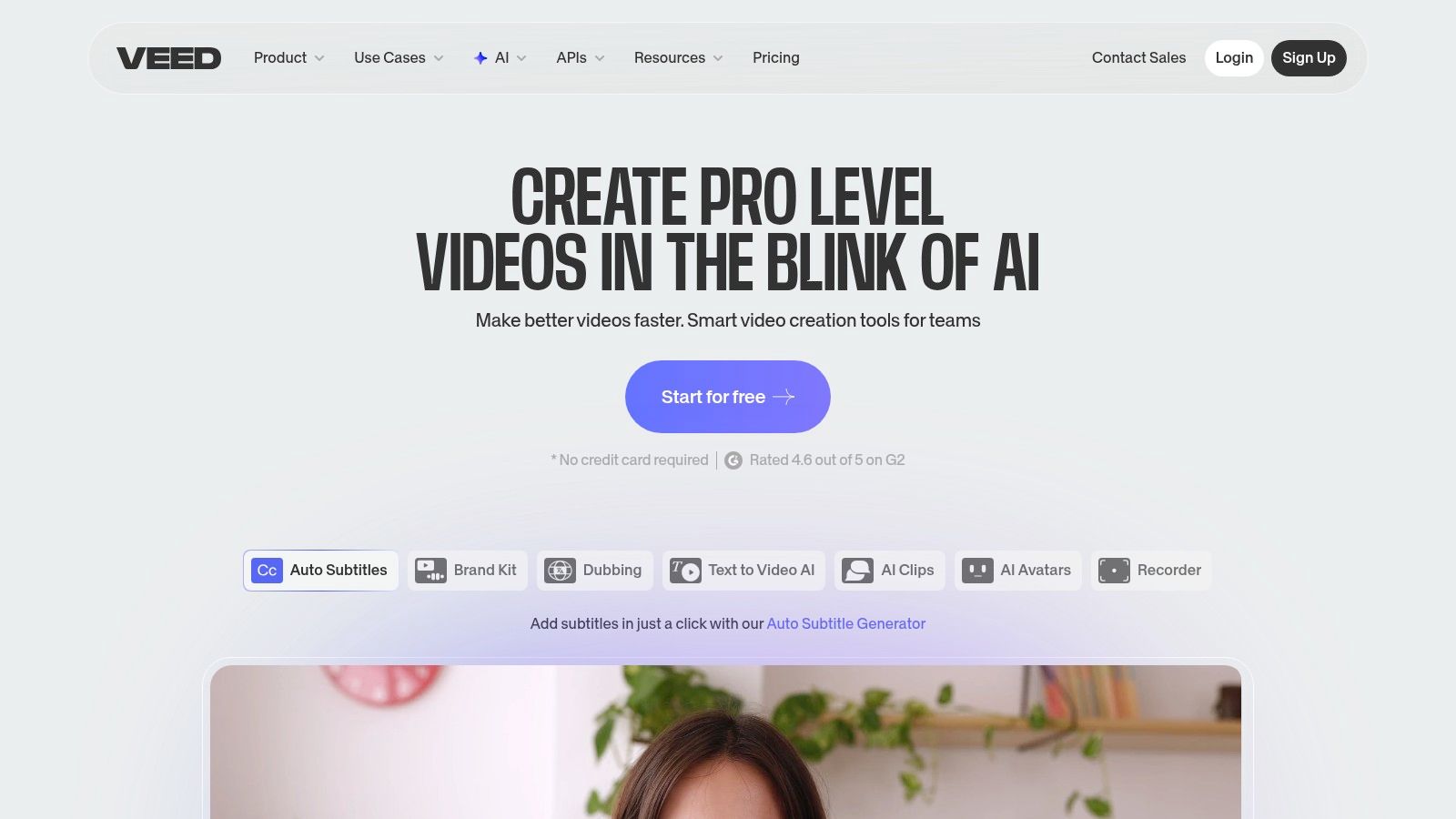
VEED positions itself as an all-in-one online video editor, but its strength lies in the powerful AI toolkit integrated directly into its browser-based interface. It’s designed for creators who need to produce polished video content quickly without juggling multiple applications. From automatically generating subtitles to creating entire videos from a text prompt, VEED streamlines complex editing tasks into a few clicks.
This makes it one of the best AI tools for content creators focused on social media, education, and marketing. Instead of manually editing, you can leverage AI for background noise removal, creating AI avatars for faceless content, or even cloning your own voice for consistent narration. The platform combines traditional timeline editing with advanced AI features, making it a versatile hub for video production.
Key Features & Use Cases
| Feature | Best Use Case |
|---|---|
| AI Avatars & Voice Cloning | Course creators making training videos without being on camera. |
| Auto Subtitles & Translation | Social media managers creating accessible content for a global audience. |
| Text-to-Video Generation | Marketers quickly generating short promotional ads from a product description. |
| Background & Noise Removal | Podcasters or interviewers cleaning up audio and video recorded in imperfect environments. |
Practical Tip: Use the "Magic Edit" tool to automatically remove filler words like "um" and "ah" from your recordings. This feature saves a significant amount of time compared to manually trimming the audio track.
- Pros: Broad AI toolbox inside a single web app; excellent for quick explainers and creating multi-language content variants; provides video hosting and API endpoints for advanced integration.
- Cons: The most powerful AI features are locked behind paid tiers; editing heavy, high-resolution projects can be intensive on browser and system RAM.
- Website: https://www.veed.io
11. AppSumo
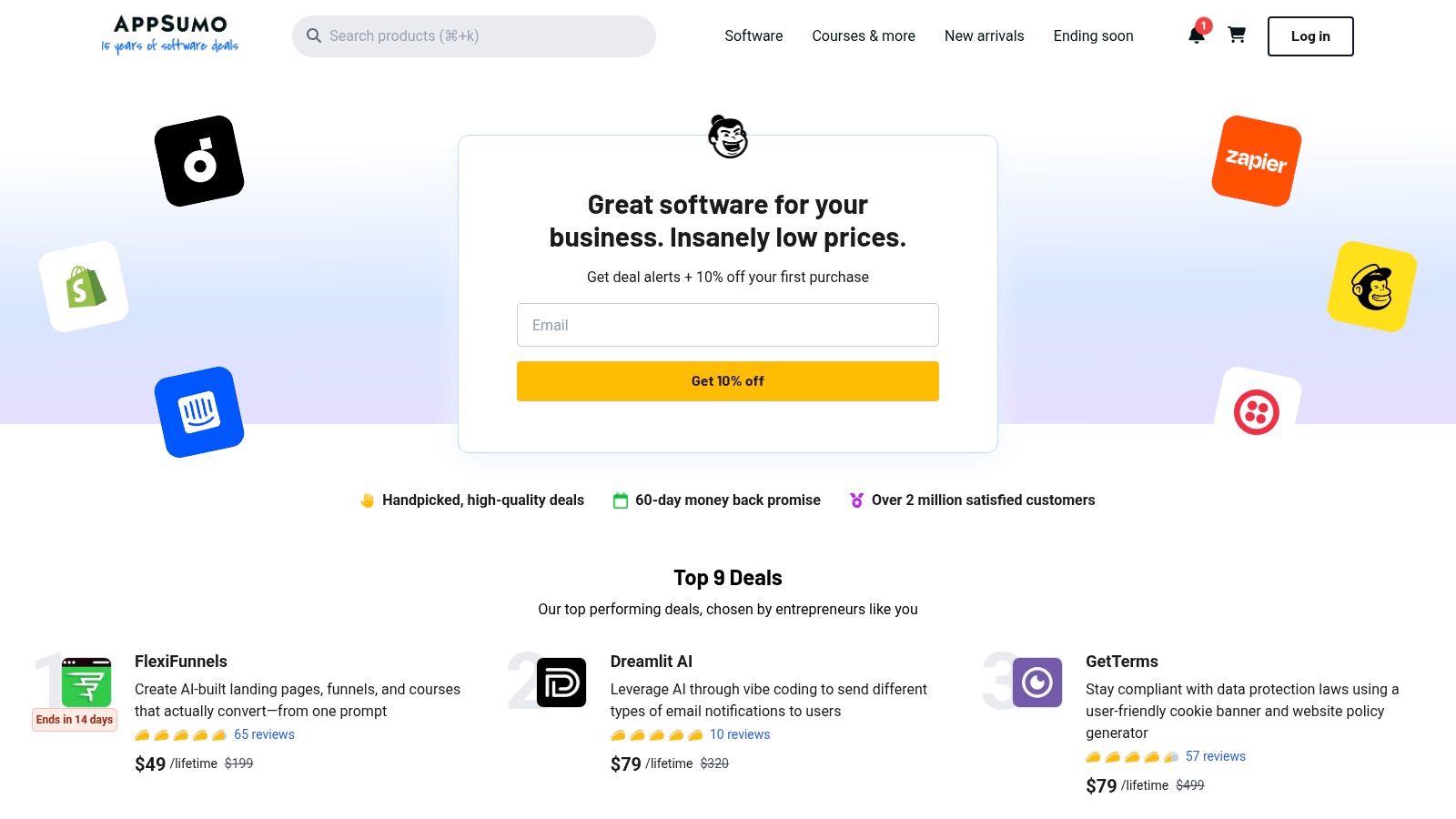
For the budget-conscious creator or agency, AppSumo isn't a single tool but a strategic marketplace for acquiring the best AI tools for content creators at a fraction of their standard cost. It specializes in lifetime deals (LTDs), allowing users to pay a one-time fee for lifetime access to software that typically requires a monthly subscription. This makes it an invaluable resource for discovering and testing emerging AI tools without committing to recurring expenses.
AppSumo curates collections specifically for AI, making it easy to find everything from AI-powered video editors and SEO assistants to writing and automation tools. For solopreneurs and small teams looking to build a powerful software stack without a large budget, AppSumo provides a unique opportunity to access premium tools affordably, often before they become mainstream.
Key Features & Use Cases
| Feature | Best Use Case |
|---|---|
| Lifetime Deals (LTDs) | Solopreneurs building their entire content creation software stack on a tight budget. |
| AI-Focused Collections | Marketers discovering new AI video, SEO, or writing assistants in one place. |
| Verified User Reviews | Agencies vetting a new tool's reliability and support before purchasing. |
| Time-Limited Bundles | Content creators grabbing a suite of complementary AI tools at a deep discount. |
Practical Tip: Always check the deal terms and user reviews before purchasing an LTD on AppSumo. Pay close attention to usage limits, future update policies, and the founding team's history to ensure the tool is a sustainable investment for your workflow.
- Pros: Extremely cost-effective for accessing multiple AI tools; centralized discovery with curated categories; ideal for solopreneurs and small agencies seeking bargains.
- Cons: LTDs may have usage caps compared to official subscription plans; tool longevity can vary, so vetting vendors is crucial.
- Website: https://appsumo.com
12. G2
While not an AI tool itself, G2 is an indispensable resource for creators navigating the rapidly expanding market of AI software. It’s a peer-to-peer review and comparison platform where real users share their experiences with different tools, from AI video generators to writing assistants. Instead of relying on marketing claims, creators can use G2 to validate a tool's reputation, compare features against competitors, and read candid feedback on performance and support quality.
This makes it one of the best research platforms for finding AI tools for content creators, as it helps you shortlist options before committing to a subscription. You can filter by company size, specific features, and pricing models to find software that truly fits your workflow and budget, cutting through the industry hype to find practical, user-vetted solutions.
Key Features & Use Cases
| Feature | Best Use Case |
|---|---|
| User Reviews & Ratings | A podcast editor reading reviews to decide between Descript and Audacity. |
| Grid® Reports | A marketing agency comparing leading AI copywriting tools based on market presence and user satisfaction. |
| Category-Specific Filters | A YouTuber filtering video editing software to find options with built-in AI captioning. |
| Feature Comparisons | A social media manager comparing the collaboration features of two different scheduling tools. |
Practical Tip: When evaluating a tool on G2, look beyond the overall score. Read both the highest and lowest-rated reviews to get a balanced view of a product's strengths and its most common pain points.
- Pros: Broad coverage of AI software categories relevant to creators; real-world feedback validates vendor claims; free to use for research and discovery.
- Cons: Sponsored placements can influence visibility; reviews sometimes skew towards very positive or very negative experiences, requiring careful reading.
- Website: https://www.g2.com
Top 12 AI Tools for Content Creators — Quick Comparison
| Product | Core features | Quality & UX | Pricing & Value | Target / USP |
|---|---|---|---|---|
| VideoBGRemover 🏆 | ✨ One‑click AI background removal; up to 4K / 120m; PNG seq, WebM VP9 α, ProRes | ★★★★★ Accurate cutouts (hair, motion, shadows); preserves frame rate; free preview | 💰 Pay‑as‑you‑go, non‑expiring credits (Basic $6/180 ≈3m; ~$0.50–$2/min) | 👥 Creators & teams — fast studio‑quality overlays, batch & API ✨ |
| Adobe Firefly | ✨ Generative image & video tools; Photoshop/CC integration | ★★★★ Brand‑safe models; enterprise tooling & licensing | 💰 Credits‑based; higher tiers for enterprise | 👥 Designers & agencies — deep Adobe integration ✨ |
| Canva Magic Studio | ✨ Magic Write/Media, Magic Switch, templates | ★★★★ Beginner‑friendly; fast multi‑format outputs | 💰 Free + paid tiers; some Magic features gated | 👥 Social marketers & teams — one‑click reformatting ✨ |
| Runway | ✨ Text/image→video Gen models; online editor & team workspaces | ★★★★ Frequent updates; clear credits→seconds mapping | 💰 Credits→seconds; higher tiers for longer/higher quality | 👥 Short‑form creators & motion designers — strong generation tools ✨ |
| Descript | ✨ Text‑based video/audio editing; overdub, auto captions | ★★★★ Excellent for talking‑heads & tutorials; time‑saving UX | 💰 Subscription with AI/media credits; 1080p–4K exports | 👥 Podcasters, educators — edit by text & overdub ✨ |
| Opus Clip | ✨ AI clipping + virality scoring; auto captions & reframing | ★★★ Fast repurpose workflow for shorts | 💰 Free/paid tiers; best features on paid plans | 👥 Creators repurposing long‑form → vertical shorts ✨ |
| ElevenLabs | ✨ High‑quality TTS & voice cloning; 70+ languages | ★★★★ Very natural voices; strong dubbing/localization | 💰 Credits with free tier; plan‑tied commercial licensing | 👥 Advertisers & localization teams — top‑tier synthetic voices ✨ |
| Jasper | ✨ Brand Voice, Canvas, Agents & governance for marketing | ★★★★ Built for scale & brand consistency | 💰 Subscription / Business tiers; pricier for solos | 👥 Marketing teams & enterprises — governed content at scale ✨ |
| Kapwing | ✨ Browser editor: auto‑subtitles, TTS, collaboration | ★★★★ Simple team workflow; real‑time collaboration | 💰 Free (watermark) + paid/credits for teams | 👥 Teams & social creators — collaborative repurposing ✨ |
| VEED | ✨ AI avatars, voice cloning, text→video, background removal | ★★★★ Broad all‑in‑one web toolkit | 💰 Paid tiers for full features; hosting options | 👥 Marketers & explainers — hosting + AI toolbox ✨ |
| AppSumo | ✨ Marketplace for lifetime deals & bundles | ★★★ Cost‑effective discovery; variable vendor longevity | 💰 One‑time LTDs & time‑limited deals | 👥 Solopreneurs & small agencies — bargain hunting ✨ |
| G2 | ✨ Vendor‑neutral reviews, grids & filters | ★★★★ Comprehensive user feedback; research‑focused | 💰 Free to use for research | 👥 Buyers & procurement — shortlist & validate vendors ✨ |
Building Your AI-Powered Creator Stack
The landscape of content creation is transforming at an unprecedented pace, and as we've explored, artificial intelligence is no longer a futuristic concept but a tangible, powerful ally. Navigating the sheer volume of options can feel overwhelming, but the goal isn't to master every single platform. Instead, the real power lies in strategically assembling a personalized "creator stack" that automates your weaknesses and amplifies your strengths.
We’ve journeyed through a comprehensive list of the best AI tools for content creators, from video editing powerhouses like Runway and Descript to design suites like Canva Magic Studio and text generators like Jasper. The central theme is clear: AI is here to demolish the tedious, time-consuming tasks that stand between your idea and your audience.
From Overwhelmed to Empowered: Key Takeaways
The most effective approach is to identify the single biggest bottleneck in your current workflow. Is it the hours spent meticulously editing podcast audio? Is it the creative block you face when writing social media captions? Or is it the technical headache of isolating subjects from distracting backgrounds in your videos?
Once you pinpoint your primary pain point, you can select a "cornerstone" tool to solve it. For a podcaster, that might be Descript for its text-based audio editing. For a social media manager juggling multiple accounts, Opus Clip is a game-changer for repurposing long-form content. For any creator producing video-first content for platforms like TikTok, Reels, or YouTube Shorts, a specialized tool like VideoBGRemover is essential for achieving a polished, professional look without a green screen.
How to Choose Your AI Toolkit
Building your ideal stack requires a thoughtful, strategic approach. Don’t just chase the newest, shiniest tool. Instead, use this framework to make informed decisions that align with your specific goals and budget.
- Start with a Needs Analysis: Before you sign up for a single free trial, map out your entire content creation process. Identify the steps that take the most time or require skills you lack. This is where AI can deliver the highest return on investment.
- Prioritize Integration: The best tools don't exist in a vacuum; they work together seamlessly. Look for platforms that offer integrations with software you already use, whether it's your video editor, social media scheduler, or cloud storage. A connected workflow saves more time than any single feature.
- Evaluate Pricing Models: Many creators operate on tight budgets. Pay-as-you-go models or tools with generous free tiers (like VideoBGRemover) are excellent starting points. They allow you to test functionality and scale your usage as your needs grow, avoiding costly monthly subscriptions for tools you only use occasionally.
- Focus on Specificity: General-purpose AI is useful, but specialized tools often deliver superior results for specific tasks. A dedicated background removal tool will almost always outperform the built-in feature of a general video editor, providing cleaner cutouts and more professional final exports.
Ultimately, the right collection of AI tools will feel less like a set of disjointed applications and more like an extension of your own creative team. It’s an assistant that handles the repetitive work, a collaborator that sparks new ideas, and a technician that polishes your final product. By starting small, focusing on your most significant challenges, and building a cohesive, integrated stack, you can reclaim your most valuable asset: the time and energy needed to create content that truly connects.
Ready to eliminate one of video creation's biggest headaches? Start building your AI-powered stack with a tool designed for a flawless finish. Give VideoBGRemover a try to instantly remove and replace video backgrounds with stunning precision, no green screen required.
Tagged with
Ready to Remove Your Video Background?
See a free preview before you buy.
No credit card required • Free preview on every video