Ai Video Editing Tools: Top 12 for Creators - ai video editing tools
Explore the best ai video editing tools for creators and marketers. Compare features, pricing, and pros to pick the right tool for your workflow.
Video editing has traditionally been a complex, time-consuming process reserved for professionals with expensive software and powerful hardware. Today, artificial intelligence is changing the game. The best AI video editing tools automate tedious tasks like cutting, captioning, and background removal, allowing creators and marketers to produce high-quality content faster than ever. From text-based editing that works like a document to one-click visual effects, these platforms are democratizing video production for everyone.
This guide cuts through the noise to help you find the right tool for your specific needs, whether you're creating viral social media clips, producing polished marketing ads, or developing educational tutorials. For creators just starting out, understanding the fundamentals of how these systems work can be a huge advantage. If you're looking to dive deeper into the practical application of AI in video, an excellent resource explains how to make AI videos for beginners by turning static images into dynamic life.
We'll explore 12 of the best AI-powered solutions, breaking down their strengths, weaknesses, and ideal use cases so you can make an informed choice. Each review includes screenshots and direct links to help you evaluate which platform aligns with your creative workflow and business goals. This curated list is designed to be your go-to resource for navigating the exciting world of AI-enhanced video creation, helping you save time while elevating your content.
1. VideoBGRemover
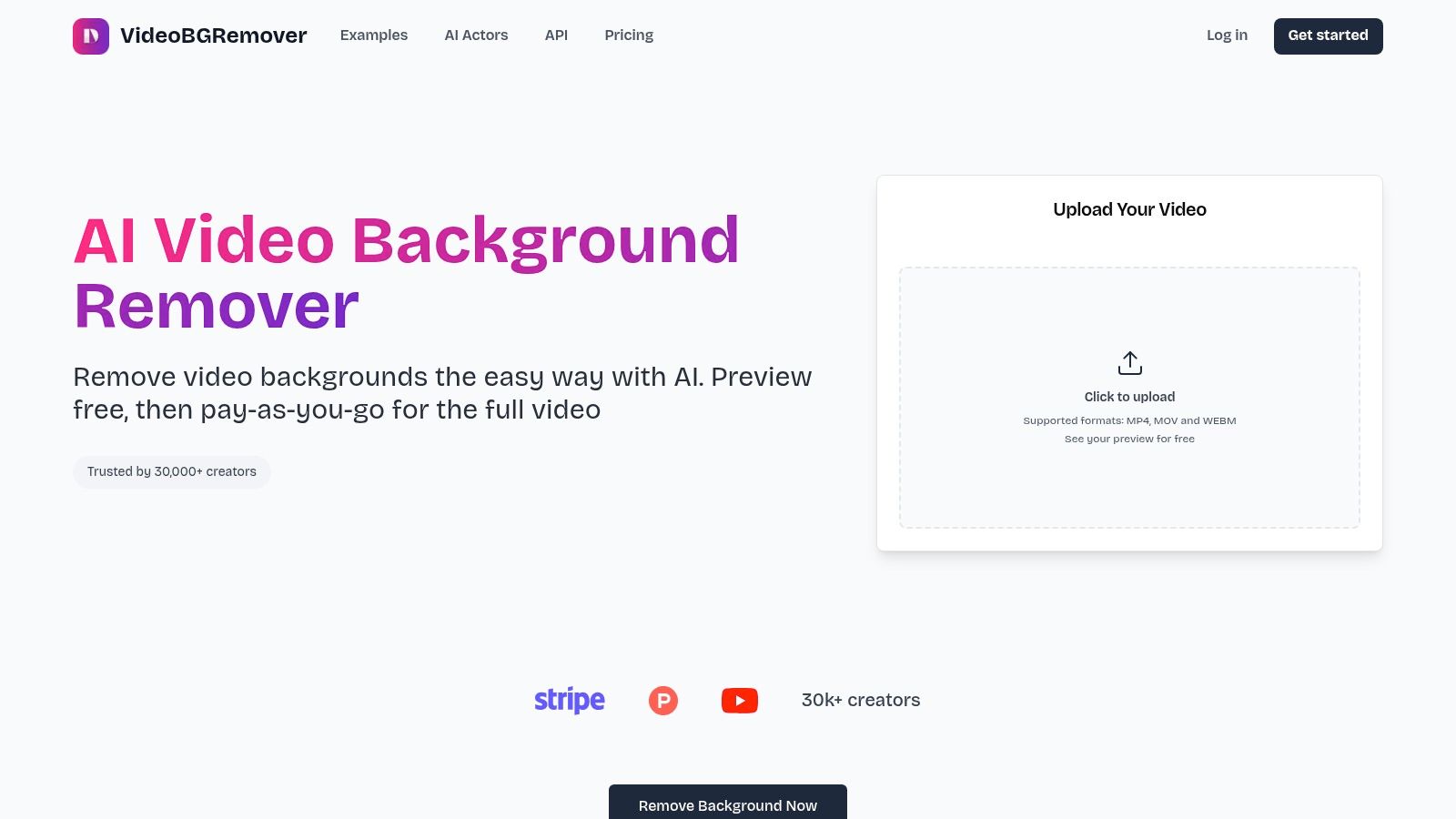
VideoBGRemover stands out as a specialized yet powerful AI tool, laser-focused on one of the most tedious tasks in video editing: background removal. It’s an essential utility for creators who need studio-quality results without the complexity of a green screen or manual rotoscoping. The platform uses a sophisticated AI model to precisely detect and isolate subjects, from people and pets to products, frame-by-frame. This ensures clean, professional cutouts even with challenging elements like fine hair, motion blur, and low-contrast scenes.
Its browser-based interface is refreshingly straightforward. You simply upload your footage, and the AI processes it automatically. You can preview the result for free without signing up, ensuring the quality meets your standards before committing. This pay-as-you-go model is a significant advantage, removing the friction of subscriptions for creators who have fluctuating project needs.
Key Features & Use Cases
- Professional Export Formats: Beyond a standard MP4 with a new background, it offers transparent formats like MOV ProRes 4444, WebM VP9 Alpha, and PNG sequences. This makes it a go-to tool for video editors and motion designers who need to composite footage into other projects seamlessly.
- High-Resolution & Long-Form Support: The platform handles videos up to 4K resolution and 120 minutes in length, making it suitable for everything from short-form social content to full-length webinars and tutorials.
- Workflow Integration: For teams and developers, VideoBGRemover provides batch processing and API access. This allows for the automation of background removal in high-volume workflows, such as for e-commerce product videos or user-generated content platforms.
- Flexible Pay-As-You-Go Pricing: Credits are purchased in packs and never expire, providing excellent flexibility. Pricing starts around $0.50-$2.00 per minute, with significant discounts for bulk purchases and API usage.
Pros & Cons
| Pros | Cons |
|---|---|
| Highly accurate AI cutouts that preserve quality, even with difficult subjects. | Processing is entirely cloud-based, requiring an internet connection and footage upload. |
| Supports professional transparent export formats for advanced editing workflows. | Per-minute costs can be high for single, short clips if not buying credit packs. |
| Simple, subscription-free, pay-as-you-go pricing with free previews. | No on-premise or offline version for users with strict data privacy or compliance requirements. |
| Scalable for teams and platforms with batch processing and API access. |
Best For: Content creators, marketers, and editors who need fast, reliable background removal without a green screen. It's an indispensable part of modern ai video editing tools for producing polished social media ads, tutorials, and product videos. For a deeper dive into the technique, you can learn how to change a video background without a green screen on VideoBGRemover.com.
Website: https://videobgremover.com
2. Adobe Premiere Pro
Adobe Premiere Pro remains the industry standard for professional video editing, and it has powerfully integrated AI to streamline complex workflows. Rather than being a fully automated tool, Premiere uses AI to augment the creative process for editors who need granular control. Its standout features leverage Adobe's Firefly AI to accelerate tasks that were once tedious and time-consuming.
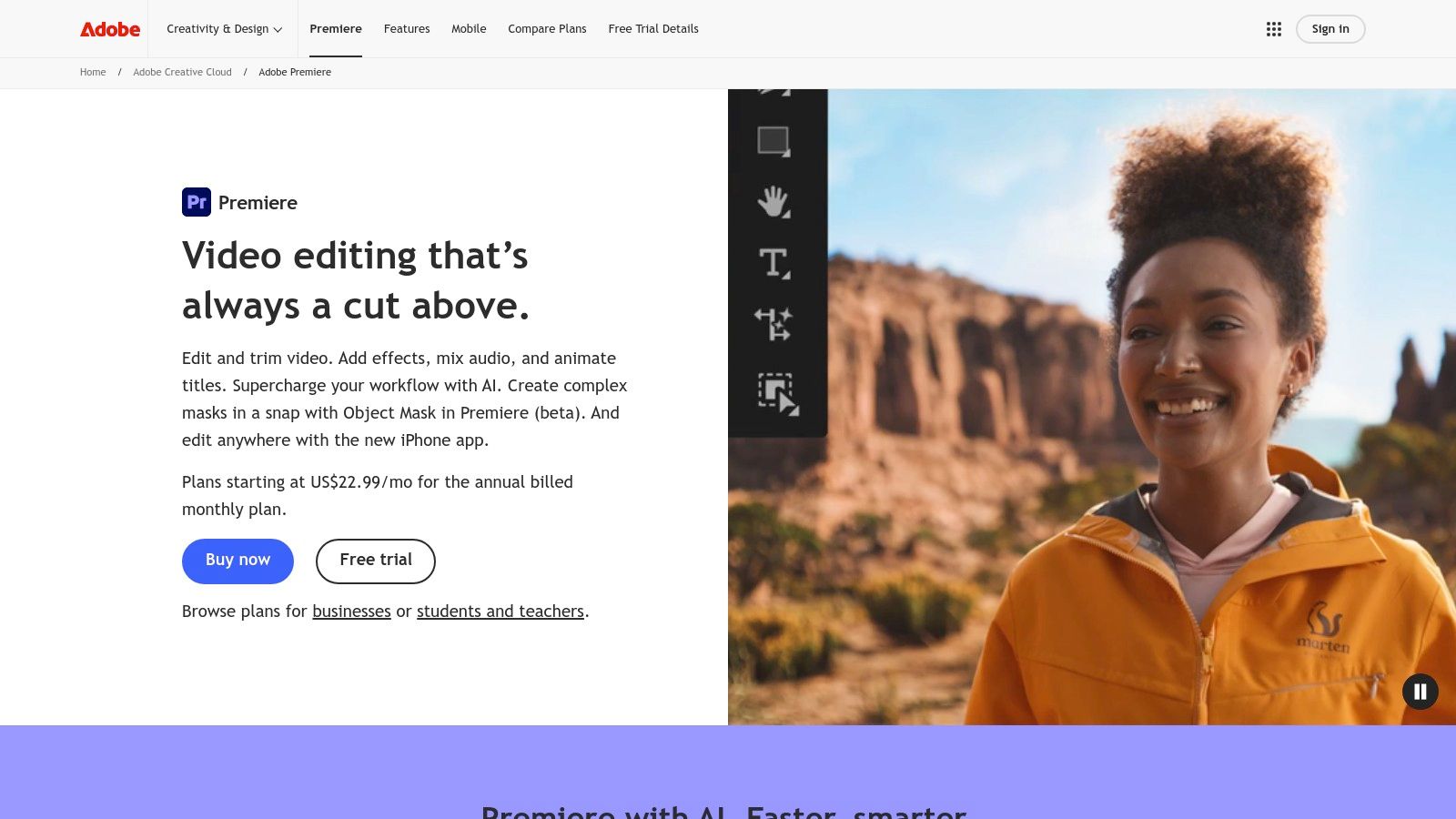
This platform excels at automating foundational editing tasks. For instance, its Text-Based Editing feature automatically transcribes your footage, allowing you to edit your video simply by deleting words or phrases in the text transcript. This is a massive time-saver for documentary, interview, and tutorial content. The Auto Reframe tool intelligently identifies the action in a 16:9 frame and reformats it for vertical or square outputs, perfect for social media repurposing.
Key AI Features & Use Cases
- Generative Extend: Powered by Adobe Firefly, this feature intelligently adds frames to the beginning or end of a clip to perfect timing or transitions without disruptive jump cuts.
- AI-Powered Color Management: Tools like Auto Color and Lumetri Color simplify color correction and grading, making it faster to achieve a consistent, professional look.
- Scene Edit Detection: Automatically adds cuts to an already-edited video file, which is invaluable for re-editing existing content or analyzing competitor ads.
- Ecosystem Integration: Its seamless connection with After Effects, Audition, and Frame.io makes it the core of many professional production pipelines. For those needing advanced background removal, it's also worth exploring how to use chroma key effects within Premiere Pro.
| Pros | Cons |
|---|---|
| Deep ecosystem with extensive tutorial support | Subscription-only model can be costly |
| Strong stability and performance on Mac/Windows | AI features may use up monthly generative credits |
| Widely used in agencies, simplifying team collaboration | Steeper learning curve than template-based editors |
Best For: Professional video editors, marketing agencies, and content creators who need a robust, all-in-one editor with powerful AI-assisted tools rather than full automation.
Pricing: Available through an Adobe Creative Cloud subscription, starting at $22.99/month for Premiere Pro alone or as part of the full Creative Cloud suite.
3. Apple Final Cut Pro
For users deeply invested in the Apple ecosystem, Final Cut Pro offers a high-performance editing experience supercharged by on-device AI. Unlike cloud-based platforms, its AI features run directly on Apple Silicon, delivering exceptional real-time performance without relying on an internet connection. This makes it a powerful choice for Mac users who prioritize speed, stability, and a one-time purchase over a recurring subscription.
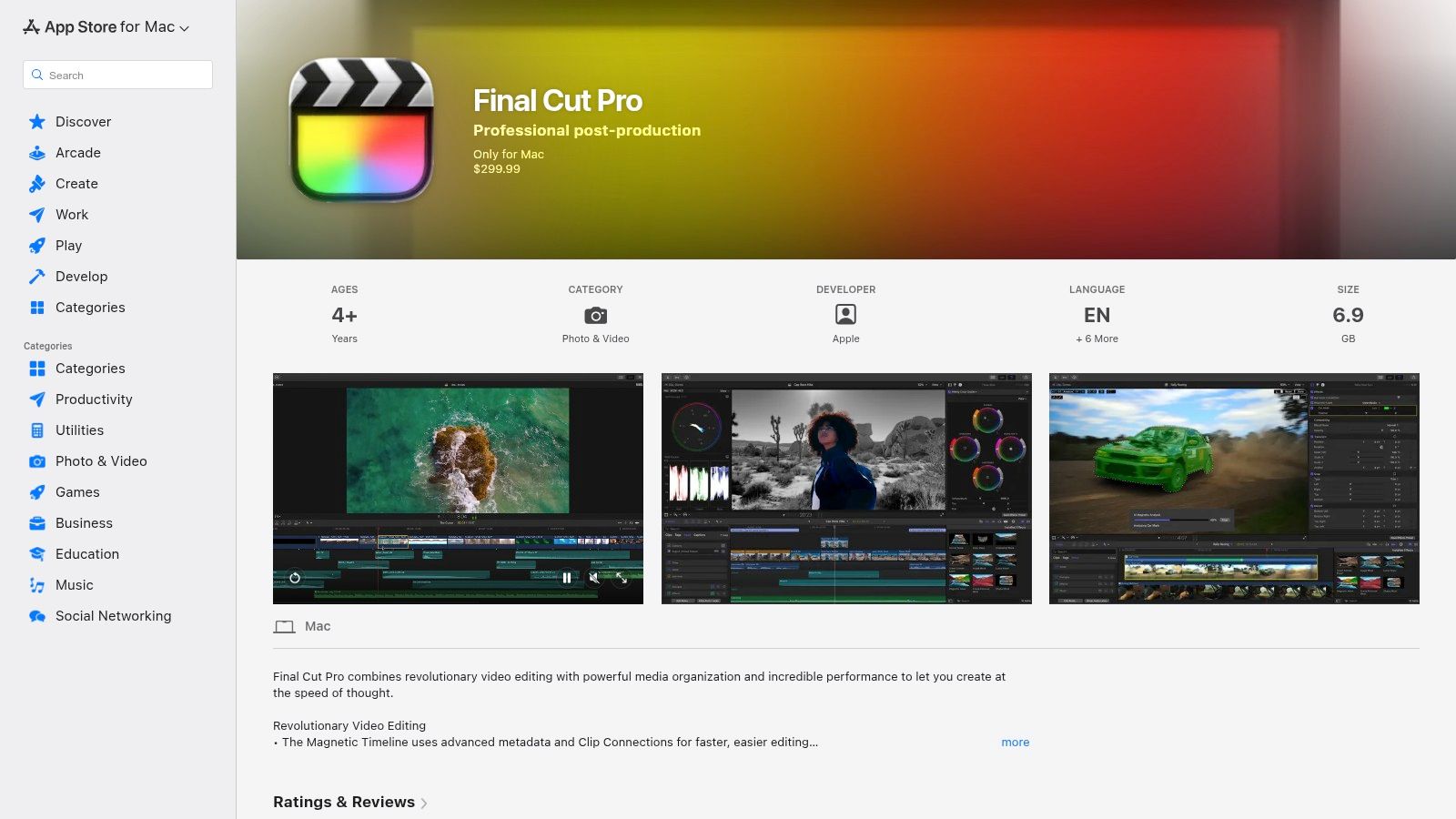
Final Cut Pro excels at using AI to solve common editing challenges efficiently. Its Smart Conform tool analyzes clips and automatically crops them for vertical or square social media formats, keeping the main subject in focus. The Voice Isolation feature intelligently separates dialogue from distracting background noise, a lifesaver for content filmed in unpredictable environments. These integrated AI video editing tools are designed to feel like natural extensions of the traditional editing workflow.
Key AI Features & Use Cases
- Transcribe to Captions: Automatically generates captions from the video's audio, allowing for quick creation of accessible and engaging social content.
- Magnetic Mask: An AI-powered masking tool that simplifies subject isolation, making it faster to apply effects or color corrections to specific people or objects.
- Scene Removal Mask: Intelligently analyzes footage to create a clean background plate, useful for advanced compositing and visual effects without a green screen.
- Apple Silicon Optimization: Delivers incredible performance for ProRes and RAW workflows, ensuring smooth playback and fast exports on modern Mac hardware.
| Pros | Cons |
|---|---|
| One-time price with no recurring subscription | macOS only with no Windows support |
| Excellent real-time performance on Apple hardware | Fewer built-in collaborative cloud features than SaaS tools |
| Strong integration with the Apple ecosystem | AI feature set is less generative compared to competitors |
Best For: Mac-based creators, filmmakers, and YouTubers who need a professional, high-performance editor with powerful on-device AI tools and prefer a one-time purchase model.
Pricing: Available as a one-time purchase of $299.99 from the Mac App Store.
4. Blackmagic Design DaVinci Resolve (Studio)
DaVinci Resolve has built a reputation for its Hollywood-grade color correction, but its AI-powered Neural Engine has transformed it into a formidable all-in-one editor. Unlike web-based tools, Resolve integrates professional editing, color grading, visual effects (Fusion), and audio post-production (Fairlight) into a single application. This unified workflow is supercharged with AI features designed to handle complex tasks with remarkable speed and precision.
The platform’s standout AI capability is Magic Mask, which uses the Neural Engine to automatically trace and isolate people or specific objects, creating precise selections for targeted effects and corrections. Its AI-based speech-to-text engine generates transcripts that enable text-based editing similar to other top-tier editors. Features like Voice Isolation and Dialogue Leveler also use AI to clean up audio, making it a comprehensive solution for creators demanding high production quality.
Key AI Features & Use Cases
- Magic Mask: Instantly isolate subjects from their background for color grading, VFX, or background replacement without manual rotoscoping.
- AI Speech-to-Text Transcription: Automatically generate subtitles and captions or edit video by manipulating the text transcript.
- Smart Reframe: Intelligently analyzes and reframes horizontal footage for vertical social media formats, keeping the main subject in the shot.
- Voice Isolation & Dialogue Leveler: Clean up noisy audio tracks and balance dialogue levels with a single click, perfect for interviews and field recordings. For more details on its capabilities, see this complete video editing software comparison.
| Pros | Cons |
|---|---|
| Studio version is a one-time purchase (perpetual license) | Steeper learning curve than typical web-based editors |
| Extremely powerful free version for beginners | Requires a powerful computer for optimal performance |
| All-in-one workflow for video, color, VFX, and audio | Official price can differ from U.S. reseller pricing |
Best For: Aspiring filmmakers, professional editors, and colorists who want an industry-leading toolset without a monthly subscription. Its powerful free version makes it accessible to everyone.
Pricing: DaVinci Resolve has a feature-rich free version. The full DaVinci Resolve Studio, which unlocks all AI features, is available for a one-time purchase of $295.
Visit Blackmagic Design DaVinci Resolve
5. Descript
Descript has pioneered a unique and intuitive approach to video editing by treating it like a word document. Built around its powerful AI transcription engine, the platform allows creators to edit video and audio by simply editing text. This method dramatically lowers the barrier to entry for anyone working with dialogue-heavy content like tutorials, webinars, podcasts, and interviews, making it one of the most accessible AI video editing tools available.

The platform's core strength lies in its ability to streamline the post-production process for speech-based video. Its AI can automatically detect and remove filler words like "um" and "uh" with a single click, while the Studio Sound feature enhances voice recordings to sound like they were captured in a professional studio. For repurposing content, its AI can quickly generate summary clips, social media-ready videos, and articles from long-form recordings.
Key AI Features & Use Cases
- Text-Based Editing: Edit video by cutting, pasting, and deleting words in an automatically generated transcript. This is ideal for cleaning up interviews and instructional content.
- AI Audio Enhancement: Use Studio Sound for noise reduction and voice enhancement, and Filler Word Removal to instantly improve audio clarity and professionalism.
- Overdub & AI Voices: Correct misspoken words or create entirely new voice-overs using a hyper-realistic clone of your own voice or stock AI voices.
- AI-Powered Repurposing: The "Underlord" AI assistant can find the best moments in your recordings and automatically create short, shareable clips for social media platforms.
| Pros | Cons |
|---|---|
| Extremely intuitive for editing speech-heavy content | Not built for heavy motion graphics or complex visual timelines |
| Powerful AI audio cleanup and voice cloning tools | Media-minute and AI credit limits require planning |
| Excellent for creating captions and repurposing content | Primarily a desktop/web app, not a mobile-first solution |
Best For: Podcasters, educators, course creators, and marketers who need a fast, transcription-based workflow to edit and repurpose dialogue-driven video and audio content.
Pricing: Offers a free plan with limited features. Paid plans start at $12/month per user, offering more transcription hours and access to advanced AI features.
6. Runway
Runway has positioned itself as a next-generation creative suite where AI isn't just a feature, but the core foundation. It blends a familiar web-based video editor with some of the most advanced generative AI models available, including its proprietary Gen-2 for text-to-video. This makes it a powerful sandbox for ideation, creating unique B-roll, and executing complex VFX shots directly in the browser without specialized software.

Unlike traditional AI video editing tools that focus on automating existing workflows, Runway opens up entirely new creative possibilities. You can generate video clips from text prompts, transform existing footage into a completely different style, or use its AI "Magic Tools" for tasks like infinite image expansion and motion tracking. Its browser-based approach also facilitates team collaboration with shared assets and project spaces.
Key AI Features & Use Cases
- Text to Video (Gen-2): Create short video clips from simple text descriptions, perfect for generating abstract B-roll, conceptual animations, or quick social media visuals.
- AI Magic Tools: A suite of over 30 AI-powered tools, including Remove Background, Inpainting (removing objects from video), and Motion Tracking for advanced compositing.
- Video to Video: Transform the style of an existing video clip to match a reference image or text prompt, enabling surreal and artistic visual effects.
- Frame Interpolation: Generate smooth slow-motion effects by creating new frames between existing ones, enhancing standard footage without a high-speed camera.
| Pros | Cons |
|---|---|
| Cutting-edge generative AI models for unique visuals | Credit-based system can become costly for high-volume generation |
| All-in-one platform for editing and AI generation | Generative output quality can be unpredictable and may require polish |
| Frequent updates with new and experimental AI tools | Steeper learning curve for mastering prompts and generative workflows |
Best For: Experimental filmmakers, artists, and social media marketers looking to create highly unique, AI-generated visuals and effects that stand out from conventional content.
Pricing: Offers a free basic plan with limited credits. Paid plans start at $12 per user/month (billed annually) for more credits and advanced features.
7. VEED.IO
VEED.IO is a browser-based video editor that has rapidly gained popularity among social media teams and content creators who prioritize speed and simplicity. It excels at making video accessible to non-editors by packaging powerful AI features into a clean, intuitive interface. The platform is best known for its best-in-class automatic subtitle generation and translation capabilities, making it a go-to tool for creating accessible and globally-ready social content.
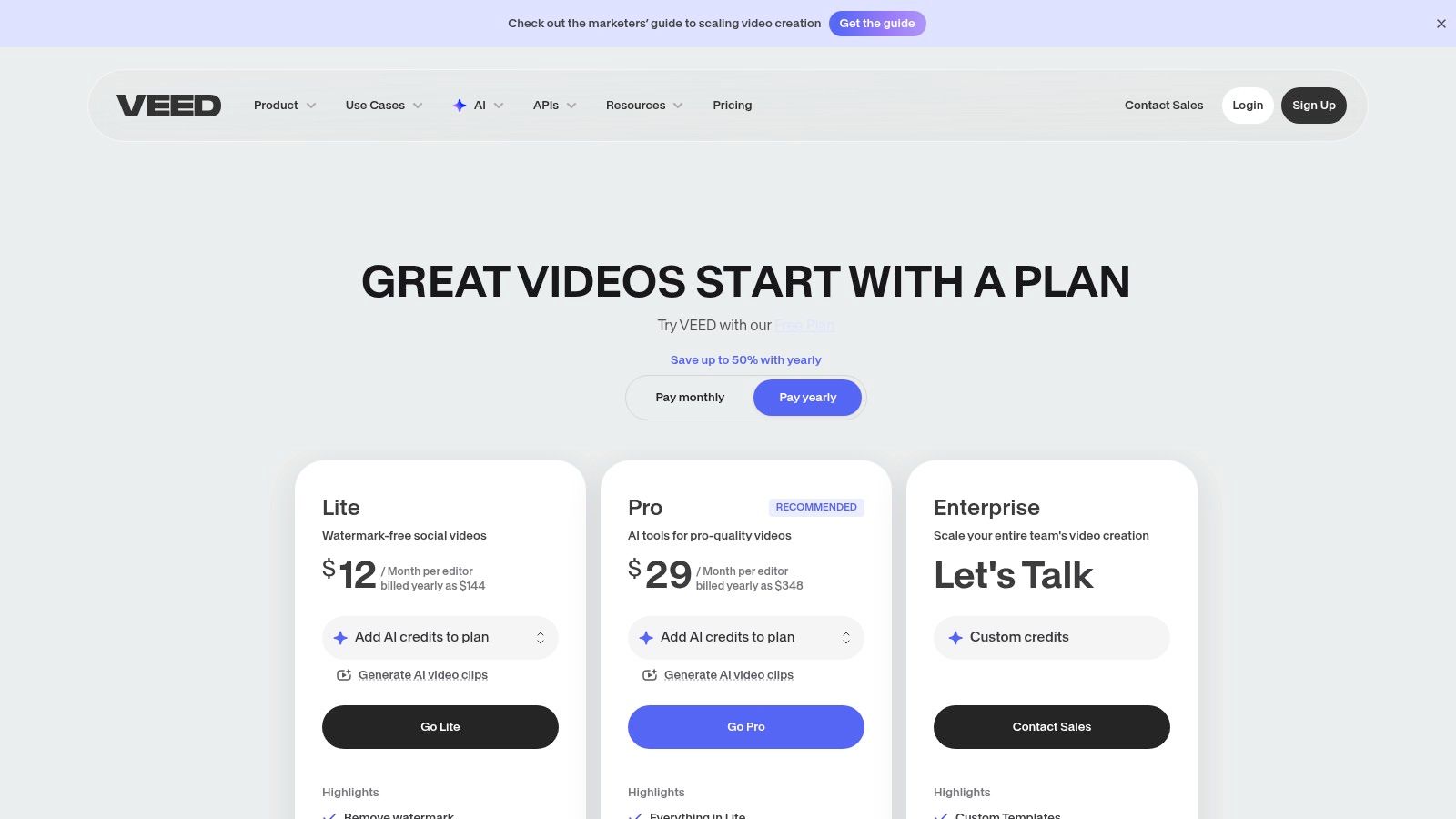
While its core strength is subtitling, VEED.IO has expanded its suite of AI video editing tools significantly. Its AI-powered audio cleanup removes background noise with a single click, and the innovative eye-contact correction tool is perfect for creators filming tutorials or presentations. The platform also offers collaboration, hosting, and sharing directly from the browser, creating a seamless workflow for teams that need to produce and distribute content quickly without complex software.
Key AI Features & Use Cases
- Auto-Subtitles & Translation: Instantly generates accurate subtitles for videos and translates them into multiple languages, complete with AI-powered dubbing for localized content.
- AI Audio Cleanup: Features like Background Noise Removal and silence trimming help produce clean, professional-sounding audio without needing an audio engineer.
- Eye Contact Correction: A smart tool that adjusts the speaker's gaze to appear as if they are looking directly at the camera, increasing audience engagement.
- Text-to-Video & AI Avatars: Allows users to generate videos from text prompts or use customizable AI avatars, ideal for creating marketing shorts or explainer videos.
| Pros | Cons |
|---|---|
| Extremely beginner-friendly with solid tutorial support | Advanced AI features are often gated behind higher-tier plans |
| Useful translation and dubbing for UGC ads and global content | Pricing and credit allocations vary; users must verify inclusions |
| Excellent collaboration and hosting features built-in | Rendering performance can be slower for longer, complex videos |
Best For: Social media managers, UGC creators, and marketing teams who need a fast, browser-based editor for creating subtitled social media content, tutorials, and ads.
Pricing: Offers a free plan with watermarked exports. Paid plans start at $18/month (billed annually) for the Basic plan, with Pro and Business tiers offering more advanced features and higher limits.
8. Wondershare Filmora
Wondershare Filmora strikes an excellent balance between user-friendliness and powerful AI functionality, making it a top choice for creators who want advanced features without a steep learning curve. It’s designed to simplify the editing process for social media content, tutorials, and ads, providing a suite of AI-driven tools that automate common but time-consuming tasks. Available across Windows, macOS, and mobile, it offers a seamless editing experience for various platforms.
The platform integrates an AI Copilot that guides users through editing workflows, suggesting effects and edits based on the content. Standout features like AI Smart Cutout allow for precise background and object removal with minimal effort, while its silence detection tool automatically trims dead air from dialogue-heavy videos. This makes Filmora one of the more intuitive AI video editing tools for creators who need to produce polished content quickly.
Key AI Features & Use Cases
- AI Smart Cutout: Intelligently isolates and removes people or objects from the background, ideal for creating clean product shots or creative composites without a green screen.
- Silence Detection: Automatically identifies and removes silent segments in recordings, a huge time-saver for creators editing tutorials, vlogs, or interviews.
- AI Audio Stretch & Denoise: Fits background music to your video's length automatically and cleans up audio by removing wind, hums, and other unwanted noise.
- Text-Based Editing: Similar to professional NLEs, it allows you to edit video by editing the auto-generated text transcript, speeding up the rough cut process.
| Pros | Cons |
|---|---|
| Friendly UI with a fast learning curve | Less granular control than professional NLEs |
| Perpetual and annual license choices available | Some add-ons and asset packs are separate subscriptions |
| Strong cross-platform support (Windows, Mac, mobile) | AI features can be resource-intensive on lower-end hardware |
Best For: YouTubers, social media managers, and educators who need a powerful yet straightforward editor with reliable AI assists for creating engaging content efficiently.
Pricing: Offers a subscription plan starting at $29.99 per quarter or a perpetual license for a one-time fee of $79.99.
9. Kapwing
Kapwing is a powerful, browser-based editor designed for speed and collaboration, making it ideal for creating social media content. It combines a user-friendly, template-driven interface with a robust suite of AI video editing tools that simplify complex tasks. Its collaborative workspaces allow marketing teams and creators to produce high-quality videos without needing to install any software, streamlining the entire content creation workflow from start to finish.
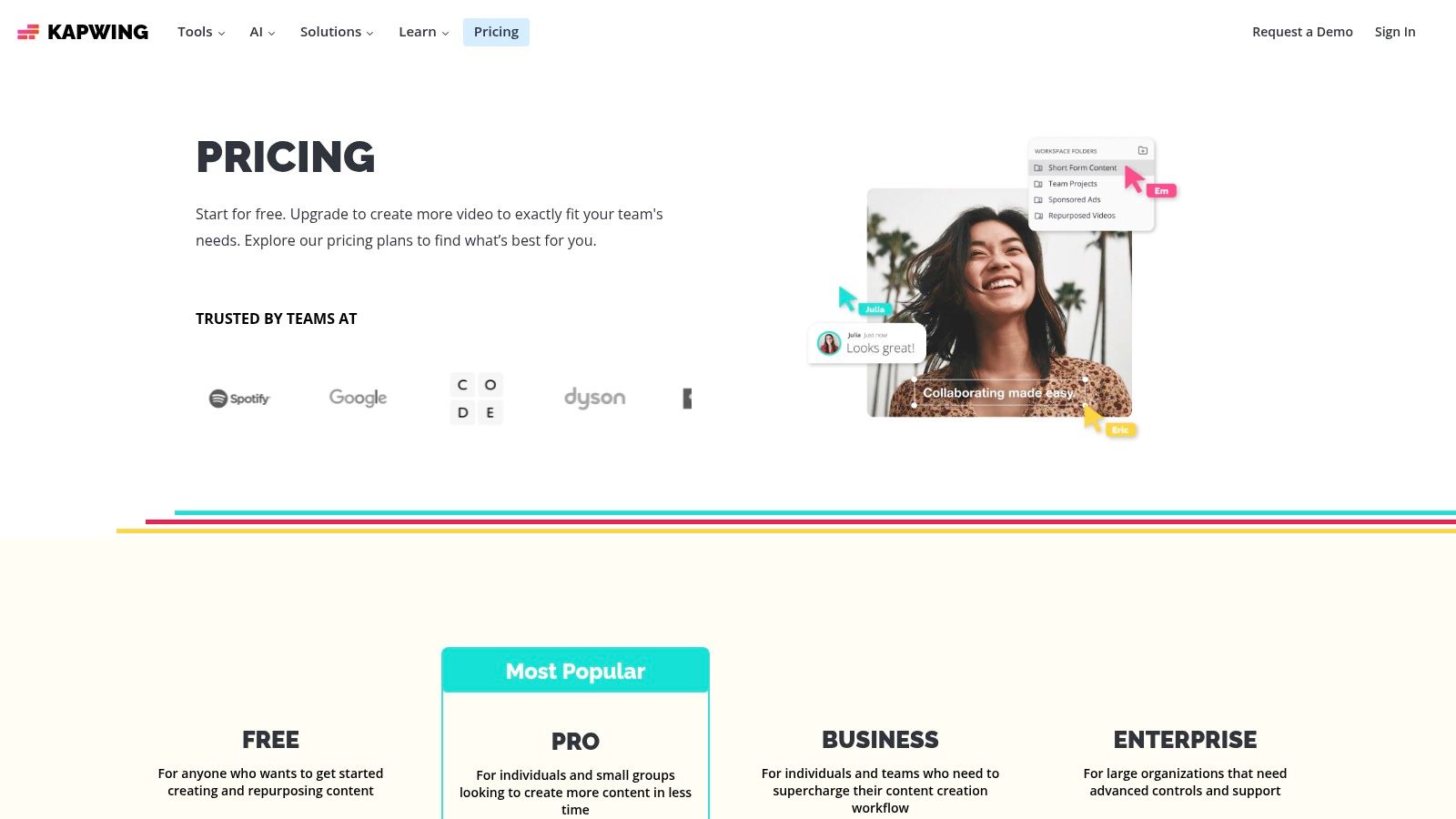
The platform shines with its text-based and generative AI features. Kapwing’s AI Video Editor can generate a video from a simple text prompt, complete with stock footage, music, and subtitles. Its Smart Cut tool automatically removes silences and awkward pauses, while the auto-subtitle and dubbing features make content instantly accessible to a global audience. For teams, the ability to create and share brand kits ensures every video maintains a consistent look and feel.
Key AI Features & Use Cases
- Prompt-to-Video Generation: Use the AI assistant to create a video from scratch by describing the content, style, and target platform.
- Transcript-Based Editing: Edit your video by simply deleting words or sentences from the automatically generated transcript, similar to editing a document.
- Automatic Subtitles & Dubbing: Generate accurate subtitles in multiple languages and even create AI-powered voiceovers to localize your content.
- Smart B-Roll Generator: The AI can analyze your script and automatically find and insert relevant B-roll clips to make your videos more engaging.
| Pros | Cons |
|---|---|
| No installs needed; works in any modern browser | Heavy motion graphics are better handled in desktop NLEs |
| Easy for marketers and UGC teams to collaborate | AI features operate on a credit system, which can be limited on lower tiers |
| Excellent for quick social media video turnarounds | Rendering longer, high-resolution videos can be slow depending on connection |
Best For: Social media managers, marketing teams, and content creators focused on producing Reels, TikToks, and Shorts quickly and collaboratively.
Pricing: Offers a free plan with watermarks. Paid plans start at $24/month per user, which removes watermarks, unlocks 4K export, and provides more AI credits.
10. CapCut
CapCut has rapidly become the go-to editor for short-form social media content, evolving from a simple mobile app to a powerful cross-platform tool. It excels at combining a traditional timeline editor with a massive library of AI-powered templates and effects, making it one of the most accessible ai video editing tools for creating viral content on TikTok, Reels, and Shorts. Its workflow is built for speed and social-first trends.
The platform's strength lies in its ability to quickly automate tedious tasks and apply trending styles with a single click. AI features like auto-captions generate synchronized subtitles instantly, while its background removal and voice tools simplify common editing needs. For creators looking to repurpose content, CapCut’s AI-driven translation and dubbing features are incredibly useful for reaching global audiences without complex software.
Key AI Features & Use Cases
- Extensive Template Library: Quickly create engaging social media videos using AI-powered templates that automatically sync your clips to trending audio and effects.
- AI Auto-Captions: Instantly generate and customize animated subtitles to improve accessibility and viewer retention on platforms where sound is often off.
- AI Voice & Video Tools: Includes background removal, voice changers, text-to-speech, and text/image-to-video generators for fast content creation.
- Cloud Sync Across Devices: Start a project on your phone, refine it on your desktop, and finalize it on the web, with all assets and edits synced seamlessly.
| Pros | Cons |
|---|---|
| Free to start and very fast for social formats | Pro pricing and inclusions vary by platform and region |
| Strong templates and effects ecosystem | In-app stores may manage subscriptions, causing support issues |
Best For: Content creators and marketers focused on producing high volumes of Reels, TikToks, and YouTube Shorts who need speed and trend-focused templates.
Pricing: Offers a generous free plan. CapCut Pro pricing varies but typically starts around $7.99/month, unlocking premium effects, templates, and cloud storage.
11. Topaz Labs – Topaz Video
Topaz Video is less of a video editor and more of a specialized AI enhancement suite designed to rescue and improve low-quality footage. It’s an essential tool for professionals who need to work with archival clips, user-generated content, or smartphone footage. Instead of offering a timeline or cutting tools, Topaz focuses entirely on using AI models to upscale, denoise, deblur, and restore video, making it a powerful companion to a traditional non-linear editor (NLE).
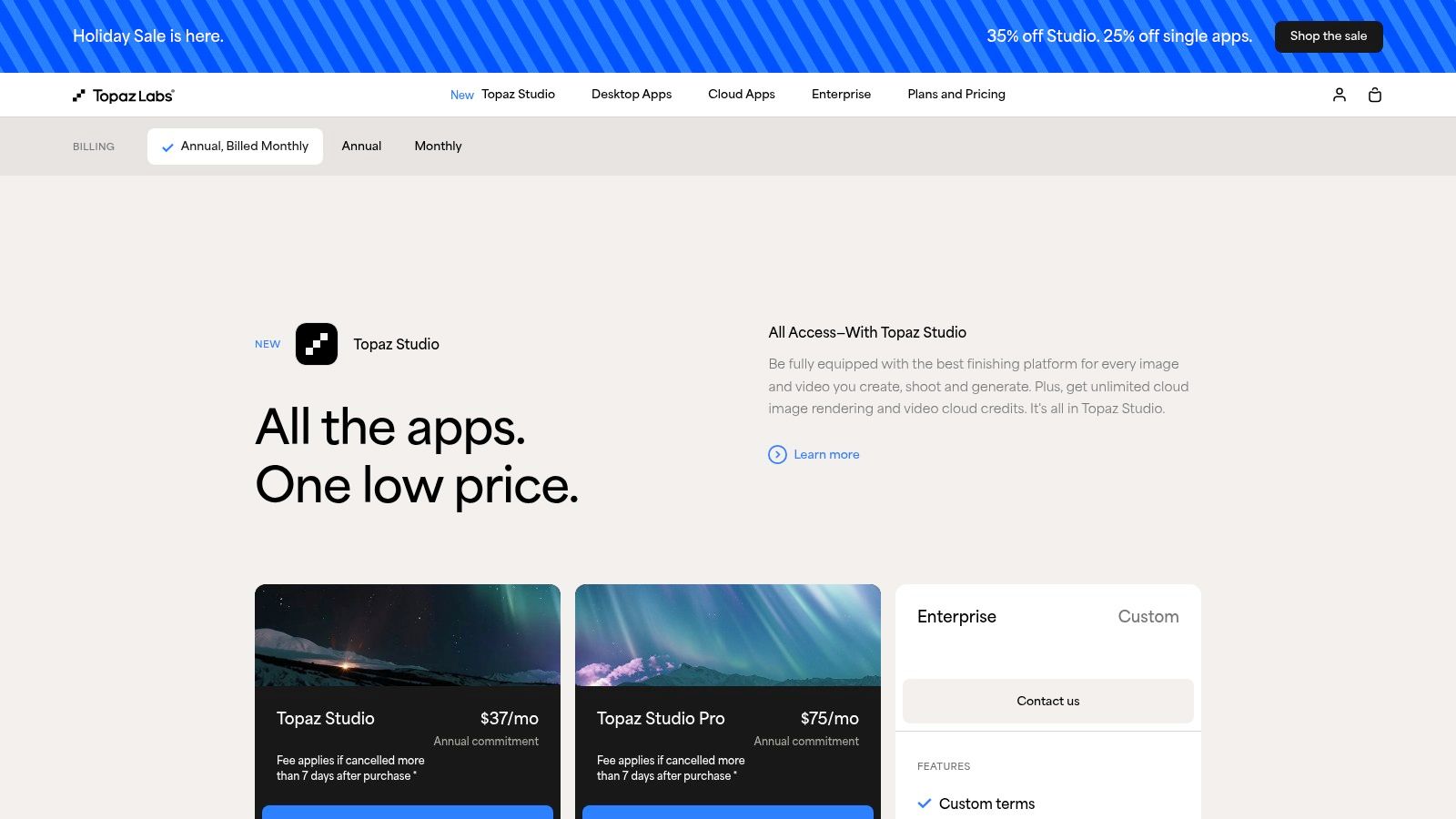
The platform operates as a desktop application, processing files locally to ensure privacy and control. Marketers can use it to clean up grainy UGC for an ad campaign, while documentary filmmakers can upscale standard-definition historical footage to 4K. Its core strength lies in its ability to generate detail and clarity that other tools cannot, turning previously unusable shots into valuable assets for any production.
Key AI Features & Use Cases
- AI Upscaling: Intelligently enlarges video resolutions up to 4K or 8K, adding realistic detail to older or low-resolution source files.
- Denoise and Deblur: Cleans up grainy, noisy footage from low-light recordings and sharpens blurry shots caused by motion or poor focus.
- Frame Interpolation: Creates smooth slow-motion effects by generating new frames, allowing you to slow down standard footage without choppiness.
- Video Restoration: Specializes in restoring old film or video, fixing issues like interlacing artifacts and compression damage.
| Pros | Cons |
|---|---|
| Unmatched quality improvement for poor-quality footage | Not a full editor; requires a separate NLE for actual editing |
| Local desktop processing provides speed and privacy | Licensing can be complex; verify plan limits and update access |
| Clear before-and-after impact on archived clips | Processing can be resource-intensive on older computers |
Best For: Video professionals, archivists, and marketing agencies that need to enhance the quality of existing or user-generated footage before editing it in a primary NLE.
Pricing: Topaz Video is available for a one-time purchase of $299, which includes one year of updates.
12. G2 (AI Video Generators / Editors category)
While not a direct editing tool itself, G2 is an indispensable resource for anyone navigating the crowded market of AI video editing tools. This platform aggregates verified user reviews, market data, and feature comparisons, functioning as a meta-tool to help you choose the right software. Instead of relying on marketing claims, G2 provides real-world feedback on how these platforms perform for different business sizes and use cases.
Its strength lies in data-driven decision-making. You can use its powerful filters to narrow down options by budget, team size, deployment type, and specific features. The platform’s comparison matrices and market grids visualize how different tools stack up against each other, offering a clear view of leaders, contenders, and niche players. This helps you move from a broad search to a qualified shortlist efficiently.
Key AI Features & Use Cases
- Verified User Reviews: Access detailed feedback from actual users, providing honest insights into a tool's strengths and weaknesses beyond the sales pitch.
- Side-by-Side Comparisons: Directly compare up to four different platforms on features, pricing, and user satisfaction ratings to see how they truly differ.
- Feature and Pricing Filters: Quickly find tools that match your exact needs, whether you're a small business looking for an affordable solution or an enterprise needing robust API integrations.
- Market Grids: Use G2’s proprietary Grid® reports to understand the market landscape, identifying established leaders and innovative newcomers in the AI video editing space.
| Pros | Cons |
|---|---|
| Large, frequently updated dataset with real-world pros/cons | "AI video" is a broad category; you must carefully filter the results |
| Excellent for narrowing down choices and discovering alternatives | Some high-level summaries may be vendor-influenced; read individual reviews |
| Free to access for research and comparison purposes | Can be overwhelming without a clear idea of your primary needs |
Best For: Marketers, team leads, and procurement managers tasked with selecting and purchasing AI video editing tools for their organizations and needing unbiased, data-backed insights.
Pricing: Free to browse and compare software.
Visit G2 (AI Video Generators / Editors category)
12 AI Video Editors — Feature Comparison
| Product | Core Capabilities ✨ | Quality & UX ★ | Unique Selling Points ✨ | Target Audience 👥 | Price & Value 💰 |
|---|---|---|---|---|---|
| VideoBGRemover 🏆 | Browser AI bg removal; PNG seq, WebM VP9 α, MOV ProRes; up to 4K & 120 min | ★★★★☆ — accurate cutouts, preserves FR & motion | ✨ Free preview; pay‑as‑you‑go credits; batch + API; no green screen | 👥 Creators, social teams, agencies | 💰 Sample packs ($6/$20/$45); per‑min ~$0.50–$2; credits never expire |
| Adobe Premiere Pro | Full NLE with AI tools (Firefly, Auto Reframe) | ★★★★★ — pro stability & workflows | ✨ Deep CC ecosystem; text‑based edits; Generative Extend | 👥 Professional editors, agencies | 💰 Subscription (Creative Cloud); generative credits apply |
| Apple Final Cut Pro | Mac NLE; AI masking, Smart Conform, ProRes/RAW | ★★★★★ — realtime on Apple Silicon | ✨ One‑time purchase; excellent ProRes support | 👥 Mac‑centric pros & studios | 💰 One‑time fee (macOS only) |
| DaVinci Resolve (Studio) | Edit + Color + Fusion VFX + Fairlight audio; Magic Mask | ★★★★★ — industry color & finishing tools | ✨ Free strong edition; Studio perpetual license | 👥 Colorists, post houses, pros | 💰 Free tier; Studio perpetual license |
| Descript | Document‑style editor; AI transcription & Studio Sound | ★★★★☆ — fastest for speech‑heavy workflows | ✨ Edit video like a doc; AI dubbing & co‑editor | 👥 Podcasters, educators, webinar creators | 💰 Tiered plans with media‑minute/AI credit limits |
| Runway | Web editor + generative video/image models; bg removal | ★★★★☆ — rapid prototyping; variable output | ✨ Gen models (4/4.5), generative B‑roll, team assets | 👥 Creators prototyping concepts, social teams | 💰 Credit‑based pricing; team tiers |
| VEED.IO | Browser editor: auto‑subtitles, translation, bg remover | ★★★★☆ — beginner‑friendly, fast output | ✨ Auto subtitles/translations; hosting & collaboration | 👥 Marketers, social teams, non‑editors | 💰 Tiered plans; advanced AI on higher plans |
| Wondershare Filmora | Simple NLE with AI copilot, smart cutout, TTS | ★★★★☆ — easy UI, quick learning | ✨ Perpetual or annual licenses; mobile options | 👥 Beginners, small creators | 💰 One‑time/annual licenses; add‑ons possible |
| Kapwing | Browser social editor; auto‑subs, prompt‑to‑video assistant | ★★★★☆ — collaborative, quick exports | ✨ Brand kits, 4K on paid tiers, team workspaces | 👥 Marketers, UGC teams, remote teams | 💰 Free + paid tiers; credit caps on lower plans |
| CapCut | Mobile/desktop social editor; templates, bg removal | ★★★★☆ — very fast for Shorts/Reels | ✨ Huge template library; cloud sync | 👥 Shorts creators, mobile UGC creators | 💰 Free to start; region/platform pricing varies |
| Topaz Labs – Topaz Video | AI upscale, denoise, deblur, frame interp. (desktop) | ★★★★☆ — specialist quality improvements | ✨ Local processing; strong restoration models | 👥 Editors restoring/upsampling footage | 💰 Subscription & bundle licensing |
| G2 (AI Video category) | Aggregated verified reviews & feature matrices | ★★★★☆ — real‑user insights & comparisons | ✨ Side‑by‑side shortlists; filters by use case | 👥 Buyers, procurement, teams shortlisting | 💰 Free access to reviews / marketplace info |
Choosing the Right AI Tool for Your Video Workflow
The landscape of AI video editing tools is evolving at an incredible pace, transforming what's possible for creators at every level. We've explored a wide spectrum of solutions, from the AI-powered features now integrated into professional-grade NLEs like Adobe Premiere Pro and DaVinci Resolve, to the agile, browser-based platforms like VEED.IO and Kapwing that prioritize speed and collaboration. The common thread is clear: AI is no longer a futuristic concept but a practical, time-saving assistant embedded in the modern video creation workflow.
The key takeaway is that there is no single "best" tool, only the best tool for your specific job. The ideal choice hinges on a careful evaluation of your primary needs, existing workflow, technical expertise, and ultimate creative goals. Making the right selection means moving faster, creating more professional content, and focusing your energy on storytelling rather than tedious manual tasks.
How to Select Your AI Video Editing Solution
To navigate this diverse market, start by identifying your biggest pain point. Is it the time-consuming process of transcribing and editing dialogue-heavy content like interviews or tutorials? In that case, a text-based editor like Descript could revolutionize your process, making video editing feel as simple as editing a document.
Are you a social media marketer or UGC creator who needs to produce a high volume of short-form content for platforms like TikTok and Instagram? A tool like CapCut offers a mobile-first experience packed with trending effects and templates, while Runway provides a suite of futuristic, experimental AI magic tools perfect for creating scroll-stopping visuals. For those seeking to enhance video quality, a specialized solution like Topaz Video AI can upscale and sharpen footage with remarkable results.
For developers and businesses needing to process content at scale, API access becomes a critical factor. Tools that offer robust APIs, such as the one provided by VideoBGRemover for bulk background removal, allow you to integrate powerful AI capabilities directly into your own platforms and automated workflows.
Final Considerations for Implementation
Before committing to a subscription, consider these crucial factors:
- Workflow Integration: How seamlessly does the tool fit into your current process? If you live in Premiere Pro, a plugin or integrated feature will be far more efficient than exporting and re-importing footage into a separate web app.
- Cost vs. Value: Evaluate the pricing model. Is it a monthly subscription or a pay-as-you-go credit system? For a task you only perform occasionally, like background removal, a credit-based tool offers better value than a recurring monthly fee for a feature you rarely use.
- Learning Curve: Leverage free trials and freemium plans. Spend time with the interface to determine if it feels intuitive to you. A powerful tool is useless if its complexity creates a new bottleneck in your workflow.
- Output Quality: Always test the final export. Pay close attention to rendering artifacts, compression quality, and the accuracy of AI-driven edits. The precision of an AI-powered rotoscope, for example, can vary significantly between platforms. For a comprehensive overview and in-depth reviews of various AI video creation tools, you can explore the 12 Best AI Video Creation Tools for 2025 to compare output quality and feature sets.
The era of AI-augmented creativity is here, empowering solo creators and large teams alike to produce higher-quality video content faster than ever before. By strategically choosing and implementing the right AI video editing tools, you can unlock new creative possibilities and reclaim your most valuable asset: time.
Ready to eliminate the hassle of green screens and complex masking? VideoBGRemover offers a specialized, AI-powered solution for fast, precise, and professional background removal. Integrate it into any workflow to get clean, transparent video exports in minutes, not hours. Try VideoBGRemover today and see how simple professional video editing can be.
Tagged with
Ready to Remove Your Video Background?
See a free preview before you buy.
No credit card required • Free preview on every video