Gaming Video Background Removal Workflow
Discover the best gaming video editing software for creating pro-level highlight reels and gameplay videos. We review 12 top tools for desktop and mobile.
Choosing the best gaming video editing software is crucial for transforming raw gameplay footage into captivating content that grows your channel. Whether you're crafting fast-paced highlight reels for TikTok, detailed YouTube tutorials, or cinematic montages, the right editor can make or break your workflow and the final quality of your videos. An underpowered tool can lead to laggy previews, frustrating crashes with high-resolution files, and limited creative options, while an overly complex one can have a steep learning curve that slows down your production schedule.
This guide is designed to cut through the noise. We will provide an in-depth analysis of the top desktop and mobile editors specifically for gamers. You'll find a detailed breakdown of each software's performance with 4K and 60fps footage, its key features for gaming content like multicam editing and motion tracking, and honest pros and cons. We also include a practical tutorial for each entry, demonstrating how to create a professional, background-free facecam overlay using VideoBGRemover. This resource is built to help you make an informed decision, ensuring you select the perfect software to match your skill level, budget, and creative ambitions.
Sustaining a gaming channel involves more than just software; it requires long hours in front of a screen. Protecting your eyes during marathon editing and gaming sessions is essential for long-term health and focus. Many creators find that investing in tools like blue light glasses for gamers helps reduce eye strain, allowing for more comfortable and productive creative work.
1. Adobe Premiere Pro
Adobe Premiere Pro is the industry-standard nonlinear editor that has become a powerhouse for gaming content creators aiming for professional-level production. It’s not just a video editor; it’s an ecosystem. Its robust timeline, advanced multicam editing, and GPU-accelerated rendering make it an exceptional piece of gaming video editing software for handling demanding 4K 60fps game footage without compromising performance.
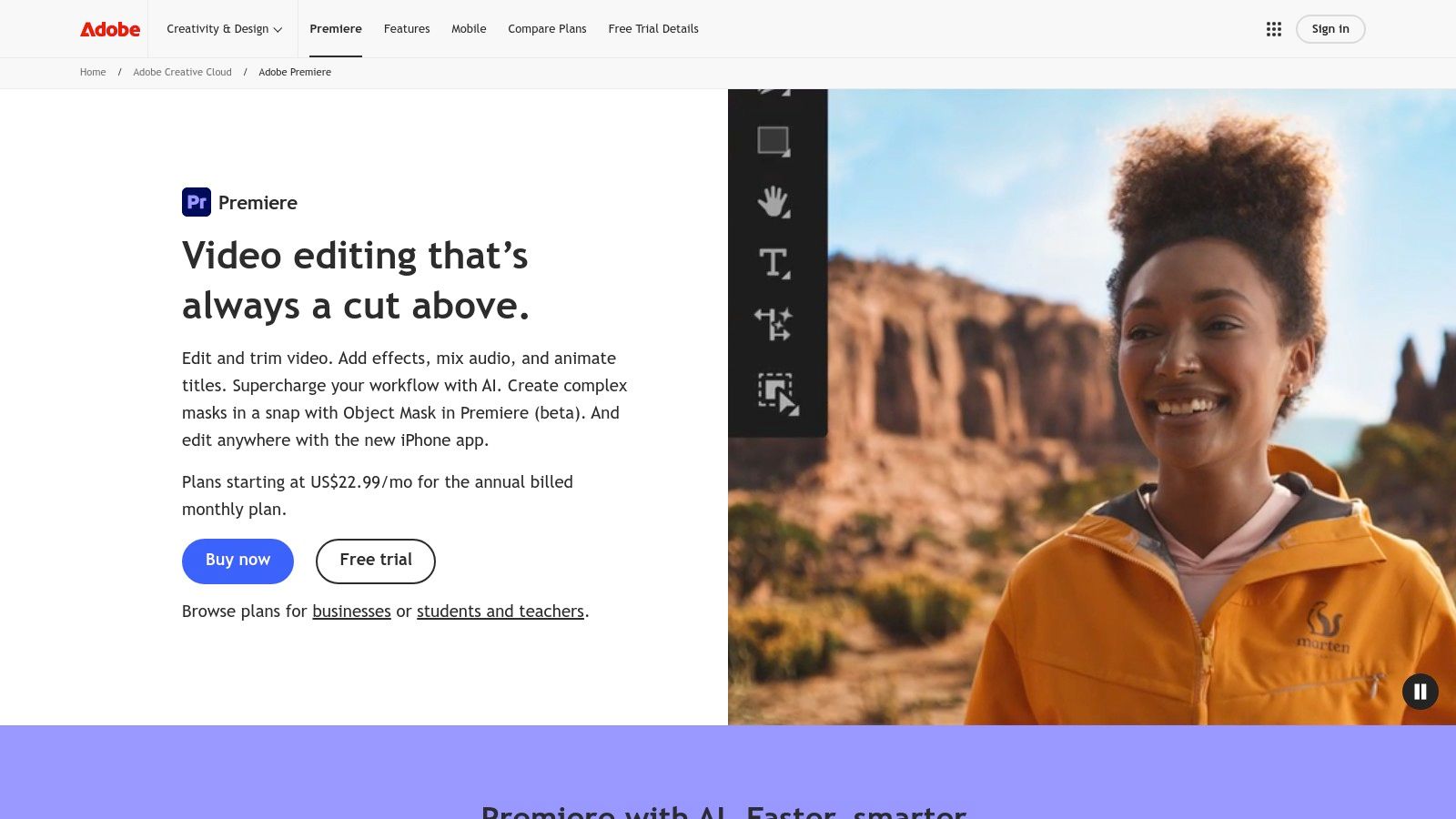
What sets Premiere Pro apart for gamers is its deep integration with other Adobe Creative Cloud apps like After Effects for custom motion graphics and Photoshop for detailed thumbnails. Its Auto Reframe feature is a massive time-saver, intelligently adapting your widescreen gameplay for vertical formats like TikTok, YouTube Shorts, and Reels. While the learning curve is steeper than some alternatives, the vast number of available tutorials and third-party plugins (for stream graphics, audio cleanup, and LUTs) provides an unmatched level of creative control. You can see how Adobe Premiere Pro compares to other editors in our video editing software comparison guide.
Key Features for Gaming
- Robust Timeline: Advanced trimming, multicam syncing for facecams, and nested sequences for complex edits.
- Adobe Dynamic Link: Seamlessly work on compositions in After Effects or edit graphics in Photoshop without intermediate rendering.
- Hardware Acceleration: Smooth playback and fast exports of H.264/HEVC codecs, crucial for high-bitrate game captures.
- Professional Exports: Supports formats like ProRes 4444 with alpha, perfect for creating transparent overlays and stream assets.
Pricing: Subscription-based, starting at $22.99/month for the single app or as part of the Creative Cloud All Apps plan.
Pros & Cons for Gamers:
| Pros | Cons |
|---|---|
| Industry standard with endless tutorials | Subscription-only model |
| Unmatched third-party plugin ecosystem | Can be resource-intensive on laptops |
| Seamless Adobe Creative Cloud integration | Steeper learning curve for beginners |
Website: https://www.adobe.com/products/premiere.html
2. Adobe Premiere Pro
Adobe Premiere Pro is the industry-standard nonlinear editor that has become a powerhouse for gaming content creators aiming for professional-level production. It’s not just a video editor; it’s an ecosystem. Its robust timeline, advanced multicam editing, and GPU-accelerated rendering make it an exceptional piece of gaming video editing software for handling demanding 4K 60fps game footage without compromising performance.
What sets Premiere Pro apart for gamers is its deep integration with other Adobe Creative Cloud apps like After Effects for custom motion graphics and Photoshop for detailed thumbnails. Its Auto Reframe feature is a massive time-saver, intelligently adapting your widescreen gameplay for vertical formats like TikTok, YouTube Shorts, and Reels. While the learning curve is steeper than some alternatives, the vast number of available tutorials and third-party plugins (for stream graphics, audio cleanup, and LUTs) provides an unmatched level of creative control. You can see how Adobe Premiere Pro compares to other editors in our video editing software comparison guide.
Key Features for Gaming
- Robust Timeline: Advanced trimming, multicam syncing for facecams, and nested sequences for complex edits.
- Adobe Dynamic Link: Seamlessly work on compositions in After Effects or edit graphics in Photoshop without intermediate rendering.
- Hardware Acceleration: Smooth playback and fast exports of H.264/HEVC codecs, crucial for high-bitrate game captures.
- Professional Exports: Supports formats like ProRes 4444 with alpha, perfect for creating transparent overlays and stream assets.
Pricing: Subscription-based, starting at $22.99/month for the single app or as part of the Creative Cloud All Apps plan.
Pros & Cons for Gamers:
| Pros | Cons |
|---|---|
| Industry standard with endless tutorials | Subscription-only model |
| Unmatched third-party plugin ecosystem | Can be resource-intensive on laptops |
| Seamless Adobe Creative Cloud integration | Steeper learning curve for beginners |
Website: https://www.adobe.com/products/premiere.html
3. Blackmagic Design DaVinci Resolve
DaVinci Resolve has disrupted the industry by offering a Hollywood-caliber post-production suite for free. It integrates professional editing, legendary color correction, Fairlight audio, and Fusion VFX into a single application, making it powerful gaming video editing software for creators who want an all-in-one solution. Its performance with high-resolution, high-framerate game captures is exceptional, and its multicam workflow is perfect for syncing gameplay with a facecam.
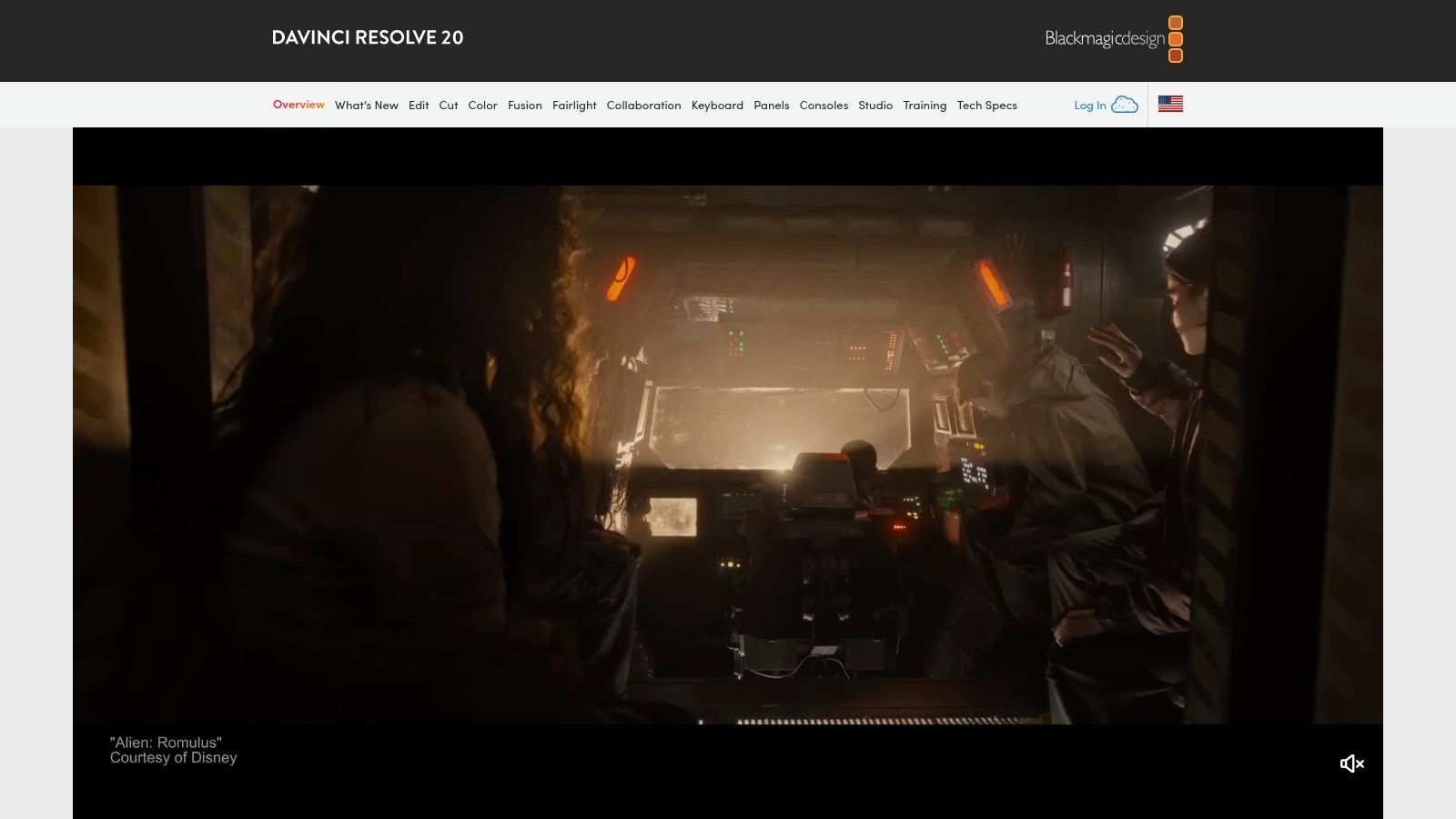
What truly makes Resolve stand out is its value proposition. The free version contains nearly everything a gamer needs, while the paid Studio version is a one-time purchase that unlocks advanced AI tools like Magic Mask for rotoscoping, superior noise reduction for cleaning up low-light facecam footage, and more GPU acceleration. The "Cut" page is designed for rapidly assembling highlight reels and clips for social media, providing a streamlined alternative to the traditional "Edit" page for quick turnarounds. This combination of power and accessibility is nearly unmatched.
Key Features for Gaming
- All-in-One Workflow: Seamlessly switch between editing, color grading, audio mixing, and visual effects without leaving the application.
- High-End Color Grading: Industry-leading tools for making your game footage pop with cinematic color and HDR support.
- Cut Page for Fast Edits: A streamlined interface designed for quickly trimming and assembling highlight clips.
- Studio AI Tools: Features like Magic Mask and advanced noise reduction in the paid version are perfect for professional-looking edits.
- Broad Codec Support: Excellent handling of various game capture formats and the ability to export ProRes 4444 with alpha for transparent overlays.
Pricing: A remarkably powerful free version is available. The full DaVinci Resolve Studio is a one-time purchase of $295.
Pros & Cons for Gamers:
| Pros | Cons |
|---|---|
| Extremely generous free edition | Requires a powerful GPU for best performance |
| Professional-grade color correction | Steeper learning curve than basic editors |
| One-time purchase for Studio version | Integrated VFX/Audio can feel overwhelming |
Website: https://www.blackmagicdesign.com/products/davinciresolve
4. Apple Final Cut Pro
For gamers embedded in the Apple ecosystem, Final Cut Pro offers an unparalleled combination of power and optimization. It leverages Apple's M-series silicon to deliver blistering performance, easily handling high-framerate 4K and even 8K gameplay footage. Its unique Magnetic Timeline streamlines the editing process, making it intuitive to rearrange clips, add B-roll, and sync facecam audio without creating gaps, making it a top-tier piece of gaming video editing software for Mac users.
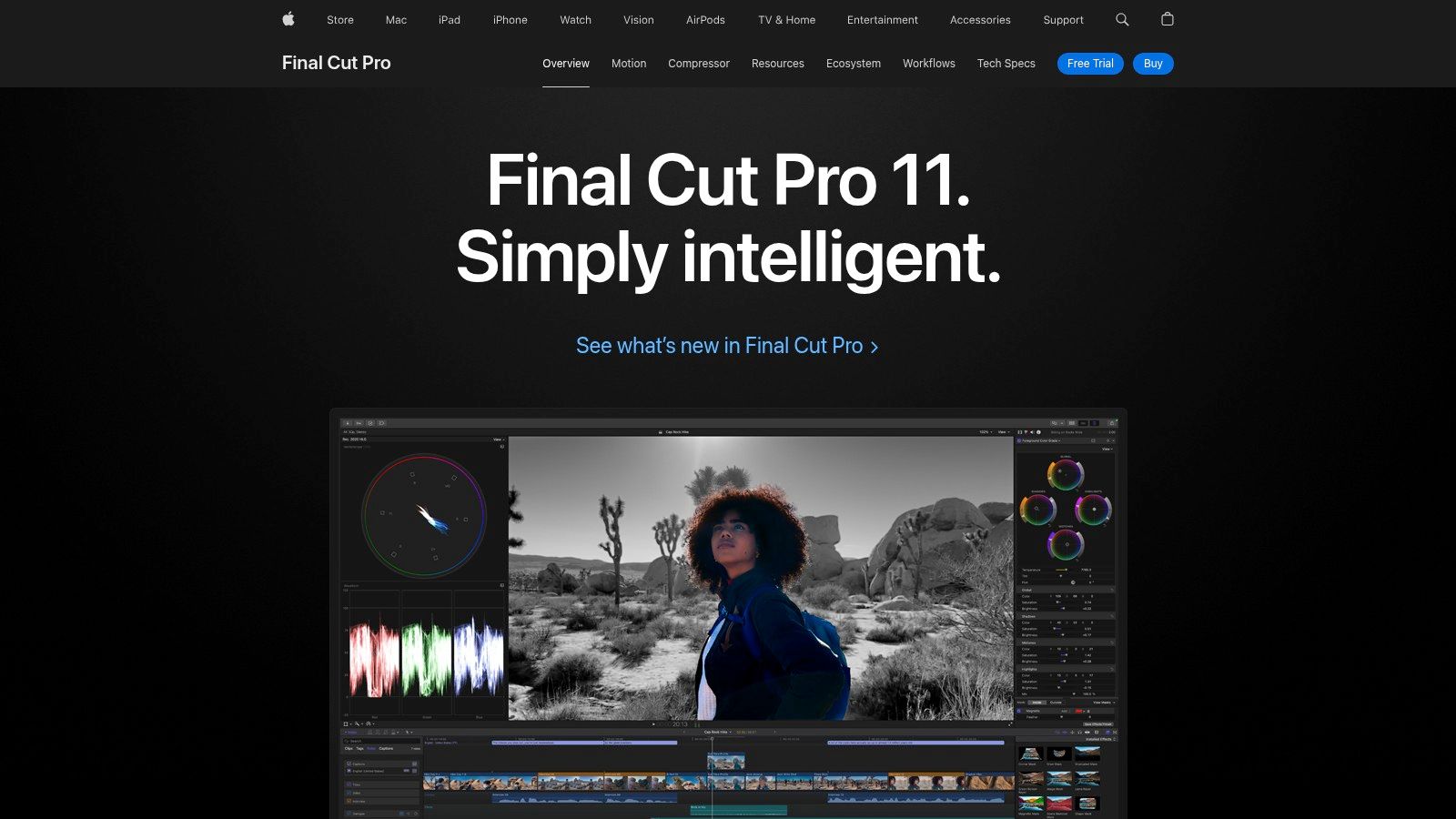
What truly makes Final Cut Pro shine for gamers is its background rendering, which eliminates the frustrating wait times common in other editors. This means you can keep creating without interruption, a huge plus when assembling long Let's Play videos or intricate montages. The software's ability to export in ProRes 4444 with an alpha channel is also crucial for creators who want to produce high-quality, transparent facecam overlays or stream assets for platforms like Twitch and YouTube. With a generous 90-day free trial, it’s a commitment-free way to see if its speed fits your workflow.
Key Features for Gaming
- Magnetic Timeline: Clips dynamically adjust to prevent gaps and sync issues, perfect for fast-paced highlight reel editing.
- Optimized Performance: Exceptional H.264/HEVC hardware acceleration on M-series chips for smooth playback of 60-120 fps game captures.
- ProRes with Alpha: Export high-quality overlays with transparent backgrounds, ideal for creating professional facecam borders and stream graphics.
- iPad Version: Features Live Multicam, allowing you to connect and sync multiple iPhones or iPads for capturing different angles during a stream or recording session.
Pricing: One-time purchase of $299.99 for the Mac version.
Pros & Cons for Gamers:
| Pros | Cons |
|---|---|
| Extremely fast on M-series Macs for 4K/60–120 fps gameplay | macOS/iPadOS only; no Windows version |
| One-time purchase (no subscription) | Some cross-app workflows require other Apple apps |
| Powerful color grading and audio tools built-in | Steeper initial cost than subscription software |
Website: https://www.apple.com/finalcutpro
5. CapCut
CapCut has rapidly become the go-to editor for creators focused on short-form gaming content for platforms like TikTok, YouTube Shorts, and Reels. Originally a mobile-first app, its expansion to a surprisingly capable desktop and web version makes it a versatile piece of gaming video editing software. Its key strength lies in speed and simplicity, allowing gamers to quickly transform gameplay clips into engaging vertical videos using a massive library of templates, trending sounds, and automated features.
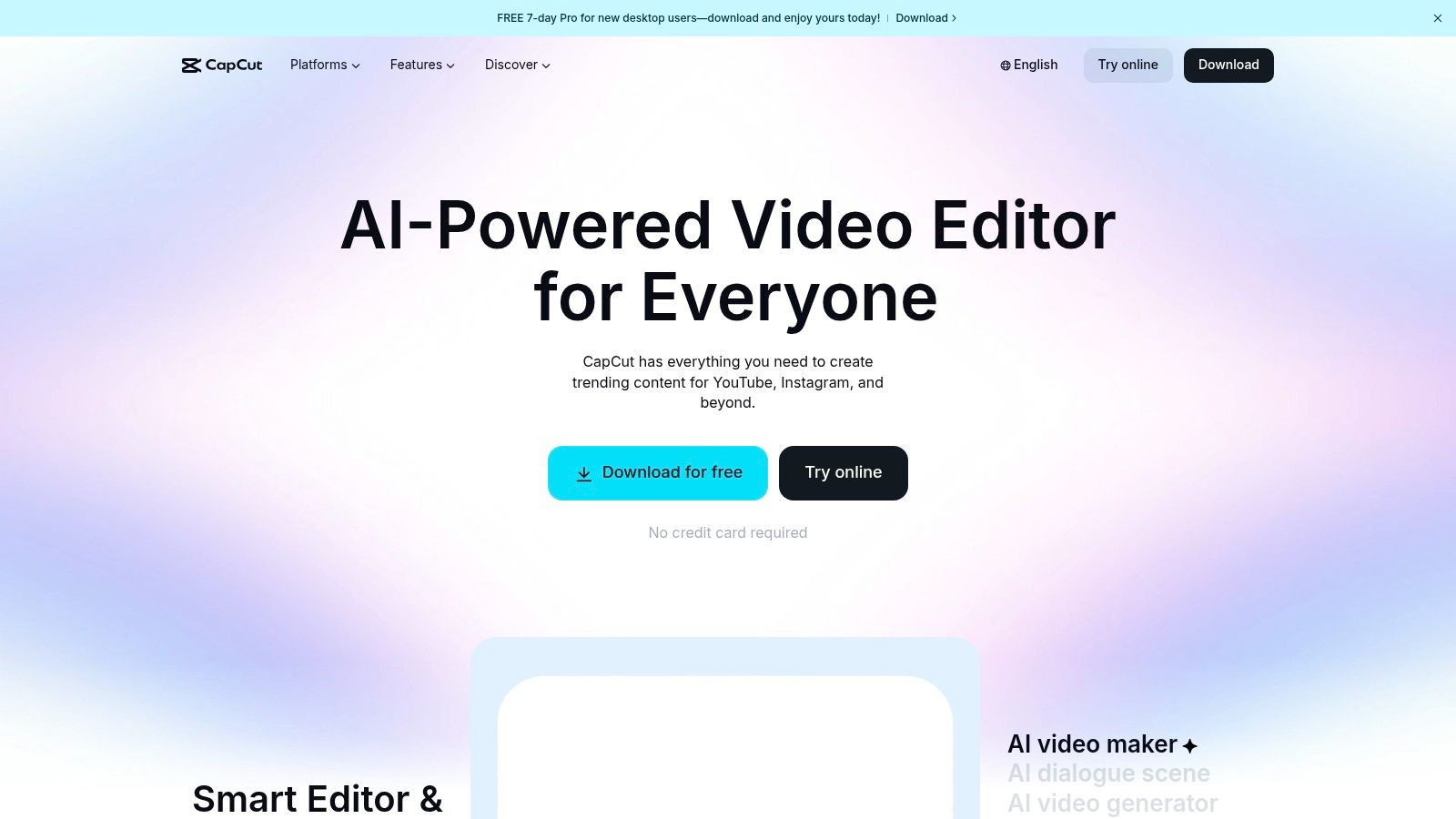
What makes CapCut stand out for gaming highlights is its focus on social-native tools. The one-click auto-captioning feature is incredibly accurate and saves hours of manual transcription, while speed ramping and motion tracking let you add dynamic flair to action sequences with minimal effort. Cloud synchronization means you can start an edit on your phone and finish it on your desktop, creating a seamless workflow. While the free version is robust, the Pro tier unlocks 4K exports and advanced features, making it a powerful yet accessible tool for growing creators. Combining its quick editing with smart social strategy, such as using the best hashtags for YouTube, can significantly boost visibility.
Key Features for Gaming
- Auto-Captions & Text-to-Speech: Generate stylish, animated subtitles for your commentary or in-game dialogue automatically.
- Template Library: Access thousands of pre-made templates for quick gaming intros, montages, and meme-style edits.
- Cross-Device Sync: Start a project on your mobile device and seamlessly continue editing on the desktop or web app via the cloud.
- Chroma Key & Background Removal: Easily key out green screens or remove backgrounds from your facecam footage for clean overlays.
Pricing: Free to use with a watermark-free 1080p export limit. CapCut Pro subscription unlocks 4K exports, premium assets, and cloud storage, with pricing varying by platform.
Pros & Cons for Gamers:
| Pros | Cons |
|---|---|
| Fast to learn and great for vertical highlight reels | Pro subscription upsell for 4K and premium assets |
| Excellent auto-captioning and social features | Subscription management can vary by purchase path |
| Cross-device cloud sync is free to use | Less control over complex, multi-layered edits |
Website: https://www.capcut.com
6. CyberLink PowerDirector
CyberLink PowerDirector strikes an excellent balance between user-friendliness and powerful features, making it a popular choice for creators who want to produce high-quality gaming videos without a steep learning curve. This gaming video editing software offers a clean interface that feels intuitive for beginners but still packs a punch with advanced capabilities. It is well-optimized for mainstream gaming PCs, ensuring stable performance when editing 4K gameplay footage.
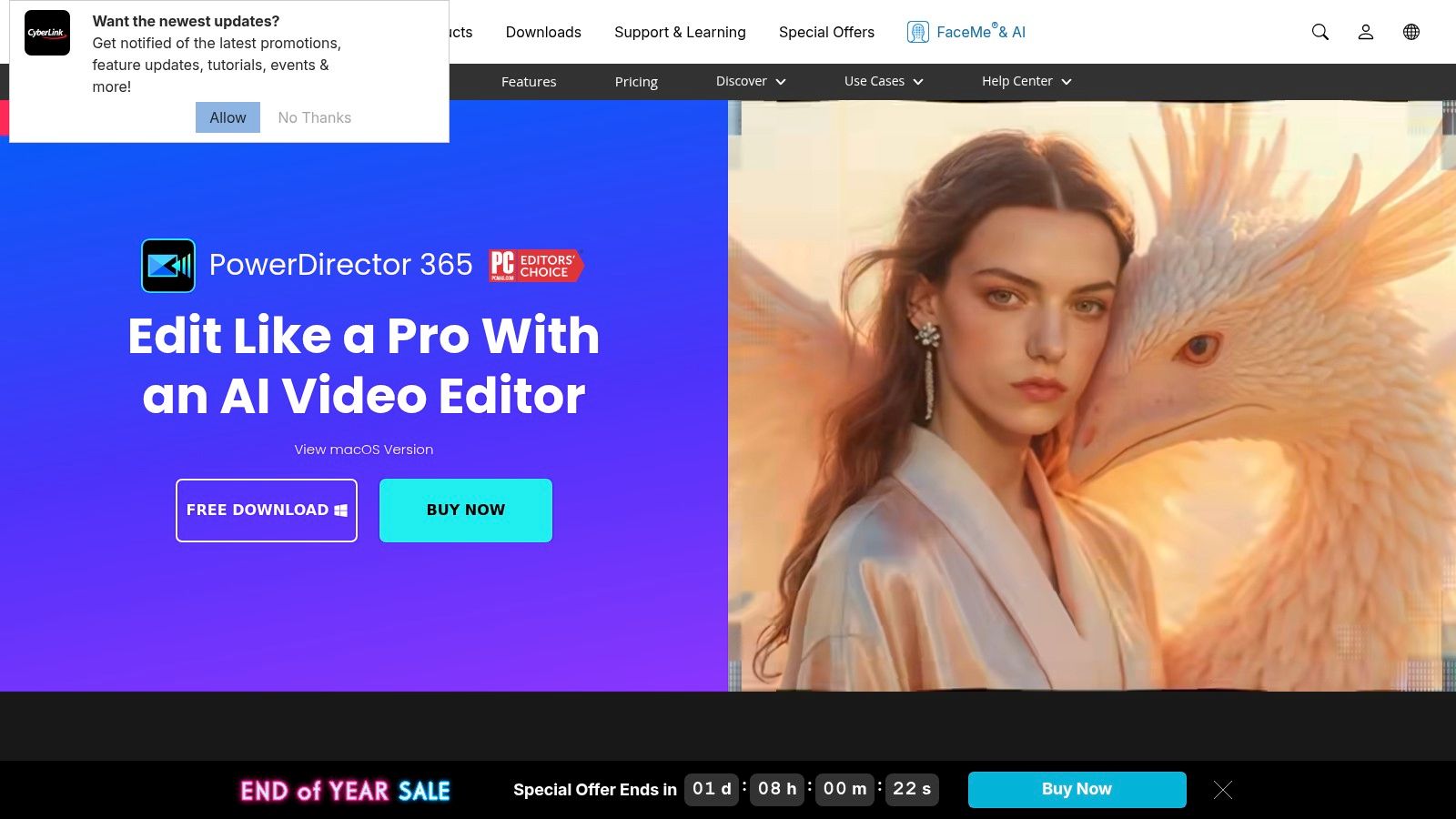
What makes PowerDirector stand out for gamers is its massive library of pre-made effects, transitions, and titles designed for quick, impactful edits. The PowerDirector 365 subscription plan continually adds new gaming-style templates and provides access to an extensive stock media library, perfect for adding flair to montages and highlight reels. Its AI-powered tools, like sky replacement and object detection, can automate complex tasks, letting you focus more on creative storytelling and less on tedious manual editing. The flexibility of choosing between a perpetual license and a subscription is a significant advantage for creators managing their budgets.
Key Features for Gaming
- Rich Template Library: Access a vast collection of effects, titles, and transitions tailored for gaming content, enabling fast and stylish edits.
- AI-Powered Tools: Utilize smart features for motion tracking, audio cleanup, and object detection to streamline your workflow.
- Flexible Licensing: Choose between a one-time purchase (perpetual license) or a subscription (PowerDirector 365) with regular updates and stock media.
- 4K Performance: Optimized for smooth editing and exporting of high-resolution 60fps gameplay, with solid hardware acceleration support.
Pricing: Available as a one-time purchase or via the PowerDirector 365 subscription, starting around $51.99/year.
Pros & Cons for Gamers:
| Pros | Cons |
|---|---|
| Quick results through templates and effects | Less depth in effects/UI than pro NLEs |
| Good stability on mainstream gaming PCs | Regional pricing can vary and be confusing |
| Competitive bundle pricing with stock media | The interface can feel busy to some users |
Website: https://www.cyberlink.com/products/powerdirector-video-editing-software
7. MAGIX VEGAS Pro
VEGAS Pro has a long-standing reputation in the gaming community, known for its highly responsive timeline and efficient handling of long-form game recordings from OBS or NVIDIA ShadowPlay. As a Windows-focused editor, it offers a distinct, fluid workflow that many creators find faster for quick cuts and audio manipulation. Its powerful hardware acceleration ensures smooth playback and rendering, making it a reliable piece of gaming video editing software for creators who prioritize performance.

What makes VEGAS Pro a favorite for many gaming YouTubers is its combination of professional tools and user-friendly design. Features like nested timelines help organize complex projects with facecams and B-roll, while built-in motion tracking is perfect for adding callouts or blurring elements in your gameplay. Unlike many rivals, it's available with both a perpetual license and a subscription, giving users flexibility. The higher-tier bundles even include powerful software like SOUND FORGE for advanced audio editing and Mocha VEGAS for planar tracking, adding significant value.
Key Features for Gaming
- GPU-Accelerated Timeline: Delivers responsive, real-time playback of high-bitrate and high-framerate footage.
- Nested Timelines: A powerful tool for managing complex edits, such as syncing a facecam track with multiple gameplay clips.
- Motion Tracking & Stabilization: Built-in tools to track on-screen elements or stabilize shaky gameplay footage without external plugins.
- Flexible Licensing: Available as a one-time purchase (perpetual license) or a subscription, with bundles including audio and effects software.
Pricing: Offered via subscription (starting at $12.99/month) or perpetual licenses with frequent sales and upgrade paths.
Pros & Cons for Gamers:
| Pros | Cons |
|---|---|
| Familiar and efficient workflow for many creators | Windows-only platform |
| Excellent performance and timeline responsiveness | Interface considered dated by some |
| Good price/performance with perpetual license options | Smaller effect ecosystem than Adobe |
Website: https://www.vegascreativesoftware.com/us/
8. Wondershare Filmora
Wondershare Filmora bridges the gap between basic editors and complex professional suites, offering a powerful, template-driven experience ideal for gamers who want to create stylish content quickly. It excels at fast-paced production, with a vast library of built-in assets, including specific gaming packs filled with intros, HUD animations, and stream overlays. This makes it an exceptional piece of gaming video editing software for creators who want to assemble polished highlight reels and social media clips without spending hours on design.
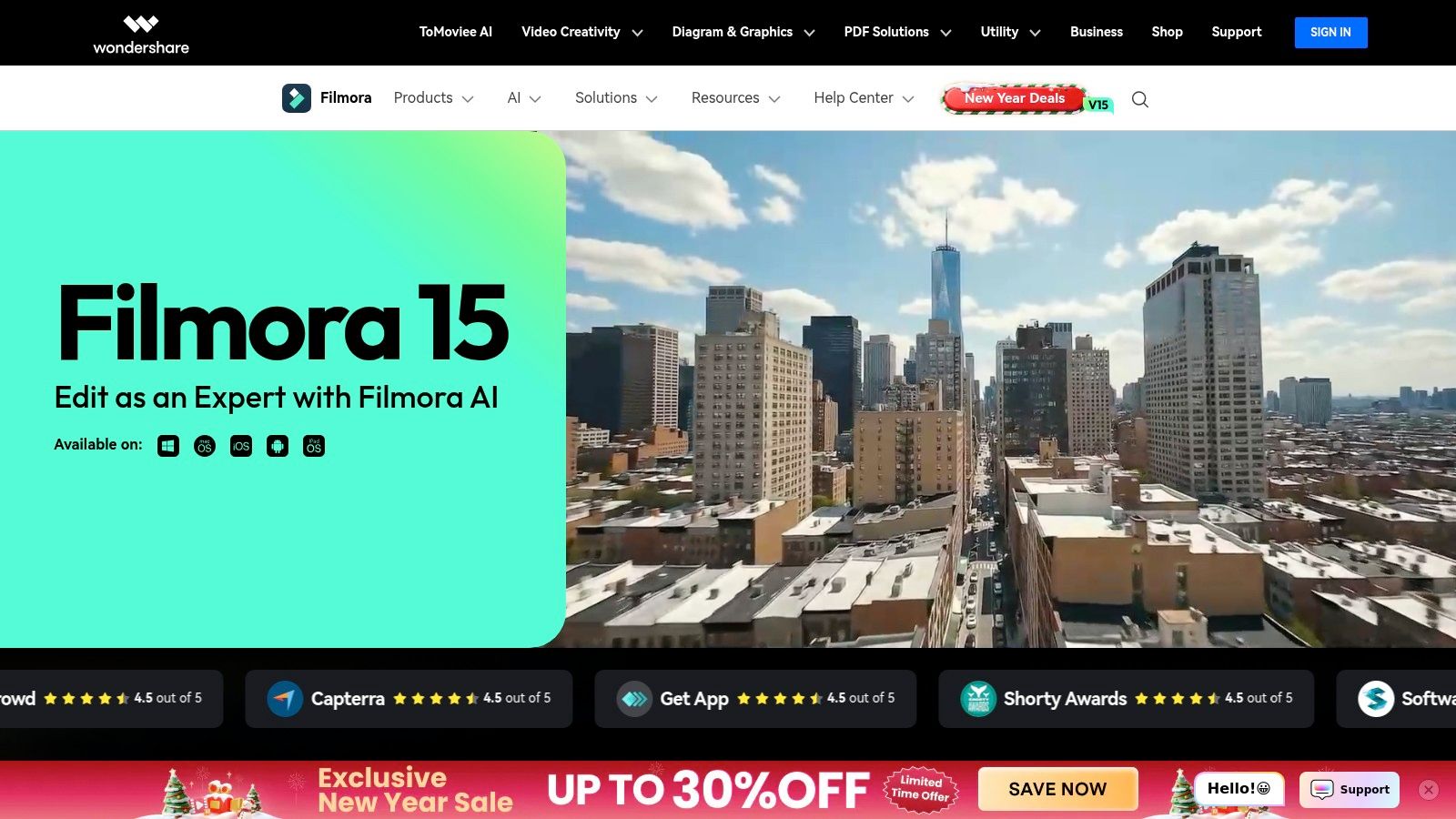
What makes Filmora stand out for gaming is its focus on workflow efficiency. AI-powered tools like Silence Detection can automatically trim dead air from long gameplay sessions, while the Auto Reframe feature adjusts videos for different aspect ratios, perfect for repurposing YouTube content for TikTok. While it may lack the granular control of a tool like DaVinci Resolve, its user-friendly interface and drag-and-drop functionality empower creators to produce high-quality, engaging videos with a minimal learning curve, backed by solid 4K export support.
Key Features for Gaming
- Massive Asset Library: Access to Filmstock gaming packs with themed intros, lower thirds, transitions, and sound effects.
- AI-Powered Editing: Smart features like Silence Detection, AI Smart Cutout, and auto-captioning to speed up the editing process.
- Social Media Presets: Easily export gameplay highlights in the correct aspect ratios and formats for YouTube Shorts, Reels, and TikTok.
- Flexible Pricing: Offers both subscription plans and a perpetual license, providing an alternative to monthly commitments.
Pricing: Available via an Annual Plan ($49.99/year), a Cross-Platform Plan ($59.99/year), or a Perpetual Plan ($79.99 one-time payment).
Pros & Cons for Gamers:
| Pros | Cons |
|---|---|
| Very fast highlight assembly | Some advanced AI features are metered by credits |
| Deep catalog of gaming intros/overlays | Fewer pro-grade finishing tools than Resolve or Premiere |
| Reasonable pricing with a perpetual option | Can feel less flexible for highly custom edits |
Website: https://filmora.wondershare.com
9. Movavi Video Editor / Video Suite
Movavi Video Editor offers an accessible entry point for new creators looking for powerful yet simple gaming video editing software. Known for its intuitive drag-and-drop interface, Movavi allows gamers to quickly assemble highlight reels, tutorials, and montages without getting bogged down by technical complexities. The optional Video Suite bundle is a major plus, integrating a screen recorder and file converters, creating a complete workflow from capturing gameplay to final export. It handles 4K footage efficiently and is available on both Windows and macOS, including a convenient SKU on Steam.

What makes Movavi stand out for gamers is its suite of one-click AI tools that streamline common editing tasks. Features like AI background removal, noise removal for cleaning up microphone audio, and motion tracking for memes are incredibly easy to implement. While it lacks the deep, granular control of a professional NLE, its vast library of built-in effects, transitions, and titles provides more than enough creative firepower for polished YouTube videos and social media clips. The straightforward export presets for various platforms ensure your content looks great everywhere.
Key Features for Gaming
- Integrated Screen Recorder: The Video Suite bundle includes tools to capture gameplay, webcam, and microphone audio simultaneously.
- AI-Powered Tools: Quickly remove background noise, track objects on screen, or automatically generate subtitles for your gameplay.
- Large Effects Library: Includes ready-made titles, transitions, and filters designed to make gaming videos more dynamic.
- Gamer-Friendly Availability: Can be purchased directly or through Steam, which is convenient for many PC gamers.
Pricing: Offers flexible monthly, yearly, and lifetime licenses, with the Video Editor starting around $54.95/year or $79.95 for a lifetime license.
Pros & Cons for Gamers:
| Pros | Cons |
|---|---|
| Extremely short learning curve | Lacks deep professional finishing tools |
| Flexible and gamer-friendly license options | Trial versions have watermarks/limitations |
| All-in-one suite captures and edits | AI features may be less precise than manual editing |
Website: https://www.movavi.com
10. Microsoft Clipchamp
Microsoft Clipchamp has emerged as a surprisingly capable and accessible editor, especially for Windows 11 users where it comes pre-installed. As a browser-based platform, it offers a fast, installation-free entry point for creators looking to make quick edits, memes, or social media clips. This makes it an excellent piece of gaming video editing software for those who need to quickly trim a stream highlight, add subtitles, and export for platforms like TikTok or YouTube Shorts without launching a heavy desktop application.

What makes Clipchamp a strong contender for casual gaming edits is its simplicity and generous free tier. You can create unlimited watermark-free exports in 1080p, which is perfect for most social content. Its template library, stock assets, and AI-powered features like auto-subtitles and text-to-speech provide significant value for creators who want to produce engaging content quickly. While it lacks the depth of professional NLEs, its performance on most gaming PCs is snappy for basic tasks, positioning it as a go-to tool for fast-turnaround content.
Key Features for Gaming
- Browser-Based & Windows 11 Integration: Start editing instantly on almost any machine without a heavy install.
- Generous Free Tier: Unlimited watermark-free 1080p exports, making it highly accessible for new creators.
- AI-Powered Tools: Quickly generate subtitles for gameplay commentary or create AI voiceovers for tutorial content.
- Templates and Stock Library: A solid starting point for creating memes, intros, or social media-ready vertical video clips.
Pricing: Free plan with 1080p exports. The Premium plan (unlocks 4K exports and premium stock) is included with a Microsoft 365 subscription.
Pros & Cons for Gamers:
| Pros | Cons |
|---|---|
| Free and fast to use on Windows gaming PCs | 4K export gated behind Microsoft 365 |
| No heavy installation required | Lighter feature set than pro NLEs |
| Good defaults for vertical clips and quick memes | Browser-based nature can be limiting for large files |
Website: https://clipchamp.com/en/pricing
11. LumaFusion
LumaFusion has carved out a niche as the premier mobile and multi-platform nonlinear editor, making it a go-to for console and handheld gamers who want to edit directly on their iPad or iPhone. Its desktop-class, multitrack timeline provides a surprisingly robust experience for a mobile app, easily handling screen recordings from a PS5 or Nintendo Switch. It delivers a fluid workflow that feels intuitive on a touch interface, cementing its place as powerful gaming video editing software for creators on the move.

What makes LumaFusion special for gamers is its blend of accessibility and power. You can keyframe audio, add custom LUTs for color grading your gameplay, and use advanced speed ramping to create dynamic highlight reels without touching a PC. For those wanting a more professional workflow, the optional Creator Pass unlocks multicam editing (perfect for syncing gameplay and a facecam) and FCPXML export, allowing you to start an edit on your iPad and finish it in Final Cut Pro on a Mac. This flexibility is ideal for creators who value an efficient, portable editing pipeline.
Key Features for Gaming
- Multitrack Timeline: Layer up to 6 video/audio tracks for complex edits with gameplay, facecams, music, and voiceovers.
- Enhanced Keyframing: Fine-tune effects, audio levels, and motion with precise keyframe controls.
- LUT and Stabilization Support: Apply custom color grades to match your brand and stabilize shaky footage with ease.
- Creator Pass Add-on: Unlocks multicam editing, FCPXML export for pro workflows, and integrated Storyblocks media.
Pricing: One-time purchase of $29.99 on iOS/iPadOS, with an optional Creator Pass subscription for advanced features.
Pros & Cons for Gamers:
| Pros | Cons |
|---|---|
| Excellent performance on iPad/iPhone | Some advanced features require add-ons |
| Low upfront cost with one-time purchase | Android feature set trails iOS in places |
| Powerful enough for 4K gameplay edits | Mobile-first UI can feel limited on Mac |
Website: https://luma-touch.com
12. Shotcut
Shotcut is a powerful, free, and open-source editor that has earned a loyal following among PC gamers who need a capable tool without a price tag. As a cross-platform application (Windows, macOS, and Linux), it offers remarkable flexibility. Its support for a vast array of codecs and 4K timelines makes it a reliable piece of gaming video editing software for handling raw game captures directly from OBS or other recording software without prior conversion.
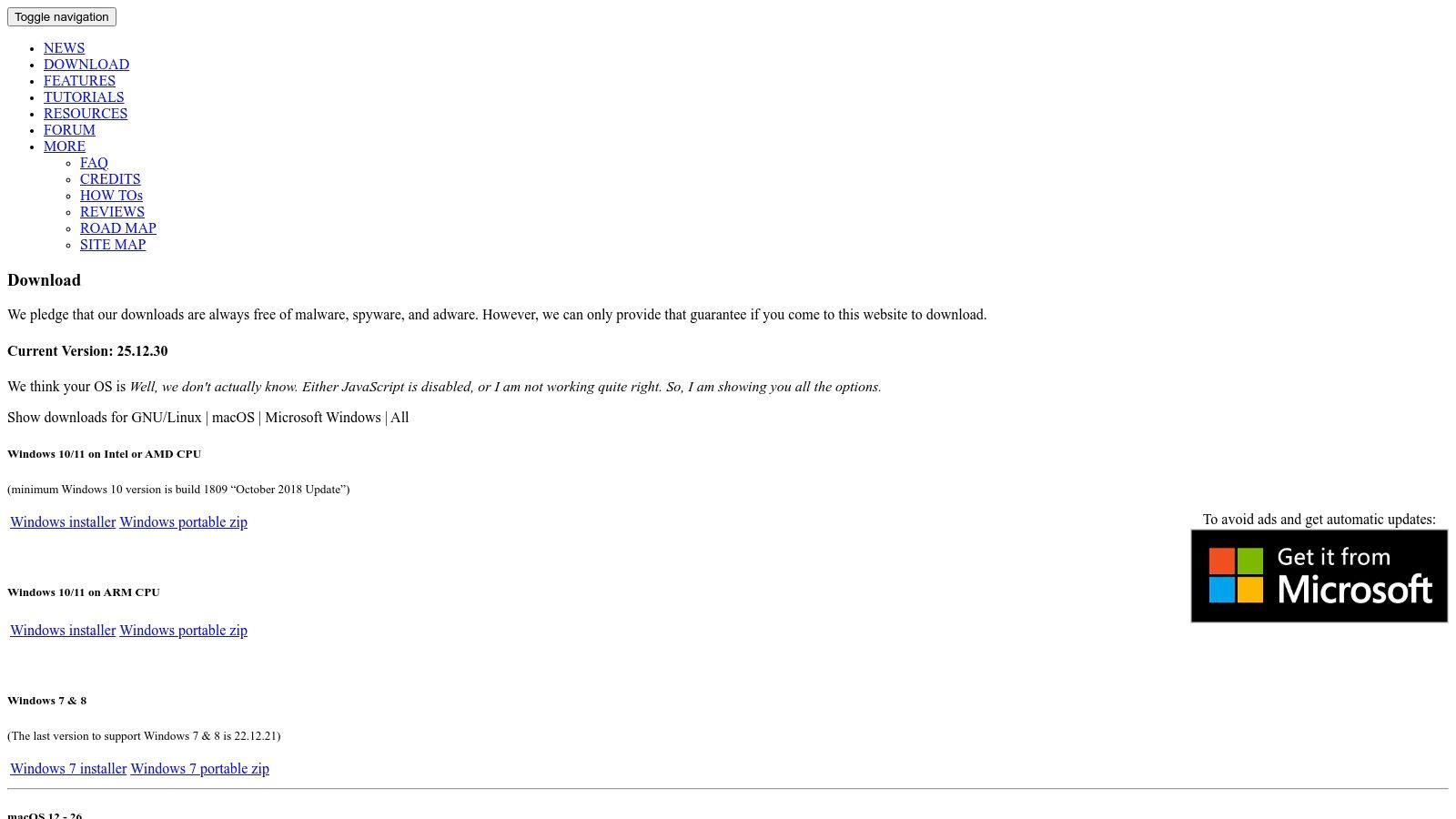
What makes Shotcut a standout free option is its commitment to providing core professional features without ads or bundled software. It includes GPU-accelerated effects, chroma keying for green screen facecams, and detailed speed ramping controls for creating cinematic slow-motion killcams. While its user interface is more utilitarian and less polished than its commercial counterparts, its performance is solid, and its frequent updates ensure stability and new features. The ability to run portable builds directly from an external drive is a unique bonus for gamers on the go.
Key Features for Gaming
- Wide Codec & Format Support: Natively handles hundreds of audio and video formats, minimizing transcoding headaches.
- 4K Resolution Support: Edit and export high-resolution 60fps gameplay on a capable timeline.
- GPU Acceleration: Leverages modern GPUs to speed up filters, transitions, and compositing for smoother editing.
- Chroma Key and Alpha Channel: Includes advanced filters for green screen removal and supports formats with transparency for overlays.
Pricing: Completely free and open source.
Pros & Cons for Gamers:
| Pros | Cons |
|---|---|
| 100% free with no ads or watermarks | Fewer built-in templates and presets |
| Cross-platform (Windows, macOS, Linux) | Utilitarian UI is less intuitive for beginners |
| Runs well on modest gaming PCs/laptops | Lacks deep integration with other creative apps |
Website: https://www.shotcut.org/download/
Gaming Video Editors — 12-Tool Comparison
| Tool | Core features ✨ | Quality/UX ★ | Price/Value 💰 | Ideal for 👥 |
|---|---|---|---|---|
| VideoBGRemover 🏆 | ✨ AI full‑video cutouts, 4K & 120min, transparent exports (PNG/WebM/ProRes) | ★★★★☆ — accurate motion/hair & preserves frame rate | 💰 Pay‑as‑you‑go ($2.50–$4.80/min), credits are valid for one year, exact price shown before processing | 👥 Creators, marketers, devs — quick studio results |
| Adobe Premiere Pro | ✨ Pro NLE, plugin ecosystem, tight AE/Photoshop integration | ★★★★★ — industry standard finishing | 💰 Subscription (Adobe CC) — pro workflows | 👥 Professional editors, agencies |
| Blackmagic DaVinci Resolve | ✨ Edit/Color/Fairlight/Fusion, AI Magic Mask, ProRes alpha | ★★★★★ — top color & finishing tools | 💰 Free tier; Studio perpetual upgrade | 👥 Colorists, pros on budget |
| Apple Final Cut Pro | ✨ Magnetic timeline, M‑series HW accel, ProRes alpha | ★★★★★ — extremely fast on Macs | 💰 One‑time purchase (Mac only) | 👥 Mac users, fast 4K/60–120fps editors |
| CapCut | ✨ Templates, auto‑captions, chroma key, cloud sync | ★★★★☆ — quick social-first UX | 💰 Freemium; Pro for 4K/premium assets | 👥 TikTok/Reels creators, mobile editors |
| CyberLink PowerDirector | ✨ Templates, AI tools, 4K, stock bundles | ★★★★☆ — fast results with gaming assets | 💰 Perpetual or 365 subscription options | 👥 Creators wanting quick, template-driven edits |
| MAGIX VEGAS Pro | ✨ GPU accel, nested timelines, motion tracking | ★★★★☆ — responsive timeline on Windows | 💰 Perpetual or 365; frequent sales | 👥 Windows gaming editors, stream highlight creators |
| Wondershare Filmora | ✨ Large asset library, AI cuts, gaming packs | ★★★☆☆ — template-first, easy to learn | 💰 Perpetual or annual plans | 👥 Beginners & social clip makers |
| Movavi Video Editor | ✨ One‑click AI tools, recorder bundles, 4K | ★★★☆☆ — simple, fast workflow | 💰 Flexible licensing (monthly/perm) | 👥 Beginners, streamers needing recorder + editor |
| Microsoft Clipchamp | ✨ Browser editor, 1080p free exports, AI subtitles | ★★★★☆ — fast & integrated with Windows | 💰 Free tier; 4K/premium via MS365 | 👥 Casual creators on Windows |
| LumaFusion | ✨ Multitrack mobile editor, keyframing, FCPXML | ★★★★☆ — powerful on iPad/iPhone | 💰 One‑time app purchase + optional Creator Pass | 👥 Mobile-first creators, on‑the‑go editors |
| Shotcut | ✨ Open‑source, wide codec support, 4K timelines | ★★★☆☆ — capable but utilitarian UI | 💰 Completely free (no ads) | 👥 Cost‑conscious creators, Linux users |
Level Up Your Content by Choosing the Right Editor
Navigating the world of gaming video editing software can feel as complex as a speedrun of a notoriously difficult RPG. We've journeyed through a comprehensive lineup of tools, from industry-leading powerhouses like Premiere Pro and DaVinci Resolve to accessible mobile-first options like CapCut and LumaFusion. The key takeaway is clear: the "best" software is not a one-size-fits-all title but a personal choice dictated by your goals, budget, hardware, and creative style.
The path to creating compelling gaming content is paved with strategic decisions. Choosing the right editor is arguably one of the most critical. Your software is your primary creative partner, the tool that transforms hours of raw gameplay footage into engaging, shareable stories that captivate your audience and build your community.
Synthesizing Your Options: Key Takeaways
Reflecting on the dozen options we've detailed, several core themes emerge. High-end, professional-grade software like DaVinci Resolve and Final Cut Pro offers unparalleled control over color grading, audio mixing, and visual effects. This level of granular control is perfect for creators aiming for cinematic-quality long-form YouTube videos or documentary-style gaming content. However, they come with a steep learning curve and demand powerful hardware to handle demanding 4K, 60fps timelines smoothly.
On the other end of the spectrum, editors like Filmora, Movavi, and CapCut prioritize speed and ease of use. They empower creators to quickly assemble highlight reels, TikToks, and YouTube Shorts using intuitive drag-and-drop interfaces and vast libraries of pre-built templates and effects. Their lower barrier to entry makes them an ideal starting point for new creators or those who need to maintain a high-volume content schedule without getting bogged down in technical complexities.
Your Next Move: A Creator-Centric Decision Framework
Instead of asking "What is the best gaming video editing software?", reframe the question to "What is the best gaming video editing software for me?". Use the following framework to guide your decision:
For the Aspiring Pro: If your ambition is to produce highly polished, professional-grade content and you're willing to invest time in learning, DaVinci Resolve is the undeniable champion for its free, feature-rich base version. If you are already in the Adobe ecosystem or need its dynamic linking capabilities, Premiere Pro is a powerful, industry-standard alternative.
For the Efficient Streamer: If your primary need is to quickly edit VODs, create clips for social media, and produce consistent content without a steep learning curve, Filmora or CapCut (Desktop) are excellent choices. Their balance of features, performance, and user-friendliness is tailored for rapid content production.
For the Mobile-First Creator: If you edit primarily on your phone or tablet to create Shorts, Reels, and TikToks, CapCut and LumaFusion are the clear frontrunners. LumaFusion offers a more professional, multi-track timeline experience, while CapCut excels at trend-driven, short-form video creation.
For the Budget-Conscious Beginner: Don't overlook the free options. Shotcut offers surprising power for a completely free, open-source tool, and Microsoft Clipchamp provides a simple, browser-based solution for basic edits. Starting here allows you to learn the fundamentals before committing financially.
Ultimately, your journey into gaming video editing is a marathon, not a sprint. The software you choose today might not be the one you use in two years as your skills evolve and your channel grows. The most important step is to simply start. Download a free trial, experiment with a free editor, and begin transforming your gameplay moments into engaging content. The right tool is the one that removes friction and empowers you to bring your creative vision to life.
No matter which editor you choose, creating a professional-looking, immersive gaming video often starts with a clean facecam overlay. Instead of wrestling with complex masking tools, you can achieve a perfect transparent background in seconds with VideoBGRemover. Use our tool to effortlessly prepare your facecam footage before importing it into your chosen gaming video editing software. Elevate your production value today by visiting VideoBGRemover.
Tagged with
Ready to Remove Your Video Background?
Upload your video and see the exact price before processing.
No subscription • Exact price before processing