The 12 Best CapCut Alternative Apps for Pro Edits in 2026
Searching for the best CapCut alternative? Explore our curated list of 12 top video editors for mobile and desktop, perfect for Reels, ads, and UGC.
CapCut has become a powerhouse for short-form video, but its one-size-fits-all approach doesn't suit every creator's workflow. Whether you're hitting performance limits, seeking professional-grade features without a subscription, or need a tool that integrates better with your desktop setup, the landscape of video editors is rich with powerful options. Many creators find themselves needing more advanced color grading, multi-track audio controls, or specific export formats that CapCut simply doesn't offer, creating a ceiling on their production quality.
This guide dives into the 12 best CapCut alternative apps and software, breaking down their unique strengths, ideal use cases, and honest limitations. We’ve done the heavy lifting to provide a comprehensive resource that moves beyond generic feature lists. Inside, you'll find detailed comparisons, screenshots, and direct links for each tool, making it easy to see which platform aligns with your specific goals.
Our analysis is designed for a diverse range of creators, including:
- UGC and social media creators producing Reels, TikToks, and Shorts.
- Marketers and advertisers crafting high-impact product promos.
- Educators and trainers developing tutorials and webinar content.
- Video editors requiring transparent exports for complex projects.
We'll help you find the perfect match for creating stunning UGC, polished ads, and engaging tutorials. By exploring these alternatives, you can find a video editor that not only meets your current needs but also scales with your creative ambitions, ensuring your content stands out.
1. Adobe Premiere on iPhone
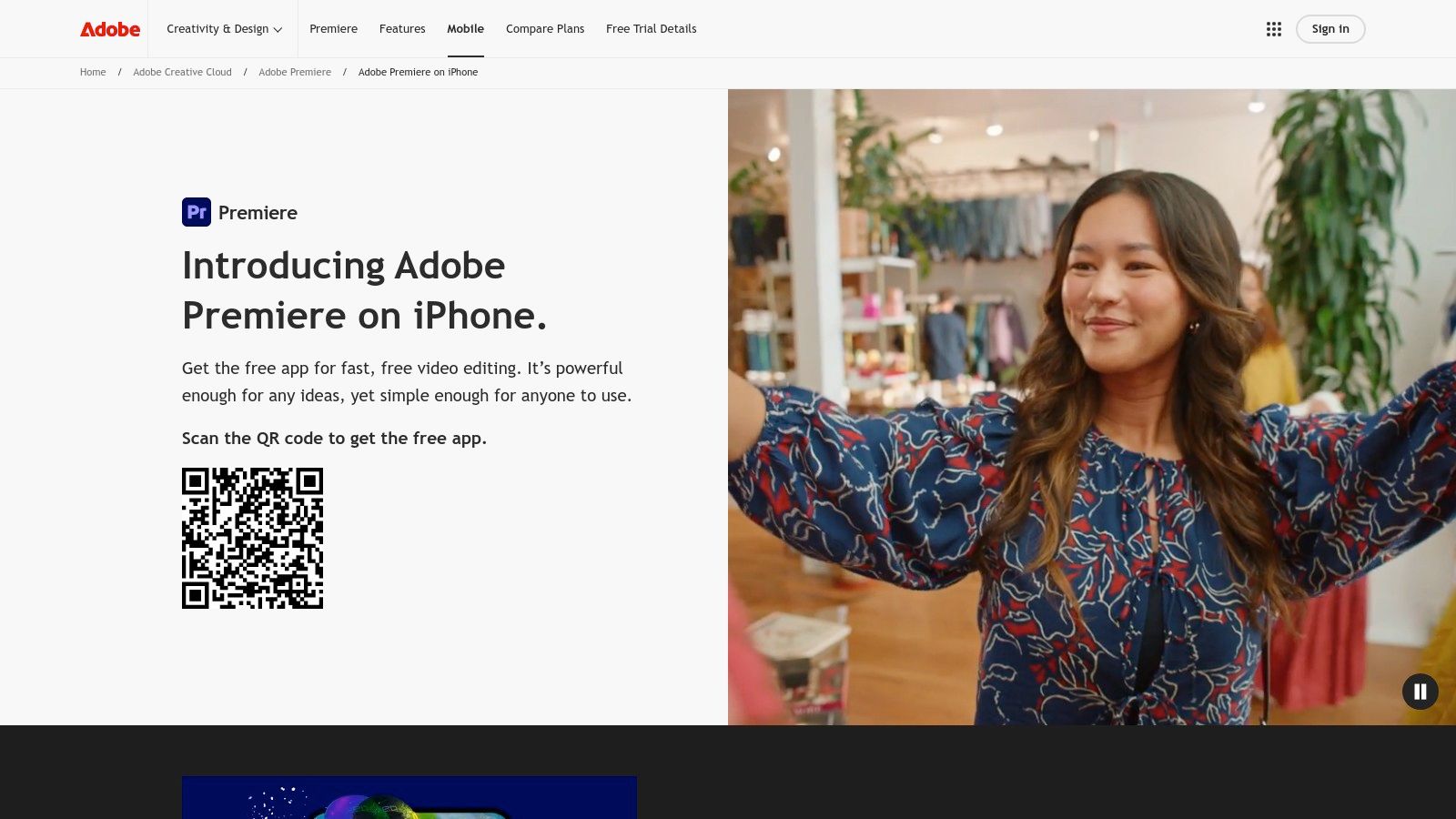
Adobe has entered the mobile editing space with a powerful, free offering that directly challenges CapCut's dominance, especially for iPhone users. Adobe Premiere on iPhone serves as a robust best CapCut alternative by providing professional-grade tools without a watermark on its free tier. It’s designed for creators who need quick, high-quality edits for social platforms like TikTok, Reels, and Shorts but also want a potential pathway into a more advanced desktop workflow.
The app's core strength lies in its multi-track timeline, which supports unlimited layers and precise trimming, a feature often reserved for paid applications. It empowers creators to produce complex edits directly from their phones. One-tap social exporting and resizing tools streamline the process of preparing content for various platforms, ensuring videos look great in any format.
Core Features & Ideal Use Cases
The feature set makes it an excellent choice for creators who demand quality and flexibility.
- Editing & Export: Offers a multi-track timeline, precision trimming, and supports 4K HDR exports completely free. This is ideal for UGC creators and marketers who need the highest possible quality for ads and promotional content.
- AI-Powered Tools: Includes AI-driven speech enhancement to clean up audio, automatic caption generation, and background removal. While core tools are free, advanced Adobe Firefly generative AI features require paid generative credits.
- Ecosystem Integration: A key differentiator is the ability to seamlessly transfer projects to the desktop version of Adobe Premiere Pro for final polishing. This makes it perfect for video professionals who start projects on the go.
Pros and Cons
| Pros | Cons |
|---|---|
| Truly Free Core Editor: No watermarks and 4K exports on the free plan. | iPhone Only: Currently not available for Android users (though it is in development). |
| Creator-Focused Workflow: Presets and tools are tailored for Shorts and Reels. | Paid AI Credits: Advanced generative AI features are locked behind a paywall. |
| Premiere Pro Integration: Offers a direct upgrade path to a professional desktop editor. |
Official Website: https://www.adobe.com/products/premiere/app.html
2. Adobe Premiere (desktop)
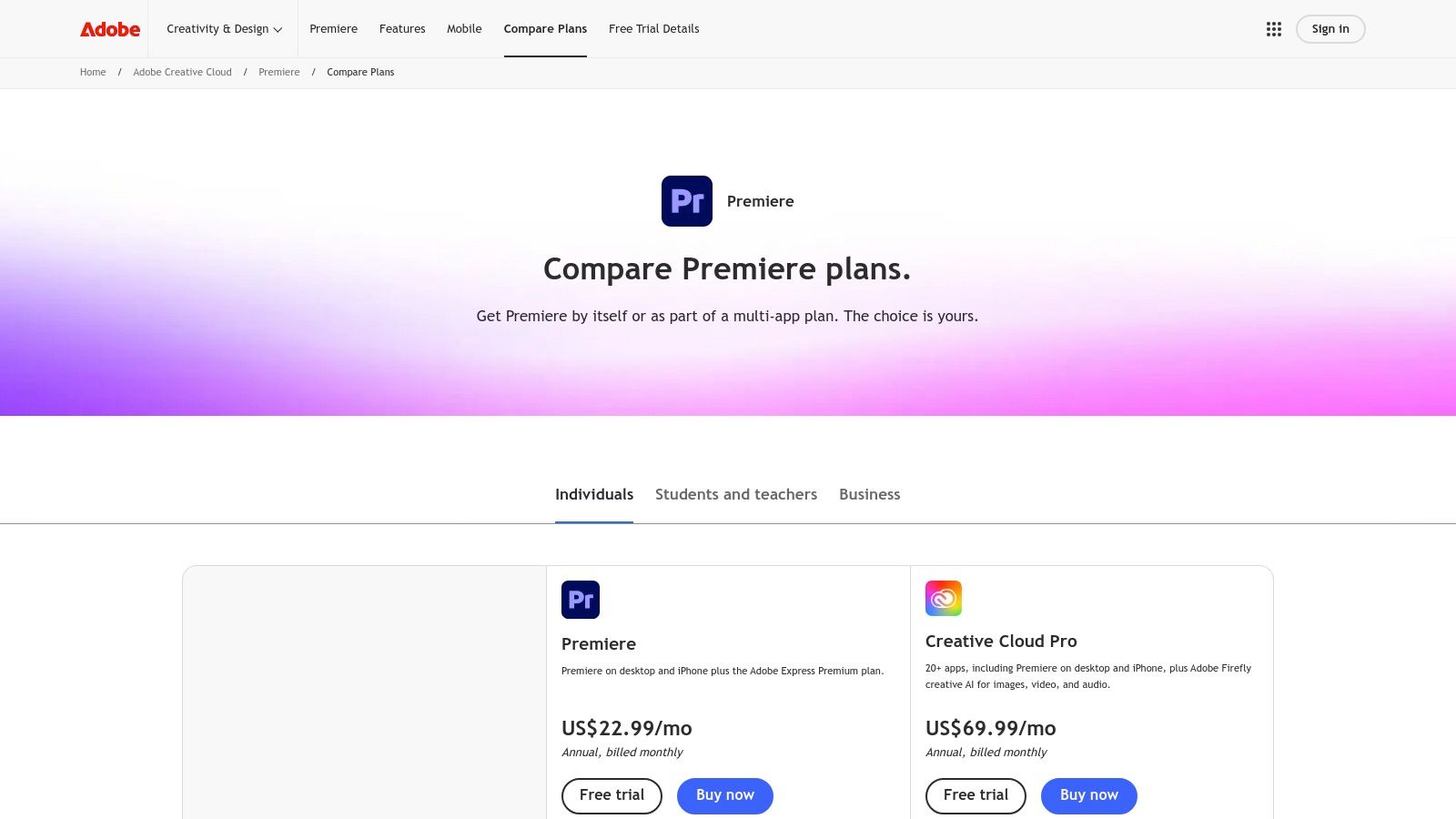
For creators who find CapCut’s desktop app limiting, Adobe Premiere Pro is the industry-standard upgrade. It serves as the ultimate best CapCut alternative for professionals who need unparalleled control, a vast plugin ecosystem, and enterprise-level collaboration tools. While its mobile counterpart is for quick edits, the desktop version is built for complex, high-fidelity projects, from polished UGC ads to long-form YouTube content.
The platform excels where mobile editors fall short, offering advanced color grading with Lumetri Color, sophisticated audio mixing in the Essential Sound panel, and seamless integration with other Adobe Creative Cloud apps like After Effects for motion graphics. Its timeline is designed for handling demanding 4K/8K footage and complex multi-layer sequences with stability and precision, making it the go-to for serious video production.
Core Features & Ideal Use Cases
Premiere Pro's feature set is tailored for professional output and scalable workflows.
- Advanced Editing Tools: Offers comprehensive color grading, advanced audio mixing, and precise keyframing. It's ideal for marketers and filmmakers who require pixel-perfect control over every aspect of their video.
- Ecosystem Integration: Features native integration with After Effects, Audition, and Frame.io for review and collaboration. This is perfect for creative teams and agencies managing complex video projects with multiple stakeholders.
- Generative AI: Includes Adobe Firefly AI features like Generative Fill and Text-to-Video (in beta), with generative credits included in subscription plans. This allows creators to experiment with AI-powered enhancements directly in their timeline.
Pros and Cons
| Pros | Cons |
|---|---|
| Broad Third-Party Plugin Ecosystem: Access to thousands of effects, transitions, and tools. | Requires a Subscription: Not a one-time purchase, which can be a barrier for some. |
| Enterprise-Grade Collaboration: Frame.io integration streamlines review and approval. | Costlier Than Many Mobile Editors: The subscription price is significantly higher than free or low-cost apps. |
| Reliable for 4K/8K Timelines: Handles complex, high-resolution projects with stability. |
Official Website: https://www.adobe.com/products/premiere/plans.html
3. CyberLink PowerDirector
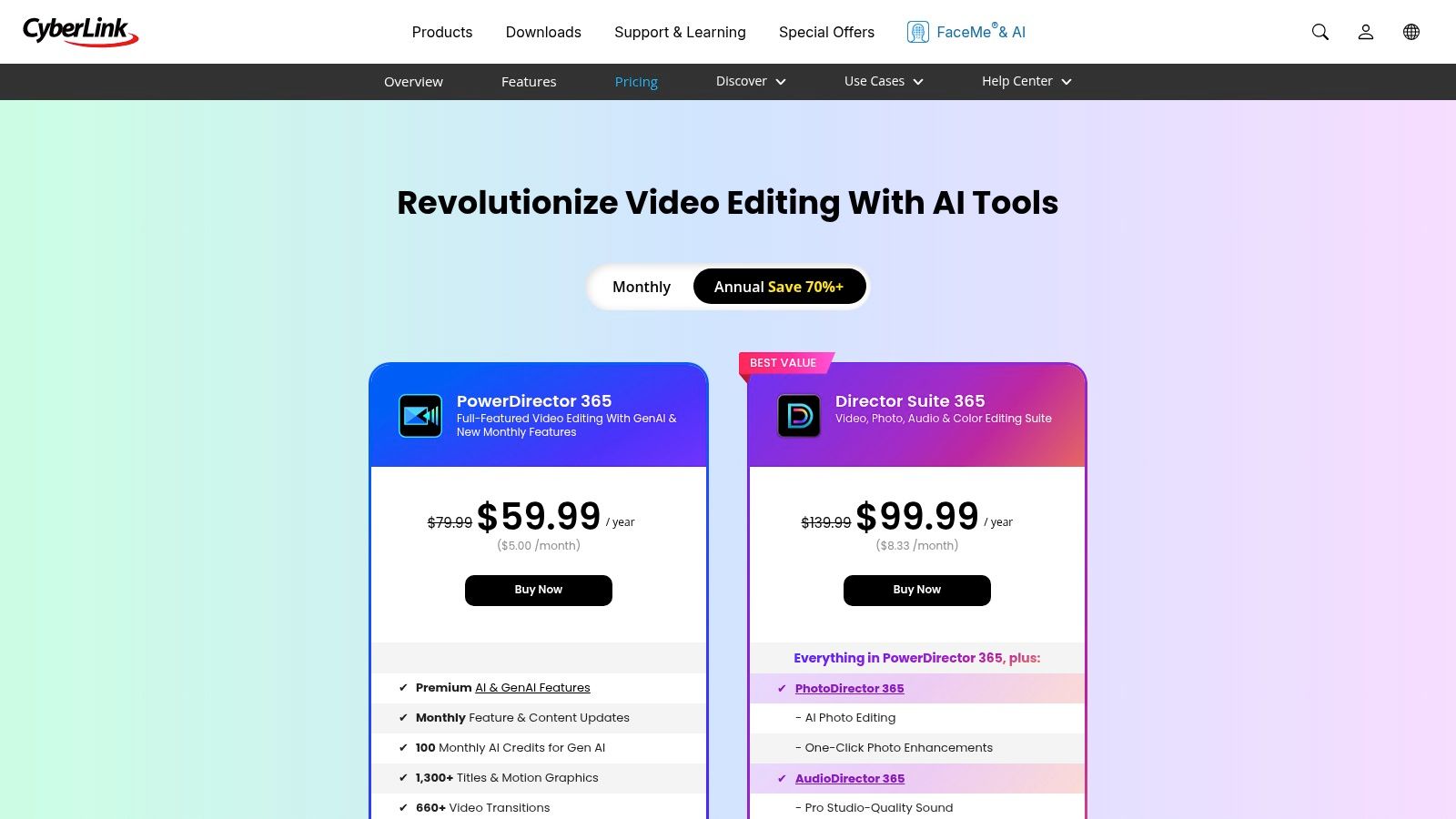
CyberLink PowerDirector establishes itself as a powerful and feature-rich best CapCut alternative for creators on both Windows and mobile devices. It appeals to users looking for a consumer-friendly editor packed with effects, templates, and advanced tools. The PowerDirector 365 subscription model is its main draw, delivering a constant stream of new features, GenAI tools, and integrated stock assets for a competitive annual price.
This platform is engineered for speed and creativity, offering a value-packed solution for creators who want an extensive library of assets at their fingertips. It simplifies the creation of engaging social media content for TikTok and Reels while still providing the depth needed for more complex projects. Its blend of ease of use and a vast feature set makes it a compelling choice for those outgrowing CapCut's more limited ecosystem.
Core Features & Ideal Use Cases
PowerDirector's extensive toolkit is ideal for creators who value variety and regular updates.
- Editing & Export: Supports 4K exports and provides a massive library of titles, transitions, and effects. This is perfect for YouTubers and marketers who want to add a high degree of polish to their videos without a steep learning curve.
- Subscription Benefits: The PowerDirector 365 plan includes monthly updates with new effects and GenAI features, integrated stock libraries (with an optional Getty add-on), and cloud storage for cross-device project syncing.
- Workflow Efficiency: The intuitive interface and wealth of templates are designed for fast turnarounds, making it great for social media managers and UGC creators who need to produce high-quality content for Shorts and Reels on a consistent schedule.
Pros and Cons
| Pros | Cons |
|---|---|
| Affordable 365 Annual Plan: Provides excellent value with frequent feature drops. | Perpetual License Lacks Updates: One-time purchase option does not receive ongoing feature enhancements. |
| Easy Learning Curve: Great for beginners and those creating Shorts/Reels. | Busy Interface: The number of options can feel overwhelming for users who prefer a minimalist design. |
| Large Effects & Asset Library: A huge collection of creative elements is included. |
Official Website: https://www.cyberlink.com/products/powerdirector-video-editing-software/pricing_en_US.html
4. Wondershare Filmora
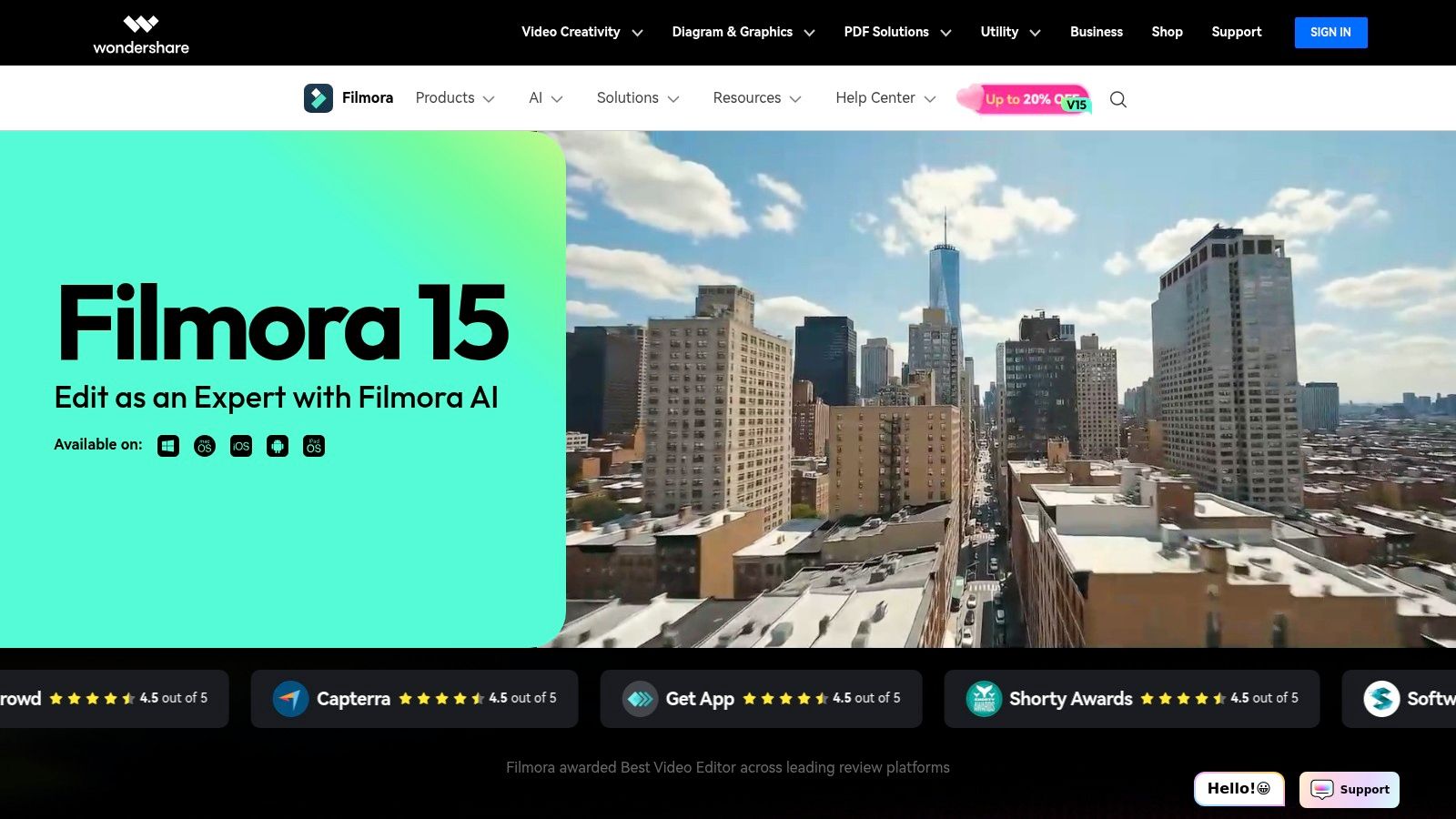
Wondershare Filmora has carved out a space as a highly approachable yet powerful best CapCut alternative for creators who want an easy-to-use editor that works across desktop and mobile. It balances a beginner-friendly interface with a robust set of features, making it ideal for producing polished UGC ads, Reels, and YouTube content without a steep learning curve. The platform is known for its extensive library of one-click effects, templates, and direct social media exports.
Filmora’s strength is its blend of simplicity and capability. It allows new creators to quickly apply motion tracking, speed ramping, and color grading using pre-built LUTs, tasks that often require more advanced knowledge in other software. This makes it an excellent choice for users who are ready to move beyond basic mobile editing but are not yet prepared for complex professional-grade suites. For those just starting, exploring some foundational video editing tips for beginners can help maximize what Filmora has to offer.
Core Features & Ideal Use Cases
Filmora’s feature set is designed for speed and creative flexibility, catering directly to social media content production.
- Editing & Export: Features an intuitive timeline with tools for motion tracking and speed ramping. It supports 4K and AV1 exports and allows direct sharing to YouTube, TikTok, and Vimeo, which is perfect for UGC creators who need a fast turnaround.
- Creative Assets: Offers a massive library of one-click effects, transitions, and titles. The optional Filmstock subscription provides access to royalty-free stock assets, making it ideal for marketers and ad creators needing high-quality visuals on demand.
- AI-Powered Tools: Includes AI-driven features like smart cutout and audio editing, with paid plans offering generative AI credits for more advanced tasks.
Pros and Cons
| Pros | Cons |
|---|---|
| Approachable UI for UGC ads and Reels: The interface is clean and easy for beginners to navigate. | Some advanced tools are gated: Key features are locked behind higher-priced plans or AI credits. |
| Frequent updates and growing AI features: The platform is consistently adding new, modern tools. | Occasional performance complaints: Some users report performance issues after software updates. |
| Good price-to-feature ratio: Offers a strong set of capabilities for its price point. |
Official Website: https://filmora.wondershare.com/
5. DaVinci Resolve (Blackmagic Design)
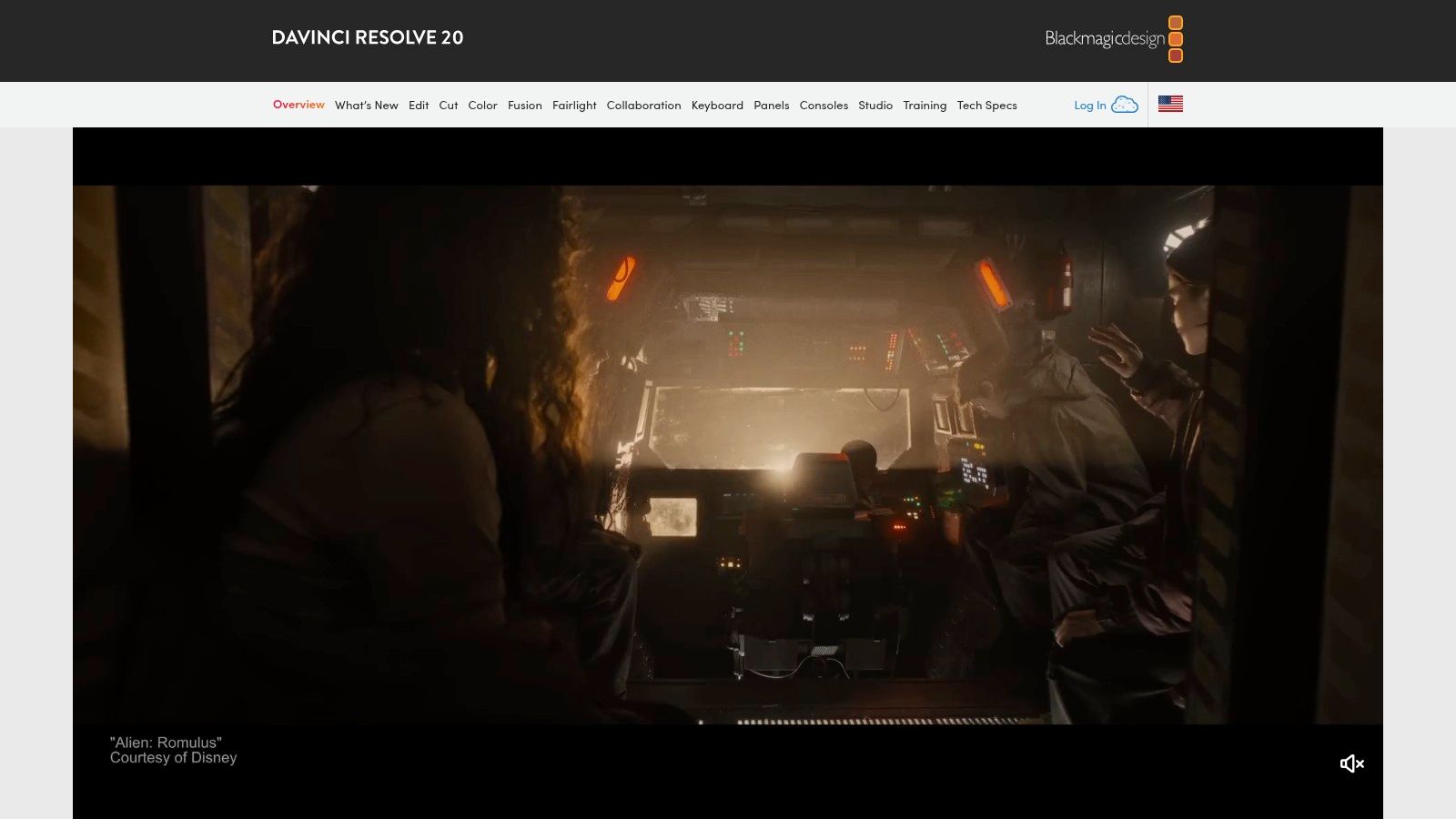
DaVinci Resolve has established itself as the go-to professional editing suite for creators who want power without a subscription. It stands as a formidable best CapCut alternative for desktop users, offering an industry-grade, non-linear editor with advanced color correction, visual effects, and audio post-production tools completely free of charge. This makes it an unparalleled choice for creators graduating from mobile-first workflows who demand a tool that can handle everything from social media shorts to feature films.
The free version is remarkably robust, providing features that many competitors place behind a paywall, such as multi-cam editing, advanced color grading panels, and extensive format support. Unlike CapCut's desktop app, Resolve is built on a node-based architecture for effects (Fusion) and a comprehensive digital audio workstation (Fairlight), all integrated into one application. This unified environment allows for a seamless and highly efficient professional workflow.
Core Features & Ideal Use Cases
Resolve’s all-in-one design makes it suitable for a wide range of sophisticated projects.
- Professional Suite: Offers a full NLE, the Fusion compositor for VFX, and the Fairlight audio suite in one app. It’s ideal for creators producing long-form YouTube content, short films, or detailed tutorials that require precise audio and visual work.
- Industry-Leading Color Tools: Known for its legendary color correction and grading capabilities, making it perfect for marketers and UGC creators who need to ensure brand color accuracy in promotional videos.
- Scalable Workflow: The Studio version, available for a one-time fee, unlocks the DaVinci Neural Engine, which powers many of the best AI video editing software features like Magic Mask and Smart Reframe, providing a clear upgrade path.
Pros and Cons
| Pros | Cons |
|---|---|
| Extremely Capable Free Version: No watermarks and supports up to 4K UHD exports. | Steeper Learning Curve: Can be intimidating for complete beginners. |
| One-Time Purchase: Resolve Studio is a perpetual $295 license, avoiding subscriptions. | Higher System Requirements: Needs a more powerful computer than mobile editors. |
| All-in-One Powerhouse: Combines editing, color, VFX, and audio in a single interface. |
Official Website: https://www.blackmagicdesign.com/products/davinciresolve
6. Microsoft Clipchamp
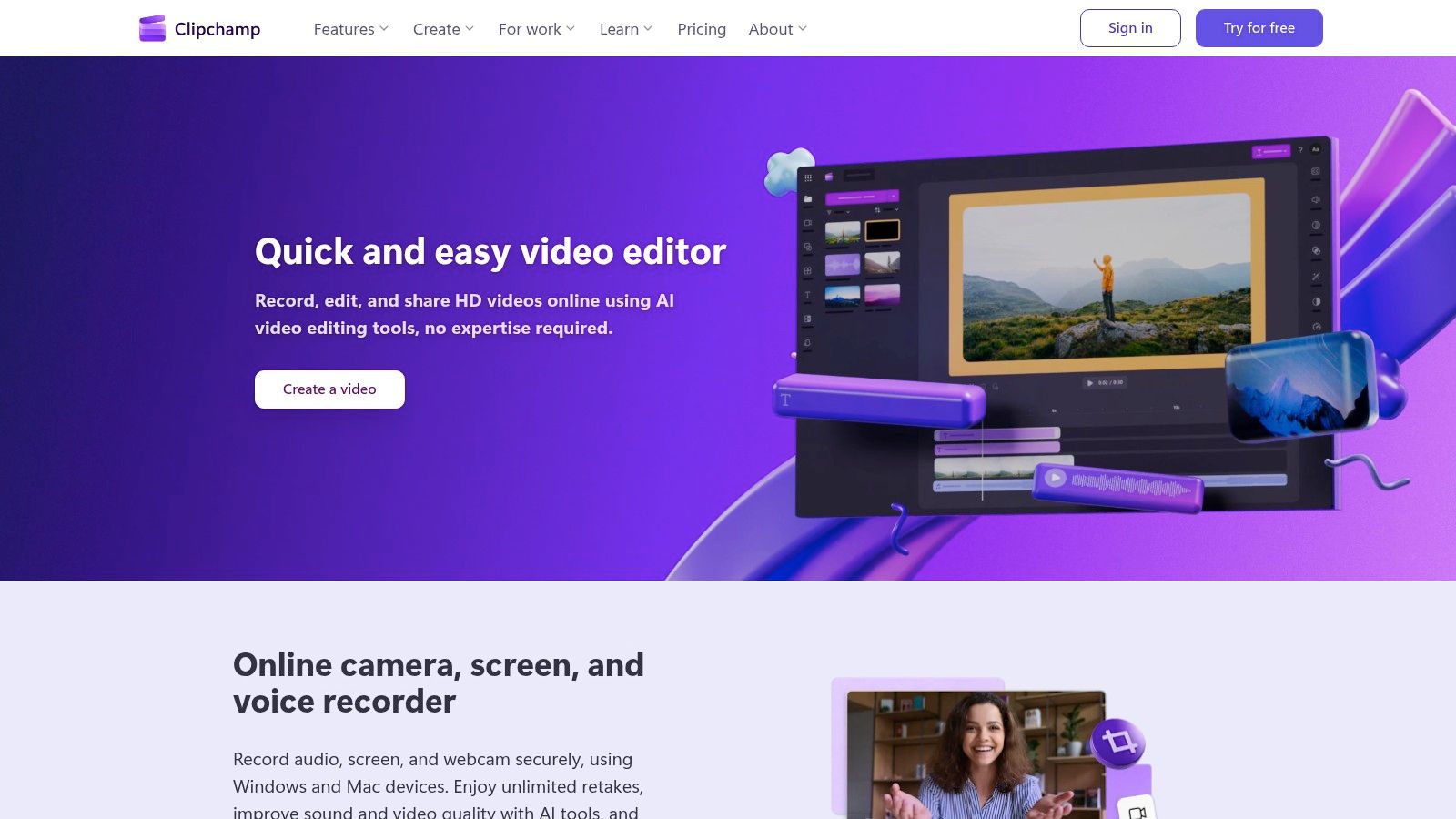
For Windows users seeking a seamless, browser-based editor, Microsoft Clipchamp presents a compelling best CapCut alternative without requiring any software installation. It is built directly into Windows 11 and is accessible on any modern browser, offering an incredibly convenient starting point for creating social media content. Its strength lies in its tight integration with the Microsoft ecosystem, especially for those with a Microsoft 365 subscription, which unlocks premium features.
The platform provides a user-friendly, template-driven experience ideal for crafting quick ads, tutorials, or social posts. The free plan is quite generous, offering unlimited watermark-free exports at 1080p resolution, which is perfect for most online video needs. For Microsoft 365 subscribers, the value proposition increases significantly with access to 4K exports, a premium stock media library, and brand kit capabilities.
Core Features & Ideal Use Cases
Clipchamp excels in accessibility and ease of use for everyday video creation.
- Editing & Export: Features a straightforward timeline, auto-captioning, a screen recorder, and text-to-speech. Free users get 1080p exports, while Microsoft 365 subscribers can export in crisp 4K resolution.
- Templates & Assets: A large library of templates for Reels, Shorts, and other formats helps creators get started quickly. The included stock media library and brand kit features (with M365) are ideal for marketers needing consistent branding across video ads.
- Ecosystem Integration: Its deep integration with OneDrive allows for cloud-based project backups and easy asset management. This makes it a fantastic choice for individuals and teams already working within the Microsoft 365 environment.
Pros and Cons
| Pros | Cons |
|---|---|
| No Software Install: Runs entirely in a web browser for maximum accessibility. | Limited Offline Workflow: Requires an internet connection, unlike traditional desktop editors. |
| Seamless for Windows Users: Deep integration with Windows 11 and Microsoft 365. | Paywalled Premium Features: 4K exports and advanced assets require a Microsoft 365 subscription. |
| Fast for Quick Social Edits: Template-driven workflow is perfect for rapid content creation. |
Official Website: https://clipchamp.com/
7. LumaFusion (LumaTouch)
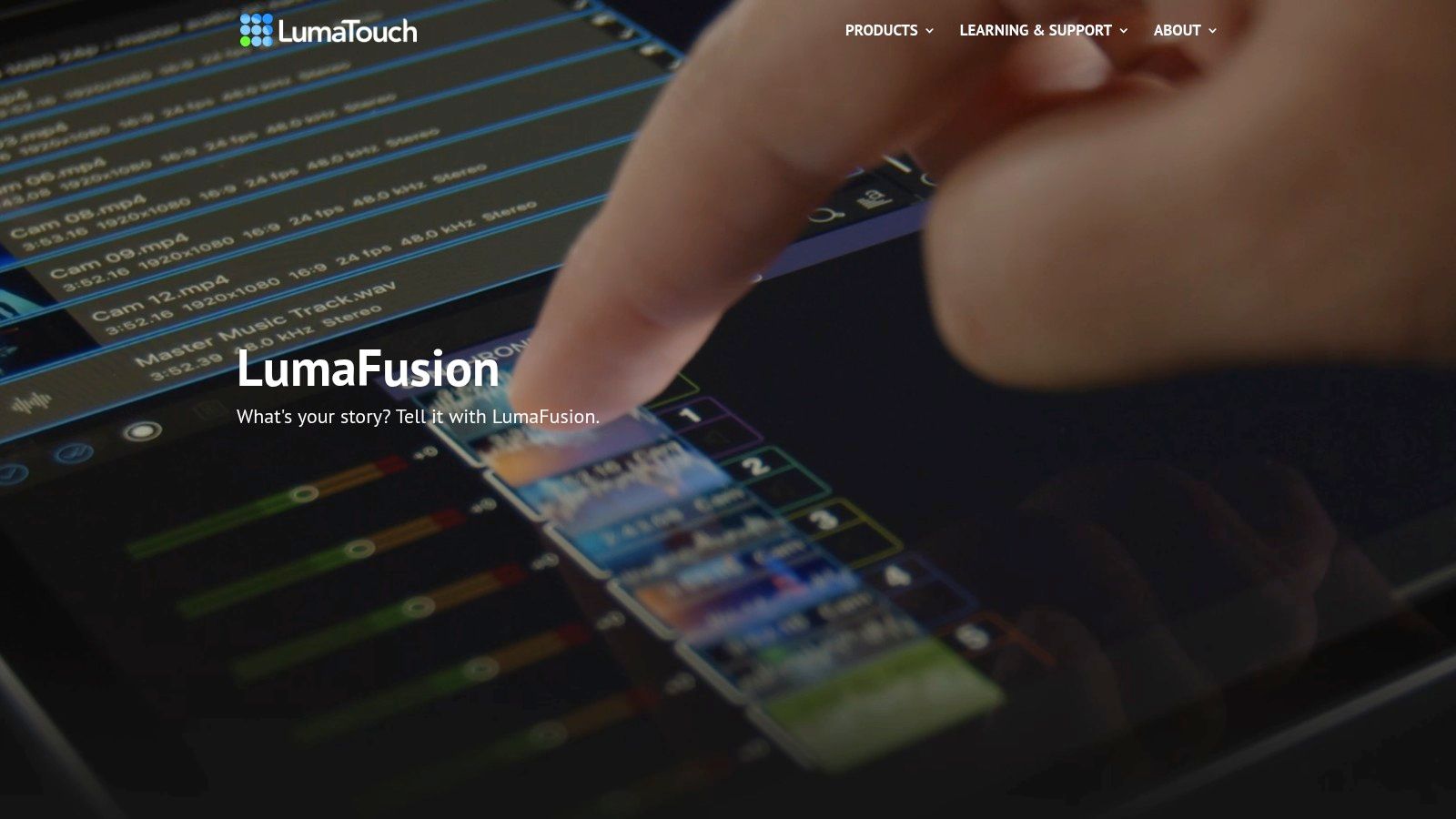
LumaFusion has long been the gold standard for professional mobile video editing, especially on iPadOS and iOS. It serves as a powerful best CapCut alternative for creators who need desktop-grade control and precision in a mobile-first interface. This award-winning multi-track editor is designed for serious mobile journalists, filmmakers, and content creators who find CapCut's template-driven approach too restrictive and require more manual control over their projects.
The app's strength is its robust, touch-optimized timeline that combines the best of track-based and magnetic editing. It allows for up to 6 video/audio tracks and an additional 6 audio tracks, giving creators immense flexibility for complex compositions. Its one-time purchase model also appeals to users who prefer to avoid recurring subscriptions for professional-level tools.
Core Features & Ideal Use Cases
LumaFusion is built for creators who need fine-tuned control over every aspect of their video.
- Professional Timeline: Features a multi-track timeline with advanced controls like keyframing, track locking, and precise trimming. This is ideal for documentary-style content, short films, and detailed tutorials where layering multiple audio and video sources is essential.
- High-Quality Exports: Supports 4K and ProRes exports on capable iOS devices, making it a go-to for professionals who need to deliver broadcast-quality footage directly from their tablet or phone.
- Advanced Toolset: Includes a robust titler, chroma and luma keying for green screen effects, video stabilization, and Multicam support. This makes it suitable for advanced social media ads and promotional videos that require polished visual effects.
Pros and Cons
| Pros | Cons |
|---|---|
| Powerful Desktop-Class Editing: Offers unparalleled control on a mobile device. | Best on iPad: The interface can feel cramped on smaller iPhone screens. |
| One-Time Purchase: No recurring subscriptions for the core application. | Device-Dependent Features: Pro codecs and performance rely on device hardware. |
| Excellent Documentation: Supported by a wealth of tutorials and guides. |
Official Website: https://luma-touch.com/
8. KineMaster
KineMaster has long been a staple in the mobile video editing world, establishing itself as a powerful best CapCut alternative for both Android and iOS users. It appeals to creators who need more than basic trimming, offering a feature set that includes multi-layer timelines, precise keyframe animation, and chroma key (green screen) effects. This makes it a balanced choice for creators looking for a feature-rich mobile app with the convenience of cloud synchronization for their projects.
The app's interface is designed to feel like a more traditional desktop editor, providing granular control directly on a smartphone or tablet. KineMaster's asset marketplace, the KineMarket, is a major draw, giving users access to a vast library of templates, effects, transitions, and audio to enhance their videos quickly. This combination of advanced controls and ready-made assets makes it suitable for both quick social media clips and more complex, layered video projects.
Core Features & Ideal Use Cases
KineMaster's robust toolset is well-suited for creators who want desktop-like power on their mobile devices.
- Advanced Editing Tools: Offers a multi-track timeline, keyframing, blend modes, and chroma key capabilities. This is perfect for YouTubers and tutorial creators who need to produce green screen effects or intricate animations on the go.
- Asset Marketplace: The KineMarket provides a massive library of downloadable templates, effects, transitions, and music. This is ideal for social media managers and marketers who need to produce diverse, high-quality content quickly without creating every asset from scratch.
- Cloud & Export Control: KineCloud syncs projects across devices, and the app supports exports up to 4K resolution (device-dependent). This workflow is excellent for creators who switch between a phone and tablet to edit their content.
Pros and Cons
| Pros | Cons |
|---|---|
| Vast Supply of Templates and Effects: The KineMarket provides extensive creative assets. | Watermark & Ads on Free Version: The free experience is limited by branding and interruptions. |
| Cross-Platform Availability: Works seamlessly on both iOS and Android devices. | Performance Intensive: Heavier projects with multiple layers can strain older phones. |
| Transparent Premium Pricing: Offers clear monthly and annual subscription options. |
Official Website: https://www.kinemaster.com/
9. VN Video Editor (VlogNow)
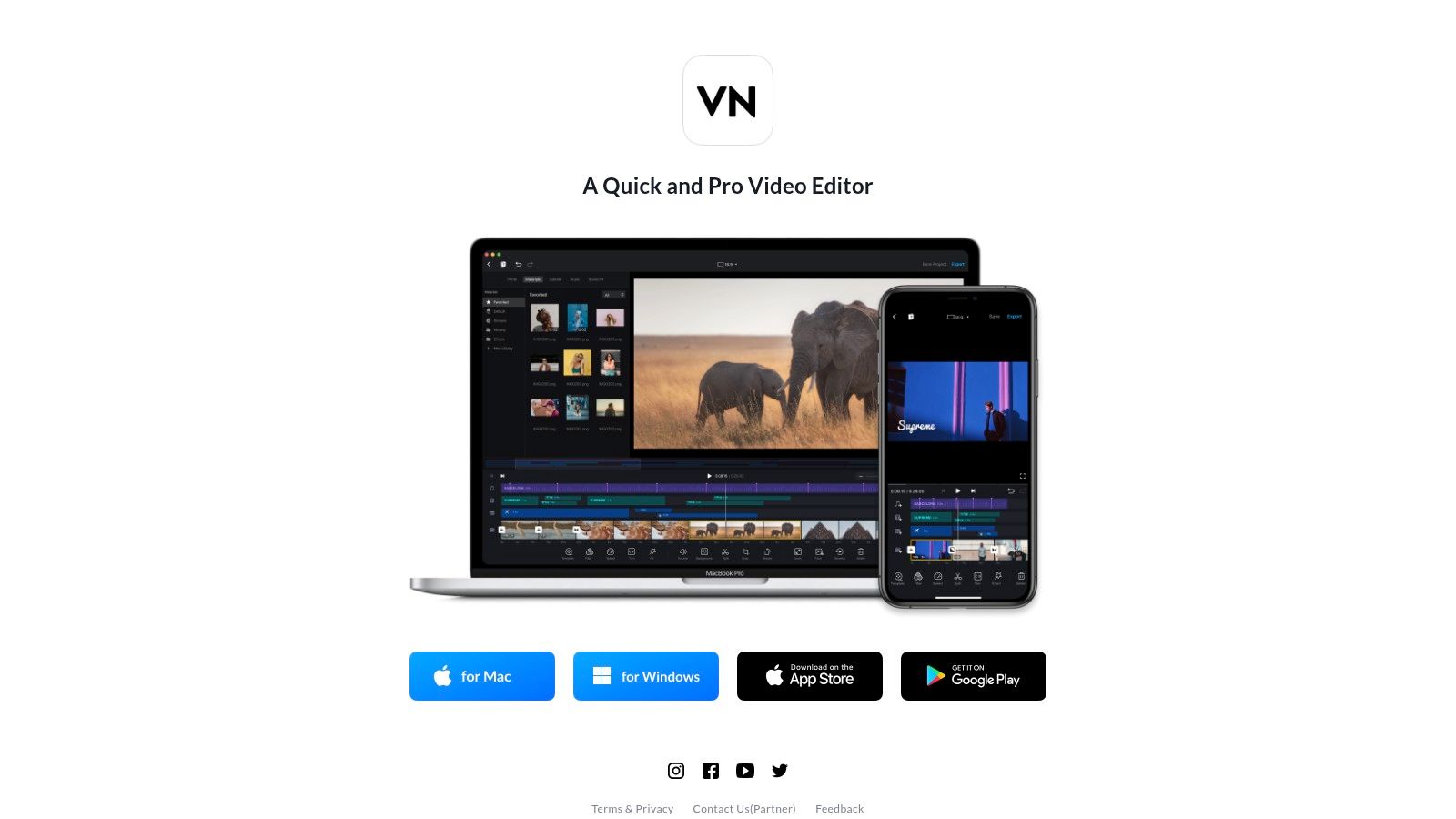
VN Video Editor, also known as VlogNow, has carved out a significant space as a premier best CapCut alternative for creators who demand professional-level control without a mandatory subscription or watermark. It bridges the gap between simple, template-driven editors and complex desktop software, offering a robust feature set on both mobile and desktop for free. Its interface is clean and intuitive, making advanced tools accessible to beginners while satisfying experienced editors.
The app's main draw is its multi-track editing timeline, which feels closer to a traditional non-linear editor (NLE) than many of its mobile counterparts. This allows for precise control over multiple layers of video, text, and audio. Features like keyframe animation and speed curves empower creators to produce dynamic, high-quality content that stands out on social media feeds, all without exporting a branded watermark.
Core Features & Ideal Use Cases
VN's toolset is versatile, catering to a wide range of creative projects.
- Advanced Timeline Control: The multi-track timeline supports keyframe animations for position, scale, and opacity, plus customizable speed curves for cinematic slow-motion or speed-ramping effects. This is ideal for marketers and UGC creators making engaging product showcases.
- Color & Effects: It allows users to import custom LUTs (Look-Up Tables) for professional color grading, offers numerous built-in filters and effects, and supports HDR editing on compatible iPhones.
- Creator Tools: Includes essential features like background removal, auto-captions, and a wide library of text styles and transitions. Flexible export options up to 4K at 60fps ensure content looks crisp on any platform.
Pros and Cons
| Pros | Cons |
|---|---|
| Free Core App with No Watermark: Export high-quality videos freely. | Paid Assets/Features: Some advanced effects require VN Pro or credit packs. |
| Deep Toolset for Precise Edits: Keyframes and speed curves offer creative control. | Desktop Workflow Is Less Mature: The desktop app is capable but not as robust as major NLEs. |
| Smooth Mobile/Desktop Transfer: Sync projects between devices for a flexible workflow. |
Official Website: https://vlognow.me/
10. InShot
InShot is one of the most established and widely used mobile video editors, serving as a reliable best CapCut alternative for creators focused on speed and simplicity. It excels at producing polished social media content with minimal effort, making it a go-to for quick edits on Reels, TikToks, and Shorts. The platform is designed with a user-friendly interface that flattens the learning curve, allowing even beginners to add text, effects, and music efficiently.
Its popularity stems from its all-in-one approach, combining essential video editing tools with photo editing capabilities. InShot is optimized for a mobile-first workflow, ensuring that creators can go from raw footage to a share-ready video entirely on their phone. It offers a straightforward timeline and intuitive controls for trimming, splitting, and merging clips.
Core Features & Ideal Use Cases
InShot's feature set is tailored for creators who need to produce high-quality social content quickly.
- Social-First Editing: Provides essential tools like speed ramping, transitions, and social-first templates. This is perfect for lifestyle influencers and UGC creators who need to quickly assemble engaging vlogs and promotional clips.
- AI & Audio Tools: Includes an AI-powered background remover and auto-caption generator to streamline common editing tasks. Its robust music, sound effects, and voiceover support make it ideal for crafting narrative-driven content.
- High-Quality Export: Supports 4K video exports on compatible devices, ensuring content looks crisp and professional on any platform. The Pro version removes watermarks and ads for a clean final product.
Pros and Cons
| Pros | Cons |
|---|---|
| Very Easy Learning Curve: An intuitive interface makes it accessible for beginners. | Limited for Heavy Projects: Not built for complex, multi-layered professional edits. |
| Affordable Pro Version: Low-cost annual or lifetime options to unlock all features. | Occasional Stability Issues: Some users report performance issues on certain devices. |
| Fast Social Workflow: Streamlined for producing polished content for Reels and TikTok. |
Official Website: https://inshot.com/
11. Splice (Bending Spoons)
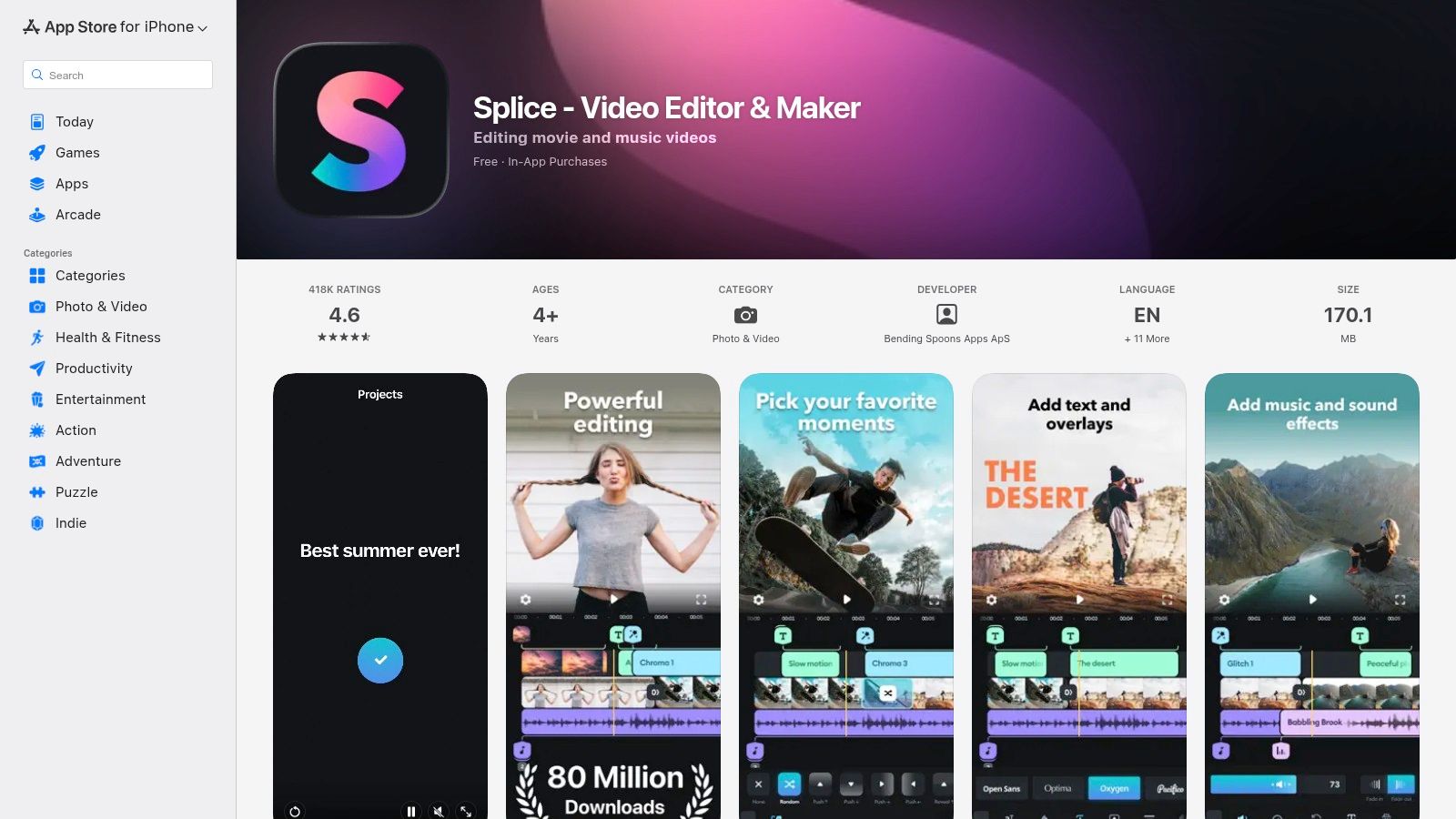
Splice is a highly polished, iOS-focused video editor that positions itself as a powerful best CapCut alternative for creators who prioritize speed and a user-friendly interface. Developed by Bending Spoons, it excels at helping users create professional-looking videos quickly, thanks to its intuitive timeline and a vast, integrated library of royalty-free music. It's built for rapid editing cycles, making it ideal for social media managers and UGC creators who need to publish content consistently.
The app's main draw is its blend of simplicity and powerful features like speed ramping, chroma key, and keyframe controls. Unlike more complex editors, Splice makes these advanced tools accessible without a steep learning curve. Its direct sharing capabilities for TikTok, Instagram, and YouTube streamline the workflow from creation to publication, ensuring content is optimized for each platform with minimal effort.
Core Features & Ideal Use Cases
Splice's feature set is tailored for creators who need high-quality audio and slick visuals without getting bogged down in technical details.
- Editing & Effects: Provides essential tools like trimming and cropping alongside more advanced features like masks, overlays, and keyframes. The speed ramping and chroma key tools are particularly useful for creating dynamic, engaging social media clips.
- Royalty-Free Music Library: Its standout feature is the large, integrated soundtrack library from Artlist and Shutterstock. This is a massive advantage for creators who want high-quality, licensed music without leaving the app or risking copyright strikes.
- Social Sharing: Includes built-in, one-tap sharing to major platforms like TikTok and Instagram. This makes it a perfect tool for social media managers and creators in fast-paced environments who need to produce and post content on the fly.
Pros and Cons
| Pros | Cons |
|---|---|
| Simple UX with a fast learning curve: Very intuitive for beginners to pick up and use effectively. | Subscription model: Costs can add up over time, especially for casual users. |
| Strong built-in audio library: Access to premium, royalty-free music is a major plus. | iOS-only: Not available for Android users, limiting its accessibility. |
| Good for rapid UGC edit cycles: Perfect for quick turnarounds on social media content. | Fewer pro finishing options: Lacks the depth of a full desktop non-linear editor (NLE). |
Official Website: https://apps.apple.com/us/app/splice-video-editor-maker/id409838725
12. Canva (Video Editor)
Canva has evolved from a graphic design tool into a comprehensive cloud suite with a powerful, timeline-style video editor. It stands out as a best CapCut alternative for users who prioritize speed, branding consistency, and collaborative workflows. Its strength is not in precision editing but in enabling individuals and teams to quickly produce high-quality, branded video content for social media, ads, and presentations using a massive library of templates and assets.
The browser-based platform is designed for efficiency. Its drag-and-drop interface, combined with features like one-click background removal and automatic resizing for different platforms, drastically reduces creation time. This makes it an ideal solution for marketers and content creators who need to produce video content at scale without a steep learning curve. For those looking to replace backgrounds, you can learn more about changing a video background without a green screen to improve your edits.
Core Features & Ideal Use Cases
Canva’s feature set is built around speed and accessibility for non-professional video editors.
- Template & Asset Library: Offers an enormous collection of video templates, stock footage, audio tracks, and graphic elements. This is perfect for social media managers and marketers creating branded ads and promotional content quickly.
- AI Magic Studio: Includes a suite of AI tools for generating captions, finding B-roll, and creating generative media. This is useful for creators looking to streamline content production and add creative flair.
- Collaboration & Brand Kits: Real-time collaboration allows teams to work on video projects simultaneously. Brand Kits ensure that every video maintains consistent logos, colors, and fonts, which is critical for business use.
Pros and Cons
| Pros | Cons |
|---|---|
| Extremely fast for social/video ads: Template-driven workflow is highly efficient. | Not a full NLE: Lacks the precision of professional-grade editors. |
| Massive template/element library: Saves significant time on asset sourcing. | Teams pricing has increased: Can be more expensive for larger teams compared to legacy plans. |
| Collaborative workflow: Excellent for team-based content creation. |
Official Website: https://www.canva.com/
Top 12 CapCut Alternatives — Feature Comparison
| Tool | Core features | UX / Quality (★) | Value & Pricing (💰) | Target (👥) | ✨ Unique selling points |
|---|---|---|---|---|---|
| Adobe Premiere (iPhone) | Multi‑track timeline · 4K · AI (speech, bg remove) · project handoff | ★★★★☆ professional mobile UX | 💰 Free core; paid generative credits & cloud upgrades | 👥 Mobile creators & short‑form editors | ✨ One‑tap social exports; Premiere desktop sync |
| Adobe Premiere (desktop) | Advanced editing · color · audio · collaboration · Firefly AI | ★★★★★ industry‑standard | 💰 Subscription; plans include AI credits | 👥 Professionals, studios, enterprise | ✨ Deep Adobe ecosystem (AE, Frame.io) · plugin support |
| CyberLink PowerDirector | 4K · templates/effects · GenAI (365) · stock assets | ★★★★☆ fast consumer UX | 💰 Affordable 365 annual; perpetual option | 👥 Value‑seeking creators & hobbyists | ✨ Large effects library; frequent feature drops |
| Wondershare Filmora | One‑click effects · motion tracking · social exports · LUTs | ★★★★☆ beginner‑friendly | 💰 Good price‑to‑feature; paid Filmstock/add‑ons | 👥 Beginners & UGC/ad creators | ✨ Easy templates for fast turnaround |
| DaVinci Resolve | NLE + Fusion VFX + Fairlight audio · pro color · GPU accel | ★★★★★ pro‑grade (steep learning curve) | 💰 Powerful free version; Studio one‑time $295 | 👥 Colorists & post‑production pros | 🏆 Industry‑leading color grading · one‑time Studio license |
| Microsoft Clipchamp | Browser timeline · templates · auto‑captions · OneDrive | ★★★★☆ simple browser UX | 💰 Free tier; 4K & premium assets with M365 | 👥 Windows users & quick editors | ✨ No install; OneDrive & M365 integration |
| LumaFusion | Track‑based timeline · 4K/ProRes · multicam · keying | ★★★★☆ tablet‑grade, performant | 💰 One‑time App Store purchase | 👥 Mobile journalists & iPad creators | ✨ Pro touch controls · external monitor support |
| KineMaster | Multi‑layer editing · keyframing · chroma key · cloud sync | ★★★☆☆ powerful but mobile‑centric | 💰 Free w/ watermark; clear premium plans | 👥 Mobile creators needing rich features | ✨ KineMarket assets · cross‑device sync |
| VN Video Editor | Multi‑track timeline · keyframes · bg removal · 4K | ★★★★☆ pro‑style mobile UX, no watermark | 💰 Free core; VN Pro / credit packs | 👥 Creators wanting free pro tools | ✨ Watermark‑free pro features; smooth transfers |
| InShot | Social templates · AI captions · bg remover · 4K | ★★★★☆ very easy & fast | 💰 Low‑cost annual or lifetime unlocks | 👥 Casual creators & social posters | ✨ Fast path to polished reels · massive user base |
| Splice | Trimming · masks · speed ramps · large music library | ★★★★☆ simple, speedy UX | 💰 Subscription (iOS focus) | 👥 Creators prioritizing audio & speed | ✨ Extensive royalty‑free soundtrack library |
| Canva (Video Editor) | Drag‑drop timeline · templates · stock · Magic Studio AI | ★★★★☆ fast collaborative browser UX | 💰 Free tier; Teams/Magic subscriptions costlier | 👥 Marketers, social teams & non‑editors | ✨ Massive templates & real‑time collaboration |
Choosing Your Next Video Editor and Supercharging Your Workflow
Navigating the crowded landscape of video editing apps can feel overwhelming, but finding the best CapCut alternative is less about discovering a single "perfect" tool and more about identifying the right software for your specific workflow. As we've explored, the ideal choice hinges entirely on your goals, budget, and primary platform. The journey from a raw clip to a polished final product involves a series of strategic decisions, and your editor is the most important one.
This comprehensive listicle has unpacked a dozen powerful contenders, each with distinct strengths. From the professional-grade color correction of DaVinci Resolve to the intuitive, mobile-first design of LumaFusion, and the template-driven efficiency of Canva, there's a solution tailored to every type of creator. Your final decision should be a direct reflection of your creative priorities.
Making the Right Choice: A Practical Decision Framework
To distill this information into an actionable choice, consider these three core factors:
- Platform & Workflow Integration: Where do you create most? If you're constantly moving between your phone and a powerful desktop, an ecosystem like Adobe Premiere (desktop and iPhone) offers unparalleled synergy. For creators who are exclusively mobile, apps like VN Video Editor or InShot provide robust features without ever needing a computer.
- Complexity vs. Speed: What is your primary output? For social media marketers needing to produce dozens of ads or Reels quickly, the streamlined interfaces of Clipchamp or Canva are invaluable. Conversely, if you're a video editor or educator creating detailed tutorials that require precise multi-track editing and advanced effects, investing time to learn DaVinci Resolve or Filmora will yield far superior results.
- Budget & Scalability: Your financial commitment is a critical factor. Free tools like DaVinci Resolve's base version and Clipchamp offer incredible value. However, subscription models from Adobe or one-time purchases like LumaFusion provide access to premium assets, ongoing updates, and dedicated support that can be essential as you scale your content production.
The Missing Piece in Most Editing Toolkits
One consistent theme emerged during our analysis: while many of these CapCut alternatives excel at timeline editing, transitions, and effects, their built-in background removal tools often fall short. They can struggle with complex motion, intricate details like hair, or semi-transparent objects, leaving you with glitchy, unprofessional-looking cutouts. This is a significant bottleneck for creators who need to produce high-quality content without access to a physical green screen studio.
This is precisely where a specialized, AI-powered tool becomes not just a bonus, but a necessity. Relying on a dedicated solution for a critical task like background removal frees your primary editor to do what it does best: cut, color, and polish.
Key Takeaway: The most effective video creation workflow is often a hybrid one. By pairing your chosen primary editor with a best-in-class specialized tool for tasks like background removal, you can achieve professional results that are impossible with a single, all-in-one application. This modular approach saves time, eliminates creative compromises, and dramatically elevates your production value.
For many video creators, maximizing reach means repurposing content across platforms. Once you've perfected your video, you can learn strategies to efficiently crosspost YouTube to TikTok and other channels to ensure your hard work gets the visibility it deserves. Ultimately, the best software stack empowers you to create without limits, turning your vision into a reality that captivates your audience, no matter where they watch.
Ready to eliminate the headache of green screens and flawed background removal? VideoBGRemover provides the perfect, pixel-precise transparent background for any video, which you can then import into your favorite editor from this list. Try VideoBGRemover today and see how effortless it is to achieve a professional studio look from anywhere.
Tagged with
Ready to Remove Your Video Background?
See a free preview before you buy.
No credit card required • Free preview on every video