Top 12 Sources for Free Green Screen Backdrops in 2026
Discover the ultimate list of free green screen backdrops! Download high-quality 4K footage, effects, and templates to elevate your video projects today.
Unlocking professional-quality video effects doesn't require a Hollywood budget. For content creators, marketers, and video professionals, sourcing high-quality free green screen backdrops is a critical step in producing polished, engaging content. Whether you're aiming to create a dynamic YouTube Short, a compelling product promo, or an immersive educational tutorial, the right background asset can instantly elevate your production value. This guide eliminates the guesswork, providing a comprehensive, curated list of the best platforms to download everything from animated motion graphics to realistic virtual sets, all without opening your wallet.
We've compiled and analyzed the top sources, detailing the specifics you need to know: available resolutions, file formats, and crucial licensing terms. Each entry includes direct links and key details to help you quickly find assets that fit your project's technical and creative requirements. Understanding the diverse applications of these assets is key, especially if you're exploring how to become a UGC creator yourself, where professional backdrops can elevate your content.
Beyond just downloads, this resource covers practical application. We'll explore essential DIY backdrop methods, fundamental lighting techniques for a clean key, and common troubleshooting tips. We will also touch on how modern AI-powered tools like VideoBGRemover are changing the game, sometimes allowing you to achieve a perfect background replacement even without a physical green screen. This article is your one-stop resource for sourcing, implementing, and perfecting your chroma key workflow.
1. Pixabay
Pixabay is a powerhouse for sourcing free green screen backdrops and video footage, making it an essential first stop for creators on a budget. Its massive, community-contributed library offers a diverse range of clips, from animated social media subscribe buttons and transition effects to footage of people, animals, and technology pre-keyed against a green background. The platform’s key advantage is its simplicity and incredibly permissive licensing.
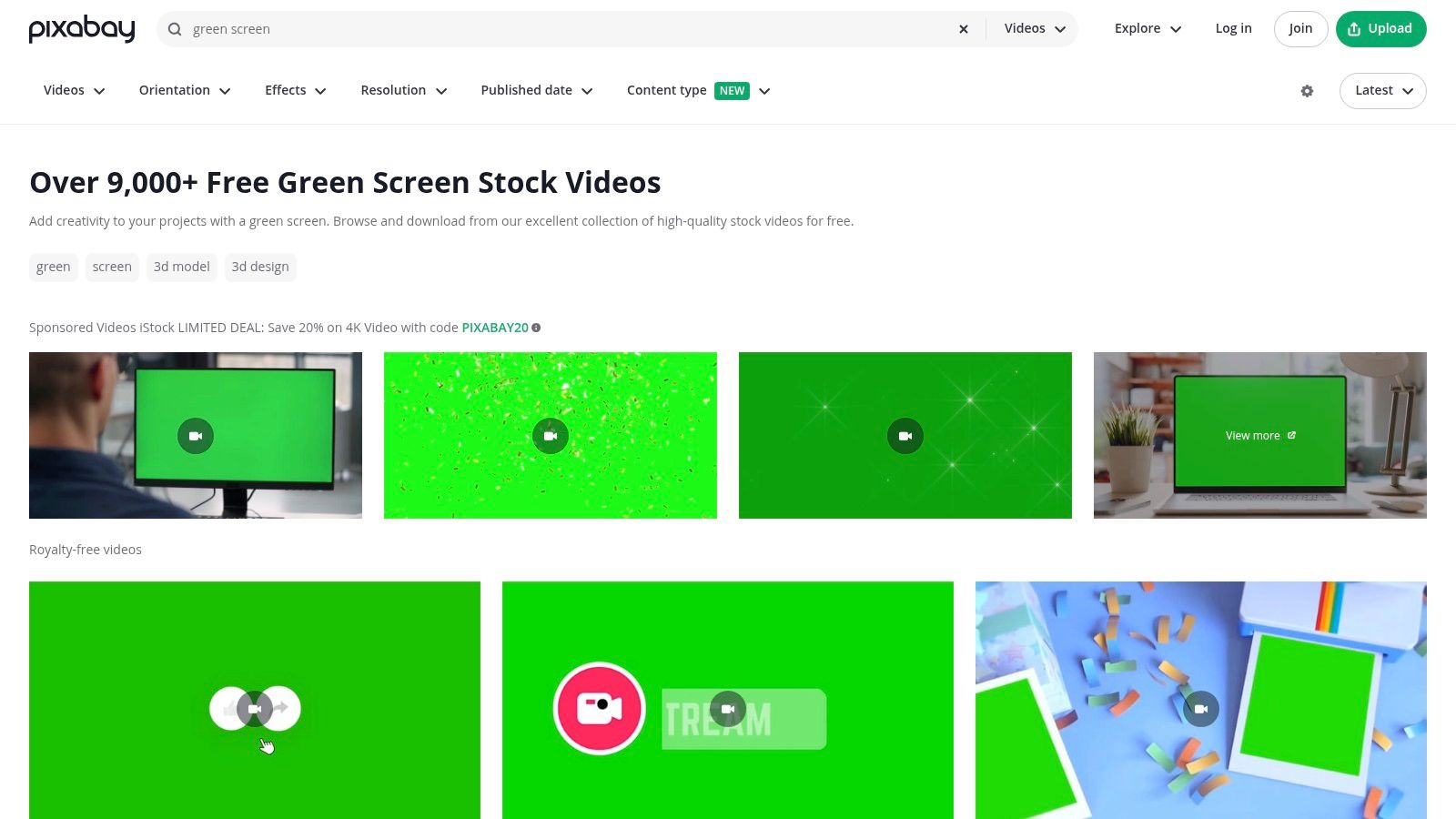
All content is governed by the Pixabay License, which allows for commercial use with no attribution required, giving you complete creative freedom. The user experience is straightforward, with one-click downloads and no mandatory sign-up. Once you download your chosen clip, the next step is compositing it correctly. For a detailed walkthrough, you can learn more about how to use a green screen effectively.
Key Features and Usage Tips
The platform excels with its robust search functionality. You can easily filter results by resolution (including 4K), orientation (horizontal or vertical), and publish date to find precisely what you need. A pro tip is to use specific search terms like "green screen cat" or "chroma key smoke" to narrow down the vast selection. While quality can vary, the sheer volume ensures you'll likely find a suitable clip for your project.
| Feature | Details |
|---|---|
| Asset Library | 10,000+ green screen videos and background effects |
| Resolution | SD, HD, and 4K options available |
| Licensing | Pixabay License: Free for commercial use, no attribution required |
| Cost | Completely free, with no watermarks |
| User Experience | Simple one-click downloads; sponsored stock video ads are present |
| Best For | Social media elements, quick effects, and general-purpose B-roll |
| Website | https://pixabay.com/videos/search/green%20screen/ |
2. Pexels
Pexels is another top-tier destination for high-quality free green screen backdrops, distinguished by its curated collection and modern aesthetic. The platform offers a wealth of stock videos, including chroma-key-ready clips perfect for intros, overlays, and social media content. Its major appeal lies in the consistent quality of its assets and a simple, highly permissive license that is ideal for creators and marketers alike.
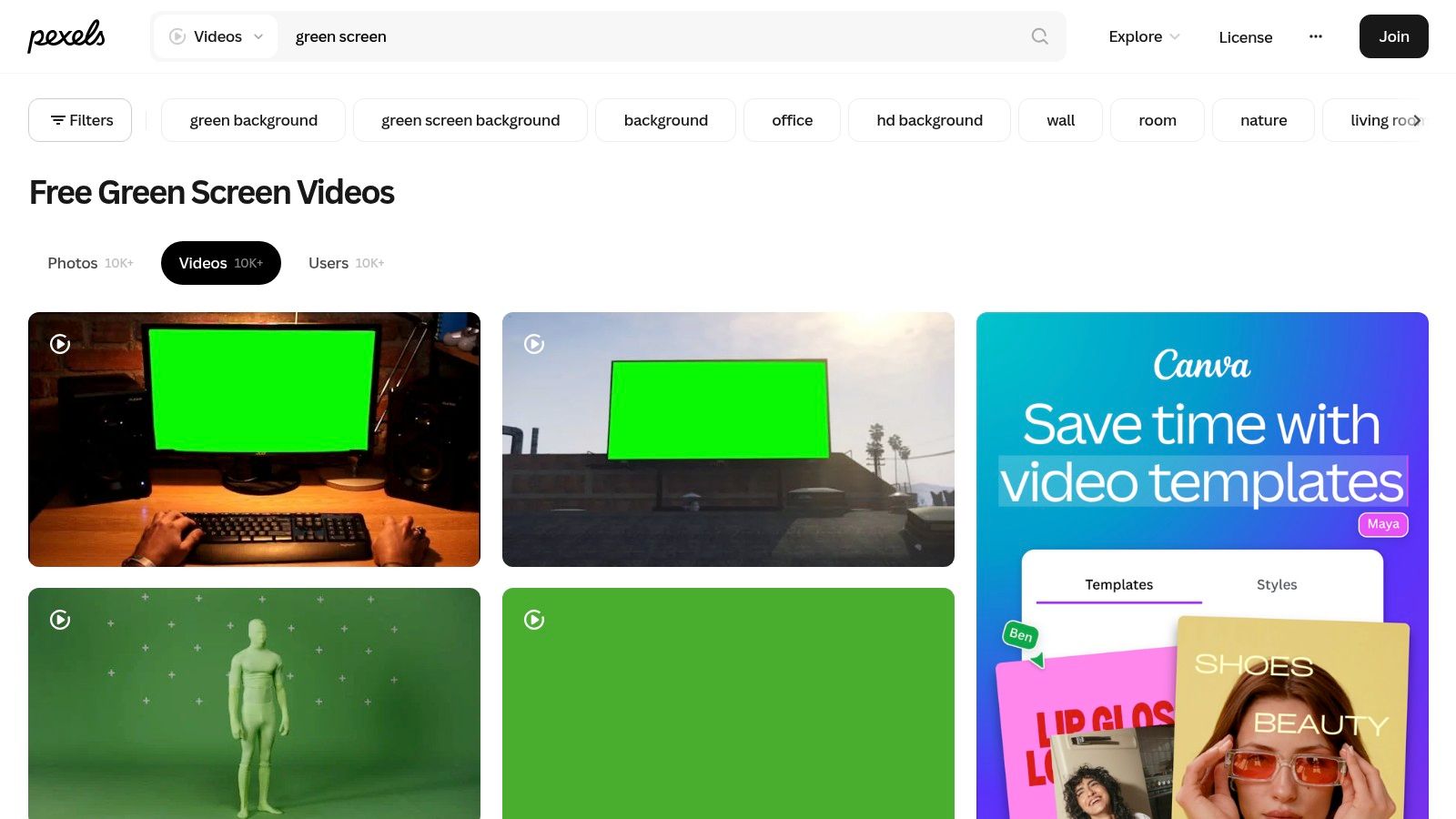
All content on Pexels is free for both personal and commercial use with no attribution required, removing any licensing headaches. The platform’s interface is clean and user-friendly, allowing for quick searches and downloads without needing an account. Once you find the perfect clip, you can import it into your preferred green screen video editing software to begin keying and compositing your scene.
Key Features and Usage Tips
Pexels excels at providing content suitable for modern digital formats. You can filter searches by orientation to quickly find vertical videos for TikToks, Reels, or Shorts, which is a significant time-saver. For best results, use precise search terms like "green screen phone mockup" or "chroma key subscribe" to find specific assets. While its library is more curated and smaller than some competitors, the emphasis on quality ensures that most clips are polished and ready for professional use.
| Feature | Details |
|---|---|
| Asset Library | Thousands of high-quality, curated green screen videos |
| Resolution | Primarily HD and Full HD; 4K availability varies by clip |
| Licensing | Pexels License: Free for commercial use, no attribution needed |
| Cost | Completely free, no watermarks |
| User Experience | Clean, minimalist interface with easy search filters and one-click downloads |
| Best For | Social media content, modern aesthetic overlays, and high-quality intros |
| Website | https://www.pexels.com/search/videos/green%20screen/ |
3. Mixkit
Mixkit is a fantastic resource for high-quality, curated free green screen backdrops, offering professionally produced clips that are ready to use right away. Unlike massive stock sites, Mixkit focuses on a smaller, more polished collection, featuring elements like device mockups, animated icons, dynamic confetti bursts, and even presenters. Its major strength lies in providing slick, modern assets under a clear and simple license.
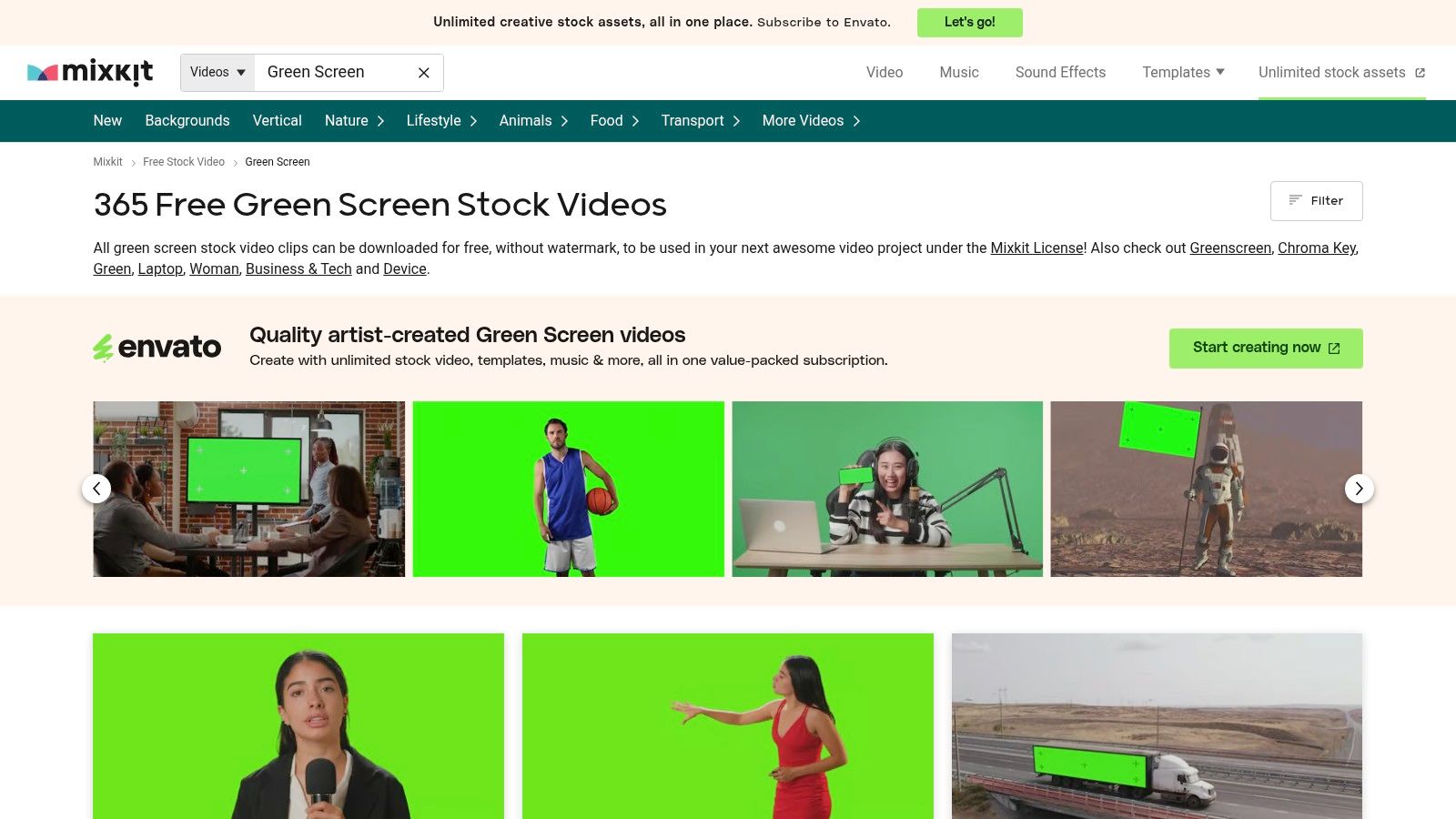
All video clips are covered by the Mixkit License, which grants free commercial use with no attribution required, providing a frictionless experience for creators. Downloads are instant and don't require an account, letting you grab what you need and get back to your project. Of course, sometimes a physical screen isn't an option, and it's useful to know how to change a video background without a green screen for ultimate flexibility.
Key Features and Usage Tips
Mixkit’s curated approach means you spend less time sifting through irrelevant clips. The library is categorized neatly, making it easy to find specific types of effects like "YouTube," "social media," or "technology." A great tip is to browse their collections for inspiration, as you might find a creative element you hadn't considered. While its library isn't as vast as others, the consistent quality and modern aesthetic make it a go-to for polished productions.
| Feature | Details |
|---|---|
| Asset Library | Hundreds of curated green screen video clips and effects |
| Resolution | HD and 4K options available for most clips |
| Licensing | Mixkit License: Free for commercial and non-commercial use, no attribution |
| Cost | 100% free with no watermarks |
| User Experience | Clean interface, no sign-up required, and direct one-click downloads |
| Best For | Polished social media assets, device mockups, and modern motion graphics |
| Website | https://mixkit.co/free-stock-video/green-screen/ |
4. Videvo
Videvo offers a hybrid model for sourcing free green screen backdrops, blending a substantial collection of no-cost clips with a more extensive premium library. This makes it a great platform for creators who may need a simple effect now but want the option to access higher-production assets later. The free library includes a variety of useful clips like animal animations, transition effects, and common user interface elements, all ready for chroma keying.
The platform's main distinction is its varied licensing, which requires careful attention. Clips can fall under several licenses, including Royalty-Free or Videvo's own Attribution License. Fortunately, each clip is clearly labeled, so you know exactly what your obligations are before downloading. The user interface is clean, allowing you to quickly find what you need and understand its usage terms.
Key Features and Usage Tips
Videvo’s strength lies in its clear organization and filtering capabilities. You can filter search results by license type to see only the completely free options or by resolution to find 4K footage. A practical tip is to use the "License" filter to select "Royalty-Free" to find clips that don't require attribution, simplifying your workflow. While the free selection is smaller than some competitors, the quality is generally consistent and reliable for professional projects.
| Feature | Details |
|---|---|
| Asset Library | Thousands of free green screen clips, plus a larger premium collection |
| Resolution | HD and 4K options available for both free and premium assets |
| Licensing | Multiple Licenses: Videvo Attribution, Royalty-Free, Creative Commons |
| Cost | Free and premium subscription plans available |
| User Experience | Clear license labels on each clip; easy-to-use search and filter system |
| Best For | Creators needing specific effects and who are mindful of license terms |
| Website | https://www.videvo.net/stock-video-footage/green-screens/ |
5. ProductionCrate (FootageCrate)
ProductionCrate, often known by its VFX-specific library FootageCrate, is a treasure trove for creators needing free green screen backdrops with a professional edge. It specializes in visual effects assets, offering everything from futuristic HUDs and looping tech backgrounds to explosions and magic effects, all pre-keyed for easy compositing. The platform's main advantage is that its assets are purpose-built for filmmakers and VFX artists.
While a Pro membership unlocks the full library in 4K, the free plan is incredibly useful, providing five free downloads per day. Each asset clearly states its licensing terms, with most free content available for commercial use. The user experience is geared toward creators, offering not just assets but also tutorials and plugins to help integrate them seamlessly into projects.
Key Features and Usage Tips
The platform’s strength lies in its highly specific, VFX-oriented content. To get the most out of it, use precise search terms like "sci-fi green screen interface" or "chroma key energy ball" to find unique elements. While the free tier limits daily downloads, planning your asset needs in advance allows you to build a substantial library over time. The available plugins for software like Adobe After Effects can also significantly speed up your compositing workflow.
| Feature | Details |
|---|---|
| Asset Library | Thousands of VFX-focused green screen clips, overlays, and animated elements |
| Resolution | HD for free users; Pro membership unlocks 4K and higher resolutions |
| Licensing | ProductionCrate License: Free assets are cleared for commercial use |
| Cost | Free plan with 5 daily downloads; Pro subscriptions offer unlimited access |
| User Experience | Clean, searchable interface with helpful tutorials and companion plugins |
| Best For | VFX artists, filmmakers, and creators needing high-quality, specialized effects |
| Website | https://vfx.productioncrate.com/ |
6. Motion Array
Motion Array is a comprehensive creative marketplace that goes beyond just stock footage, offering a full suite of assets including free green screen backdrops for members. While primarily a subscription service, its free plan provides an excellent gateway for creators to access high-quality templates, plugins, and chroma key footage. The platform's main strength lies in its seamless integration into professional editing workflows, making it a favorite among serious editors and motion designers.
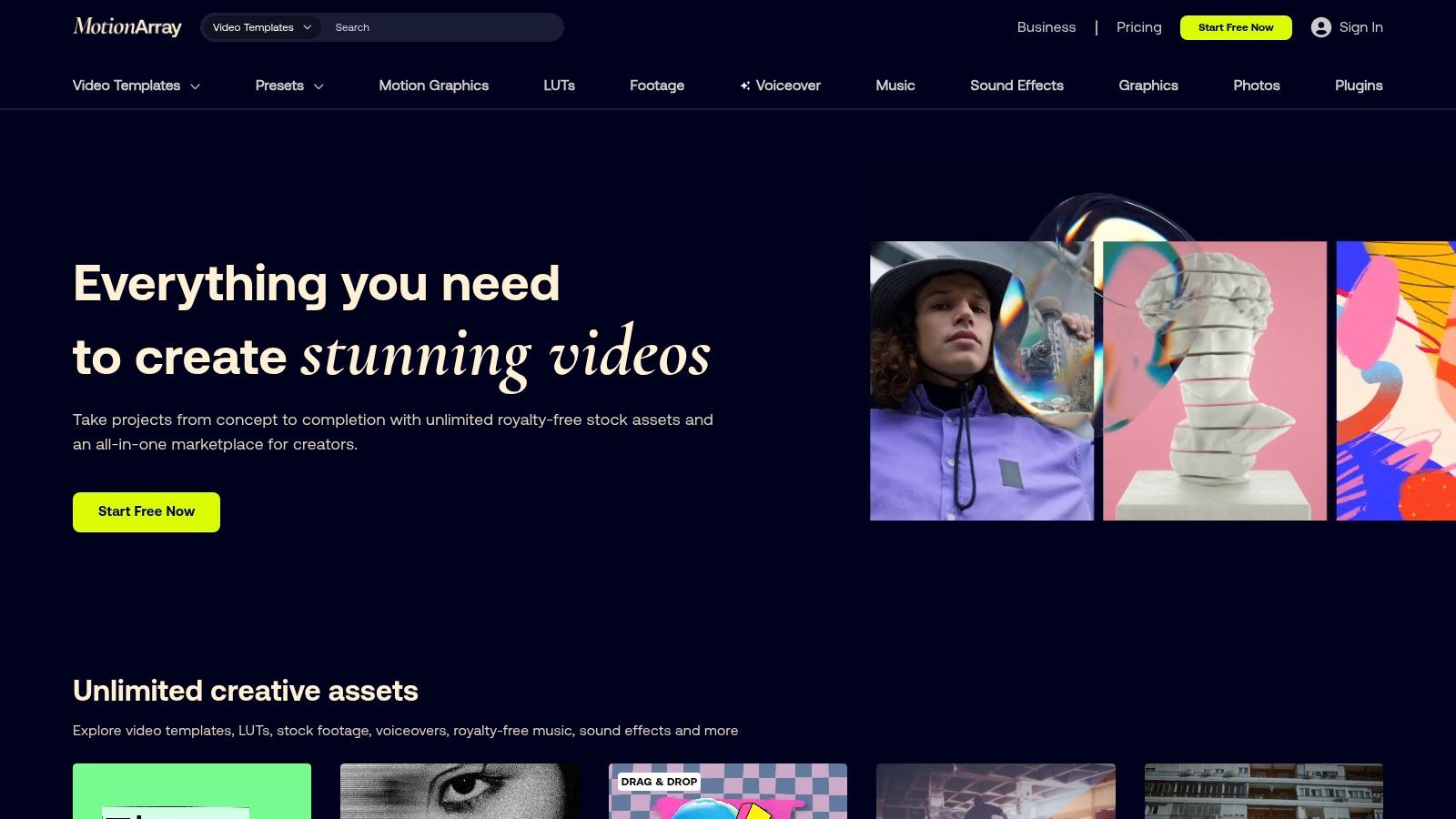
The free account allows you to download a selection of assets, giving you a chance to test the quality and utility of their library before committing to a paid plan. This is particularly useful for creators who need more than just a simple background, such as animated titles or complex visual effects with a green screen component. Licensing can vary between free and paid assets, so always check the terms before using them in commercial projects.
Key Features and Usage Tips
Motion Array stands out by bundling footage, music, sound effects, and powerful editor plugins into one ecosystem. When searching, use the filters to specifically find "Free assets" to see what's available without a subscription. A smart way to leverage the platform is to download free Premiere Pro or After Effects templates that utilize green screen elements, which can significantly speed up your production time for complex animations or social media graphics.
| Feature | Details |
|---|---|
| Asset Library | Thousands of green screen clips, templates, and plugins |
| Resolution | HD and 4K options available |
| Licensing | Varies by asset; review terms for free vs. paid plans |
| Cost | Free plan with limited downloads; paid plans offer unlimited access |
| User Experience | Professional interface with deep editor integration and review tools |
| Best For | Video editors, motion designers, and creators needing an all-in-one toolkit |
| Website | https://motionarray.com/ |
7. Envato Elements
Envato Elements operates on a subscription model, offering a "Netflix-for-creatives" experience that includes a vast library of free green screen backdrops for its members. While not free in the traditional sense, its value is immense for creators who frequently need a variety of assets, from video templates and stock footage to music and graphics. The platform provides unlimited downloads under a simple commercial license, making it a predictable, all-in-one resource.
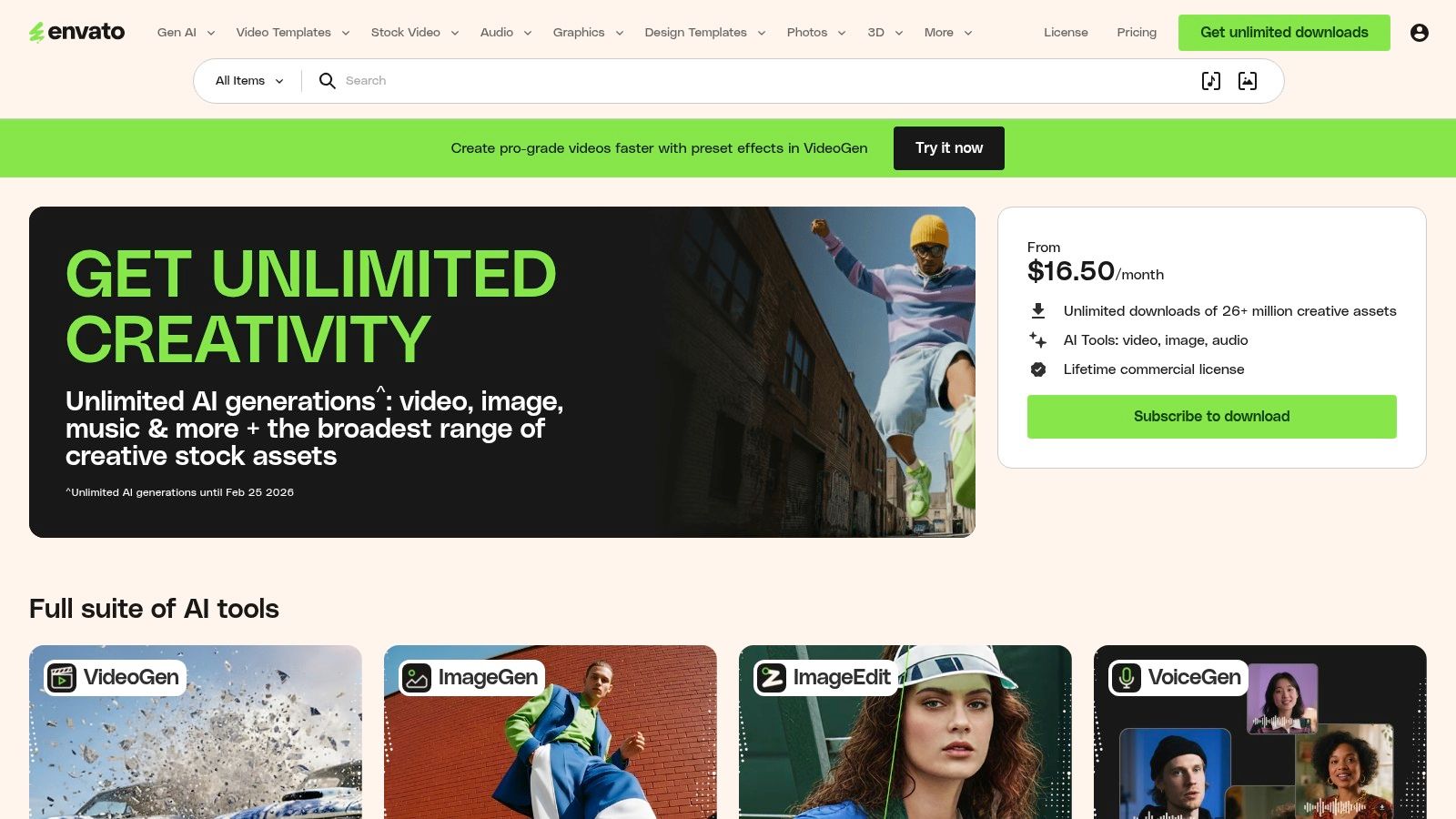
The primary advantage of Envato Elements is its sheer volume and diversity. For a single monthly fee, you gain access to millions of assets, including thousands of high-quality chroma key clips suitable for professional projects. The licensing is straightforward: any item you download while your subscription is active is licensed for commercial use in a specified project forever, even if you later cancel.
Key Features and Usage Tips
To get the most out of Envato Elements, use its powerful filtering system to sort by resolution, frame rate, and clip length. Searching for "green screen" or "chroma key" reveals thousands of options, from animated lower thirds and UI elements to realistic effects like fire and explosions. A practical tip is to create a "Collection" within your account to save potential assets for future projects, which streamlines your workflow when you're on a deadline.
| Feature | Details |
|---|---|
| Asset Library | Millions of assets, including thousands of green screen video clips |
| Resolution | HD and 4K options are widely available |
| Licensing | Envato License: Commercial use for downloaded assets with an active subscription |
| Cost | Subscription-based (monthly or annual fee); not individually free |
| User Experience | Excellent search and filtering; integrated library across multiple asset types |
| Best For | Frequent creators, agencies, and marketers needing a wide variety of assets |
| Website | https://elements.envato.com/ |
8. Storyblocks
While Storyblocks is a premium subscription service, its all-in-one model makes it a powerful asset for serious creators who need a constant supply of high-quality assets, including a vast library of free green screen backdrops relative to its subscription cost. It stands out by offering unlimited downloads of video, audio, and templates under a single plan, providing exceptional value. The collection includes professionally shot chroma key footage, motion graphics, and social media-specific elements like animated subscribe buttons and lower thirds.
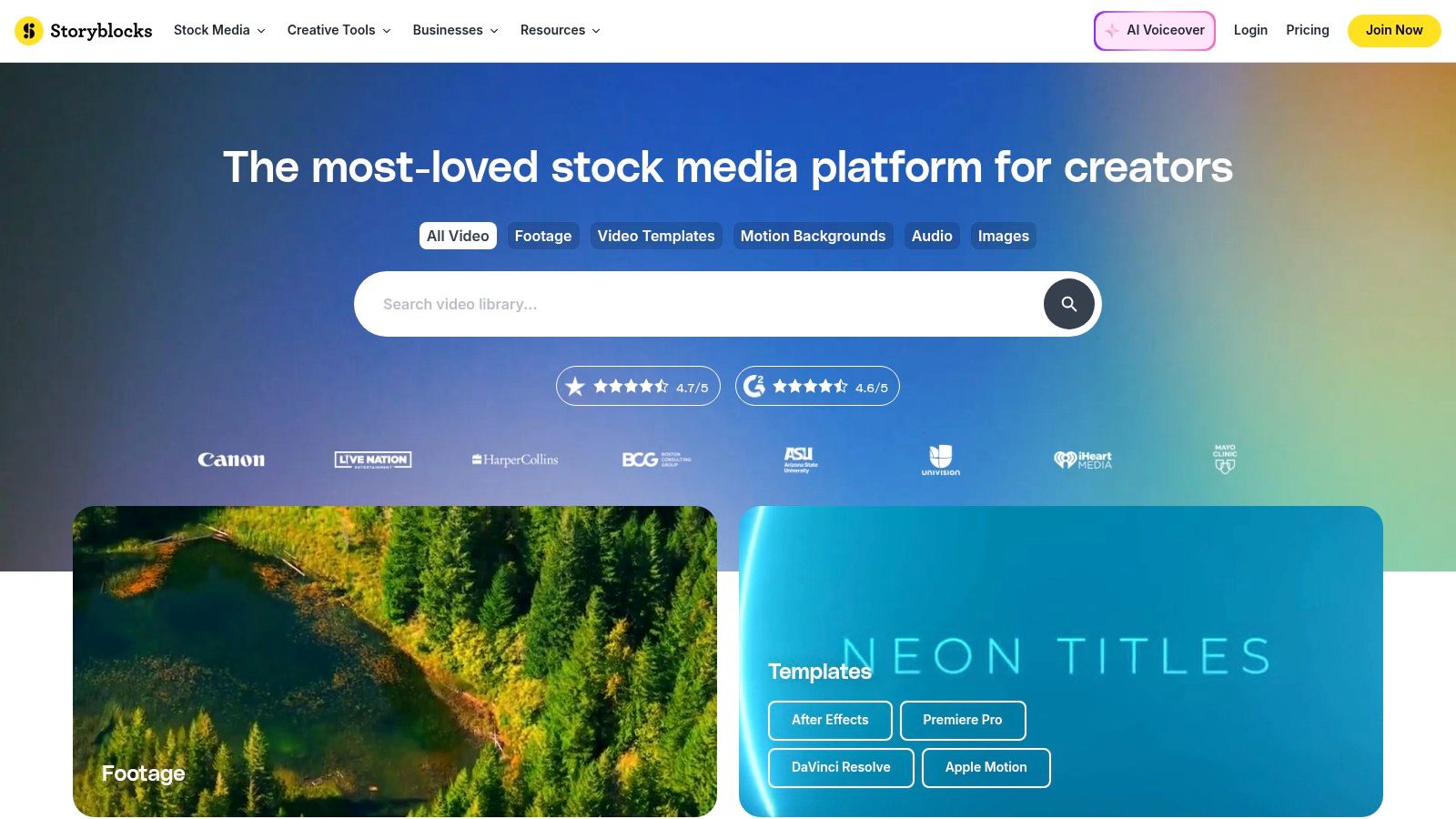
Its primary advantage is the streamlined workflow it offers through plugins for Adobe Creative Cloud and other editing software. The licensing is straightforward, covering commercial and personal projects worldwide, forever, even after a subscription ends. This makes it a reliable resource for professionals who need high-quality, pre-keyed elements without worrying about complex licensing terms for each asset.
Key Features and Usage Tips
Storyblocks excels with its curated collections and user-friendly interface, making it easy to find cohesive asset packages for projects. When searching, use specific terms like "chroma key tech" or "green screen transition" to navigate the extensive library. A useful tip is to explore their template collections, which often include green screen elements that can be quickly customized in After Effects or Premiere Pro, saving significant production time.
| Feature | Details |
|---|---|
| Asset Library | Extensive library of video, audio, and templates with thousands of green screen options |
| Resolution | HD and 4K footage available |
| Licensing | Royalty-Free: Unlimited use for commercial and personal projects |
| Cost | Subscription-based (monthly or annual plans); not free |
| User Experience | Excellent interface, curated collections, and integrations with editing software |
| Best For | Professional creators, agencies, and businesses needing a consistent supply of high-quality assets |
| Website | https://www.storyblocks.com/ |
9. Shutterstock
While primarily a paid marketplace, Shutterstock warrants a mention for its sheer scale and professional-grade quality, often providing free green screen backdrops during promotional periods or through trial offers. It stands as a benchmark for high-production value, offering an enormous catalog of meticulously filmed and pre-keyed video clips. For creators needing hyper-specific or premium-quality elements, Shutterstock's library is often unparalleled.
The platform operates on a licensing model, with Standard and Enhanced options dictating usage rights for commercial projects. Unlike fully free sites, this provides a layer of legal security. Though it requires a budget, you can sometimes access a selection of free assets by signing up for a trial account, making it a potential source for a high-impact clip you can't find elsewhere. Always check the trial terms before downloading.
Key Features and Usage Tips
Shutterstock’s biggest strength is its advanced search engine, which allows you to filter by resolution, frames per second, talent, and specific keywords. This granular control makes finding precise elements, like "green screen surgeon hands" or "chroma key fire explosion," significantly faster. A good strategy is to use their platform to find inspiration and highly specific clips, then look for similar free options or invest if the project budget allows.
| Feature | Details |
|---|---|
| Asset Library | Millions of premium green screen videos and VFX elements |
| Resolution | HD and 4K standard; 8K available for select clips |
| Licensing | Standard & Enhanced Licenses: Paid, with clear commercial usage rights |
| Cost | Subscription-based or per-clip packs; occasional free clips via trials |
| User Experience | Professional interface with powerful search filters and collection tools |
| Best For | Commercial productions, high-budget projects, and highly specific needs |
| Website | https://www.shutterstock.com/royalty-free/green-screen-videos |
10. YouTube
While not a direct download site, YouTube is an immense discovery platform for free green screen backdrops, effects, and overlays. Countless creators share everything from simple looping animations to complex visual effects, often providing legitimate download links in their video descriptions. It serves as a fantastic source of inspiration and a place to find niche assets you won't see on traditional stock footage sites.
The primary challenge is navigating licensing and usage rights. It is crucial to remember that you cannot legally download videos directly from YouTube unless the creator explicitly provides a download link and permission. Always check the video description for links and license information (like Creative Commons) to ensure you are using the assets correctly and respecting the creator's work.
Key Features and Usage Tips
To find downloadable assets, use search terms like "free green screen effects pack download" or "no copyright green screen background." Look for videos where creators offer a link to a Google Drive, Dropbox, or personal website file. Community feedback, view counts, and comments can often help gauge the quality and legitimacy of the provided assets. YouTube is also an unparalleled resource for tutorials on how to use these effects in your editing software.
| Feature | Details |
|---|---|
| Asset Library | Millions of user-uploaded green screen videos, effects, and tutorials |
| Resolution | Varies widely, from low-res SD to 4K and even 8K |
| Licensing | Varies by Creator: Must verify permission; some use Creative Commons |
| Cost | Free to view and stream; download availability is creator-dependent |
| User Experience | Excellent for discovery; requires manual verification for downloads/licenses |
| Best For | Finding niche effects, meme templates, and tutorials on compositing |
| Website | https://www.youtube.com/ |
11. B&H Photo Video
For creators ready to invest in a physical setup, B&H Photo Video is a premier destination for professional chroma key equipment. While not a source for free green screen backdrops, it's an essential resource for purchasing high-quality physical screens, from budget-friendly muslin fabrics to full studio-grade retractable systems. It offers an exhaustive selection of materials, including seamless paper, collapsible panels, and panoramic background kits.
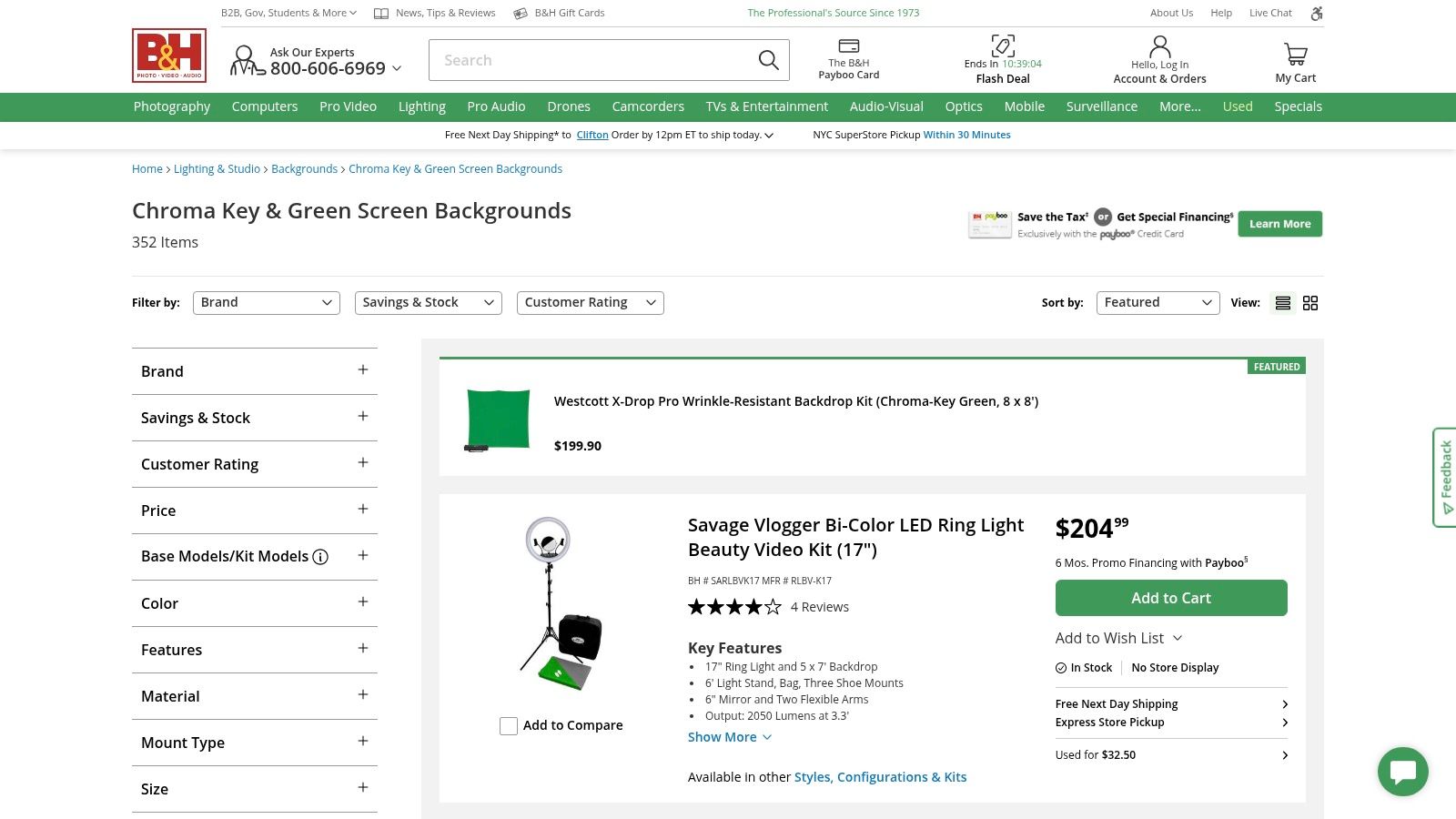
B&H stands out for its detailed product specifications, extensive user reviews, and reliable customer service, making it a trusted one-stop shop for video professionals and serious hobbyists. The platform provides all the necessary information, like material type, dimensions, and mounting options (grommets or rod pockets), to help you make an informed decision. This is the place to go when you need a durable, wrinkle-resistant solution for consistent, high-quality results.
Key Features and Usage Tips
The website’s filters allow you to narrow down options by brand, price, material, and size, simplifying the search for the perfect screen. A valuable tip is to check the "Open Box" or "Used" sections for significant discounts on gear in excellent condition. While pro-grade equipment can be an investment, B&H’s fast US shipping and comprehensive product details ensure you get exactly what you need to elevate your production value from DIY to professional.
| Feature | Details |
|---|---|
| Asset Library | Extensive range of physical chroma key backdrops and support systems |
| Resolution | N/A (Physical products; quality depends on material and setup) |
| Licensing | N/A (Product purchase) |
| Cost | Varies from budget-friendly fabrics to professional studio systems |
| User Experience | Professional e-commerce site with detailed specs, reviews, and fast shipping |
| Best For | Creators buying their first physical green screen or upgrading a studio |
| Website | https://www.bhphotovideo.com/c/buy/Chroma-Key-Backgrounds/ci/6446/N/3659994752 |
12. Walmart (online)
While not a source for digital free green screen backdrops, Walmart’s online marketplace is an incredibly accessible and affordable option for obtaining a physical chroma key background. It’s an ideal choice for beginners, educators, or anyone needing a large, tangible green screen without the high cost associated with professional-grade equipment. The platform primarily offers large muslin fabric backdrops and all-in-one starter kits that include stands and lighting.
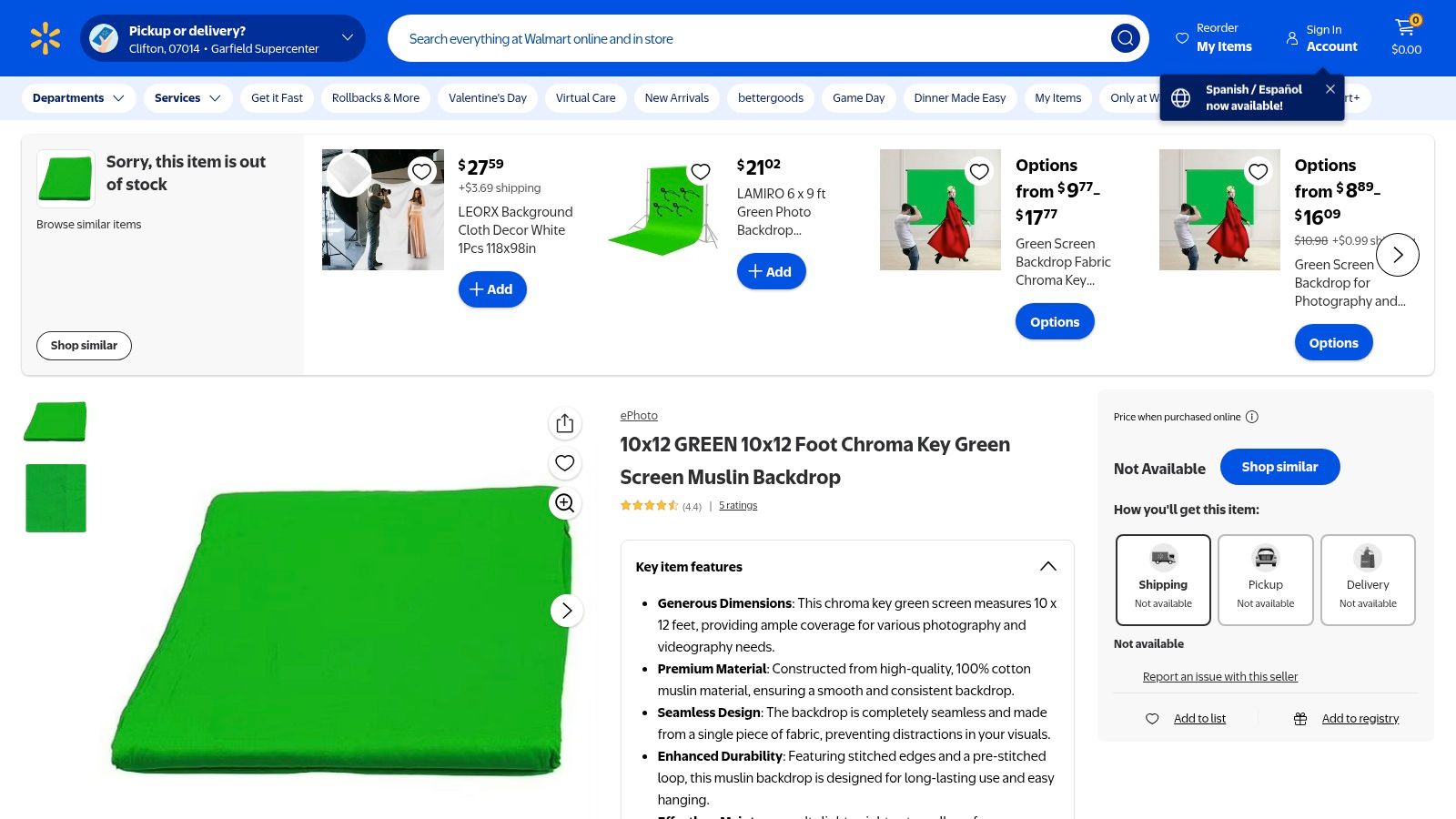
The main advantage of using Walmart is its convenience. With nationwide shipping, familiar fulfillment processes, and a straightforward returns policy, it removes the guesswork from purchasing your first backdrop. You can easily find large sizes, like 10x12' cotton muslin sheets, that provide ample coverage for full-body shots or wider scenes, which are often expensive elsewhere.
Key Features and Usage Tips
Since Walmart is a marketplace, the quality can vary between different third-party sellers. Be sure to read product reviews and check seller ratings before purchasing. Look for backdrops described as "non-reflective" or "matte" to avoid lighting hotspots. A great tip is to use a handheld steamer or iron on a low setting to remove any wrinkles from the fabric after it arrives, as creases can cast shadows and complicate the keying process in post-production.
| Feature | Details |
|---|---|
| Asset Library | Physical chroma-key green muslin fabric backdrops and lighting kits |
| Resolution | N/A (Physical product; quality depends on fabric weave and lighting) |
| Licensing | N/A (Product purchase) |
| Cost | Varies; often under $30 for a large fabric backdrop |
| User Experience | Standard e-commerce marketplace with shipping and store return options |
| Best For | Budget-conscious beginners, DIY setups, classrooms, and large-scale needs |
| Website | https://www.walmart.com/ip/135323991 |
Free Green Screen Backdrops — 12-Site Comparison
| Source | Core features ✨ | Quality ★ | Price/Value 💰 | Best for 👥 | USP 🏆 |
|---|---|---|---|---|---|
| Pixabay | Huge free green-screen library, 4K clips, filters | ★★★☆☆ | Free, permissive license 💰 | Beginners & low-budget creators 👥 | Large free 4K library; one-click downloads 🏆 |
| Pexels | Curated free stock, vertical/horizontal formats | ★★★★☆ | Free, commercial-friendly 💰 | Social creators & marketers 👥 | Consistent modern aesthetic; reliable clips 🏆 |
| Mixkit | Polished ready-to-use clips, many 4K, no signup | ★★★★☆ | Free, no attribution 💰 | Quick projects & content creators 👥 | Fast access & polished assets with no friction 🏆 |
| Videvo | Mixed free/premium clips, motion graphics & SFX | ★★★☆☆ | Free + paid upgrades; check license 💰 | Creators needing mix of free/premium assets 👥 | Broad mix including SFX and motion graphics 🏆 |
| ProductionCrate | VFX-focused green variants, plugins, tutorials | ★★★★☆ | Free tier + Pro subscription 💰 | VFX artists & compositors 👥 | Purpose-built VFX assets, tutorials & tools 🏆 |
| Motion Array | Subscription library, templates, editor plugins | ★★★★☆ | Subscription (unlimited on paid plans) 💰 | Editors, teams & agencies 👥 | Editor integrations & collaborative workflow tools 🏆 |
| Envato Elements | Unlimited downloads across assets, simple license | ★★★★☆ | Flat subscription — high value for frequent users 💰 | Heavy asset users & agencies 👥 | Multi-asset unlimited access for predictable budgeting 🏆 |
| Storyblocks | Stock video, audio, templates; plugins for editors | ★★★★☆ | Subscription (best value annual) 💰 | Social packages & template-driven workflows 👥 | One price for video+audio+templates; CC integrations 🏆 |
| Shutterstock | Massive tagged catalog, advanced filters & rights | ★★★★★ | Paid (clip packs or subs); premium pricing 💰 | Pro productions & clients needing clear rights 👥 | Extensive catalog + robust licensing options 🏆 |
| YouTube | Vast variety of green-screen loops & tutorials | ★★☆☆☆ | Free to view; downloads require permission 💰 | Research, inspiration & tutorials 👥 | Countless walkthroughs and trend discovery 🏆 |
| B&H Photo Video | Pro chroma-key hardware, detailed specs & reviews | ★★★★☆ | Retail pricing; pro gear costs vary 💰 | Studios & pros buying physical kits 👥 | One-stop pro retailer with fast shipping & reviews 🏆 |
| Walmart (online) | Budget muslin backdrops & entry-level kits | ★★★☆☆ | Affordable, easy returns & nationwide shipping 💰 | Beginners, classrooms & quick setups 👥 | Low-cost, convenient ordering for basic setups 🏆 |
Final Thoughts: Choosing the Right Asset for Your Workflow
Navigating the expansive world of video production can feel complex, but as we've demonstrated, sourcing high-quality free green screen backdrops is more accessible than ever. The key to elevating your content isn't just about finding any background; it's about strategically selecting the right asset for your specific project, audience, and workflow. From simple, static images to dynamic, looped video animations, the perfect digital backdrop is waiting to bring your creative vision to life.
By understanding the strengths of each resource we've covered, you can build a versatile and cost-effective toolkit. This curated collection empowers you to produce professional-grade video content without the hefty price tag often associated with premium assets, leveling the playing field for creators of all sizes.
Key Takeaways for Your Creative Workflow
To make the most of what you've learned, keep these core principles in mind as you move forward with your next project:
- Licensing is Paramount: Always double-check the license for each asset you download. Platforms like Pixabay and Pexels are fantastic for their permissive, commercial-use-friendly licenses, but other sites may have stricter attribution requirements or limitations. Protecting your work starts with respecting the terms of use.
- Resolution and Format Matter: Your final output quality is directly tied to the quality of your source files. Always download the highest resolution available (4K if possible) to ensure crisp, clean results, especially if you plan to crop or zoom in during your edit. Match the video format (MP4, MOV) to your editing software for the smoothest performance.
- The "No Green Screen" Alternative: Remember, a physical green screen is no longer the only path to professional background replacement. AI-powered tools have revolutionized the process, allowing for direct background removal from standard video footage. This is a game-changer for creators who need flexibility, speed, and don't have the space or budget for a physical setup.
Making the Right Choice for Your Project
So, how do you decide which path to take? Consider your specific needs. Are you a social media marketer creating a quick product promo for TikTok? A high-resolution stock video from Mixkit combined with a simple chroma key effect is likely your most efficient option. Are you an educator developing a detailed course? A static, professional office backdrop from Pexels can provide a consistent and non-distracting environment.
For more complex projects, like VFX sequences or dynamic advertisements, a purpose-built asset from a site like ProductionCrate might be necessary. But for the majority of content creators, the vast libraries of free green screen backdrops offer more than enough variety to keep your content fresh and engaging. Once you have your backdrops, consider integrating them efficiently into your post-production process by exploring the capabilities of the best AI tools for video editing, which can automate tedious tasks and enhance your creative output.
Ultimately, the goal is to create a workflow that is both efficient and effective. Whether you're mastering the art of lighting a physical green screen or embracing the power of AI-driven background removal, the resources and techniques outlined in this guide provide a solid foundation. Experiment with different backdrops, test various lighting setups, and never stop learning. Your ability to adapt and leverage these powerful, free tools will be your greatest asset in a constantly evolving digital landscape.
Ready to skip the green screen setup entirely? VideoBGRemover uses powerful AI to remove your video background with precision, allowing you to add any digital backdrop you choose-no chroma keying required. Try VideoBGRemover today and see how easy professional background replacement can be.
Tagged with
Ready to Remove Your Video Background?
See a free preview before you buy.
No credit card required • Free preview on every video